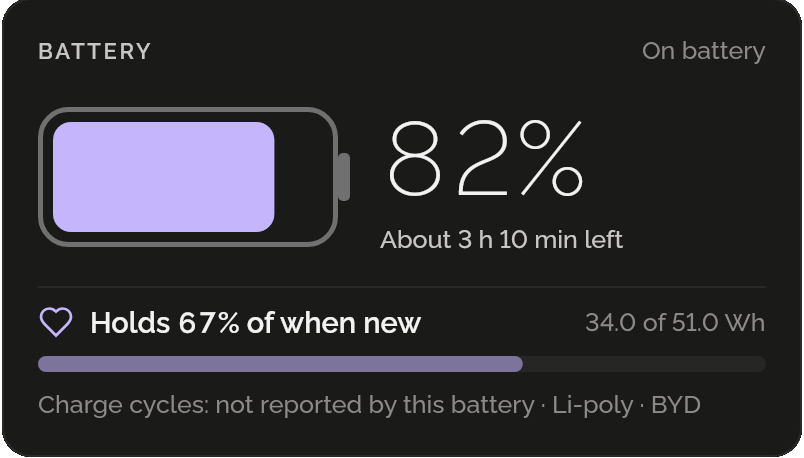
The battery, as it is
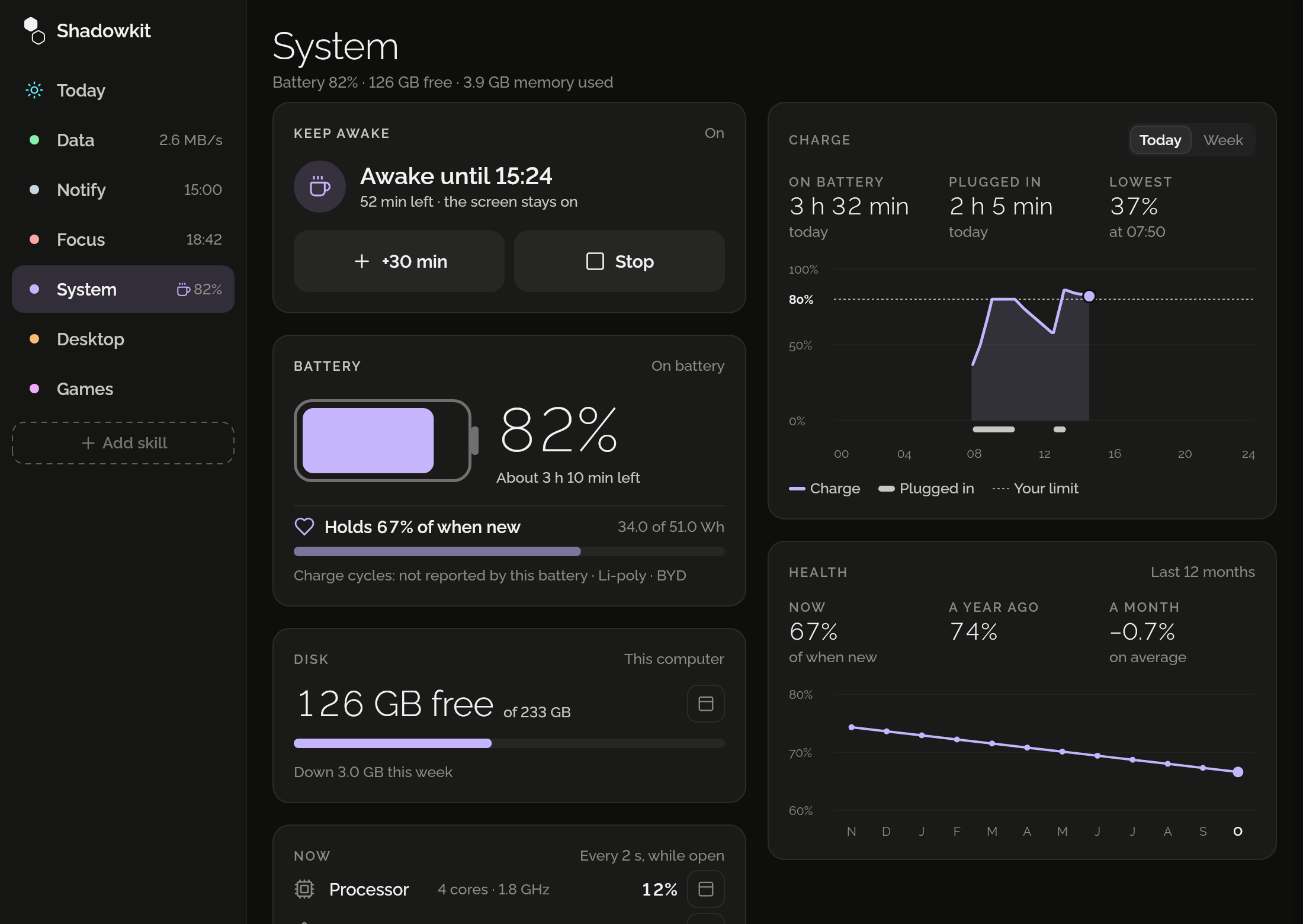
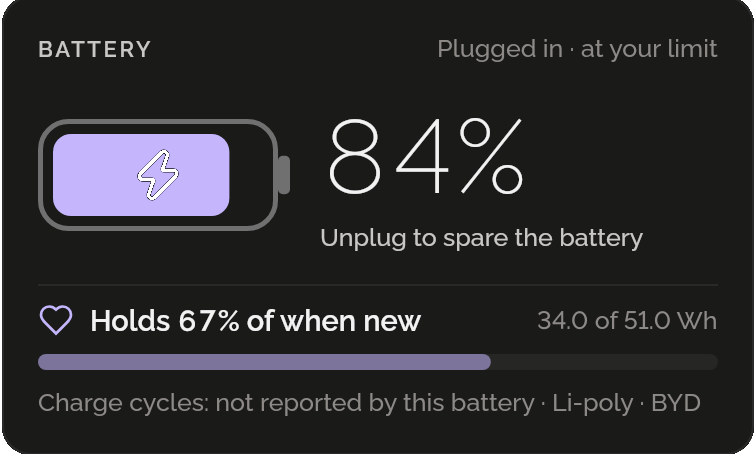
Its charge drawn as a battery, the time left on battery or the time to full, and how much it holds against when it was new. A laptop with two batteries counts them as one.
The charge through the day
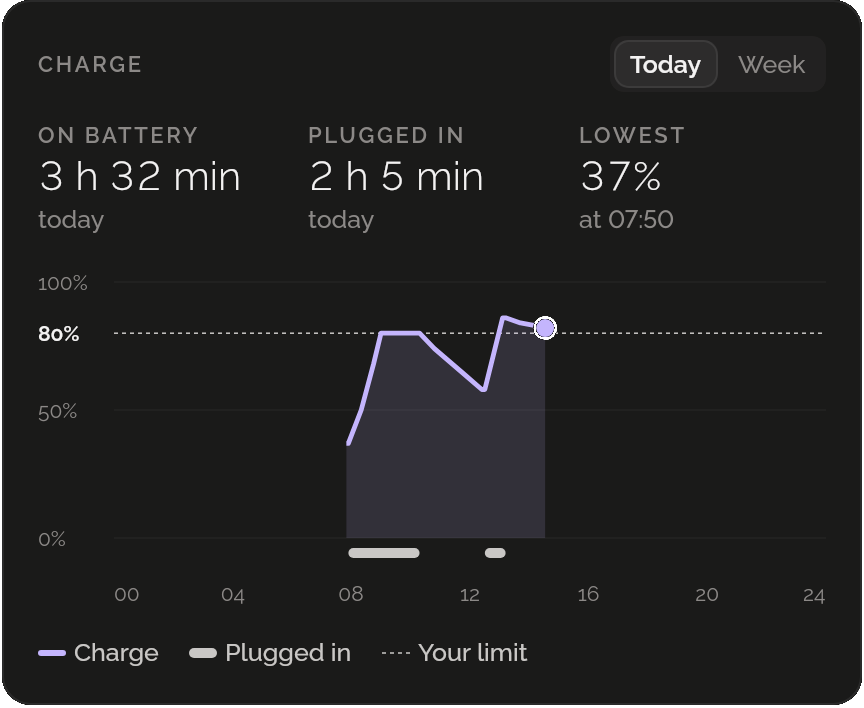
Today’s or the week’s charge as a line, when it was plugged in under it and your limit across, with the time on battery, the time plugged in and the lowest charge.
How it wears, month by month
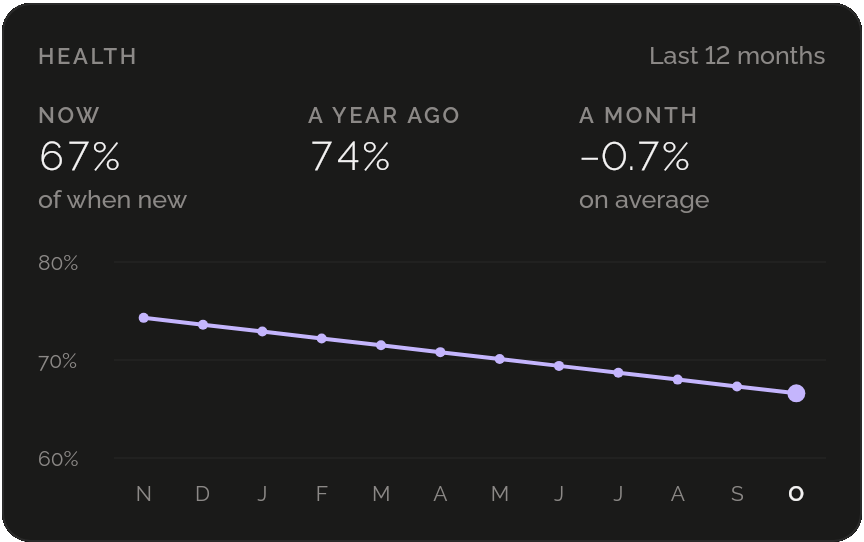
The battery’s health once a month over a year, with a year ago and the change a month, so a slow decline shows. Linux doesn’t keep this; Shadowkit does.
Told when to unplug
A battery kept under 80% lasts longer. Shadowkit tells you once each time you charge past your limit, with the window closed too, and again when the battery runs low.
The disk, before it fills
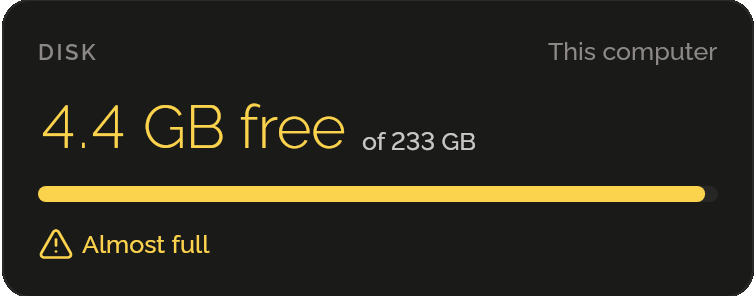
Free space against the disk’s size, and how it changed in a week. Under 5 GB, or 5% of a big disk, it turns amber and tells you, once.
The computer now
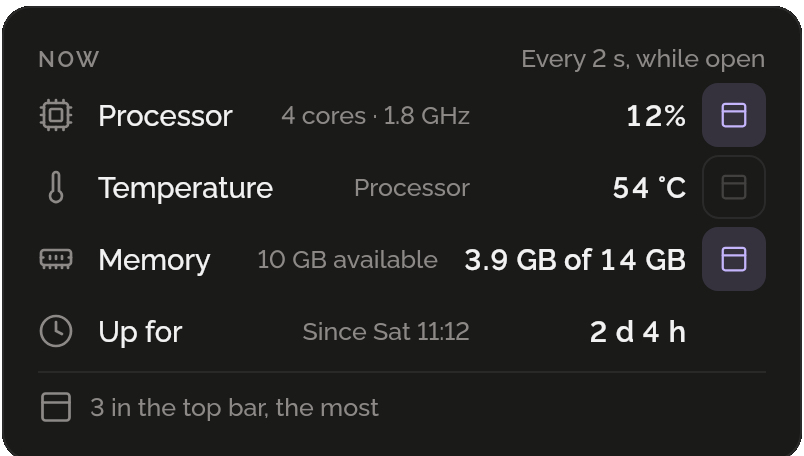
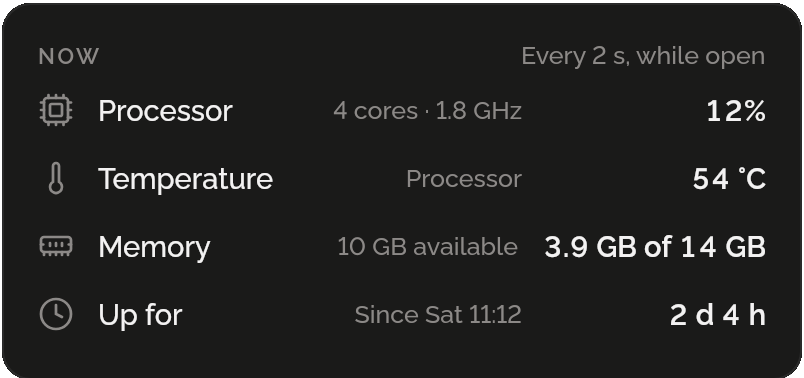
The processor’s load and temperature, the memory and how long since it started, read every 2 seconds while the page is open, and never kept.
In the top bar
Put the processor, its temperature, the memory or the free space beside Shadowkit’s icon in the top bar, after the speed: up to three, with a click on each. The bar beside them stays put as the numbers change.