Shadowkit Toolbox: Offline tools app for Android

A toolbox in your pocket.

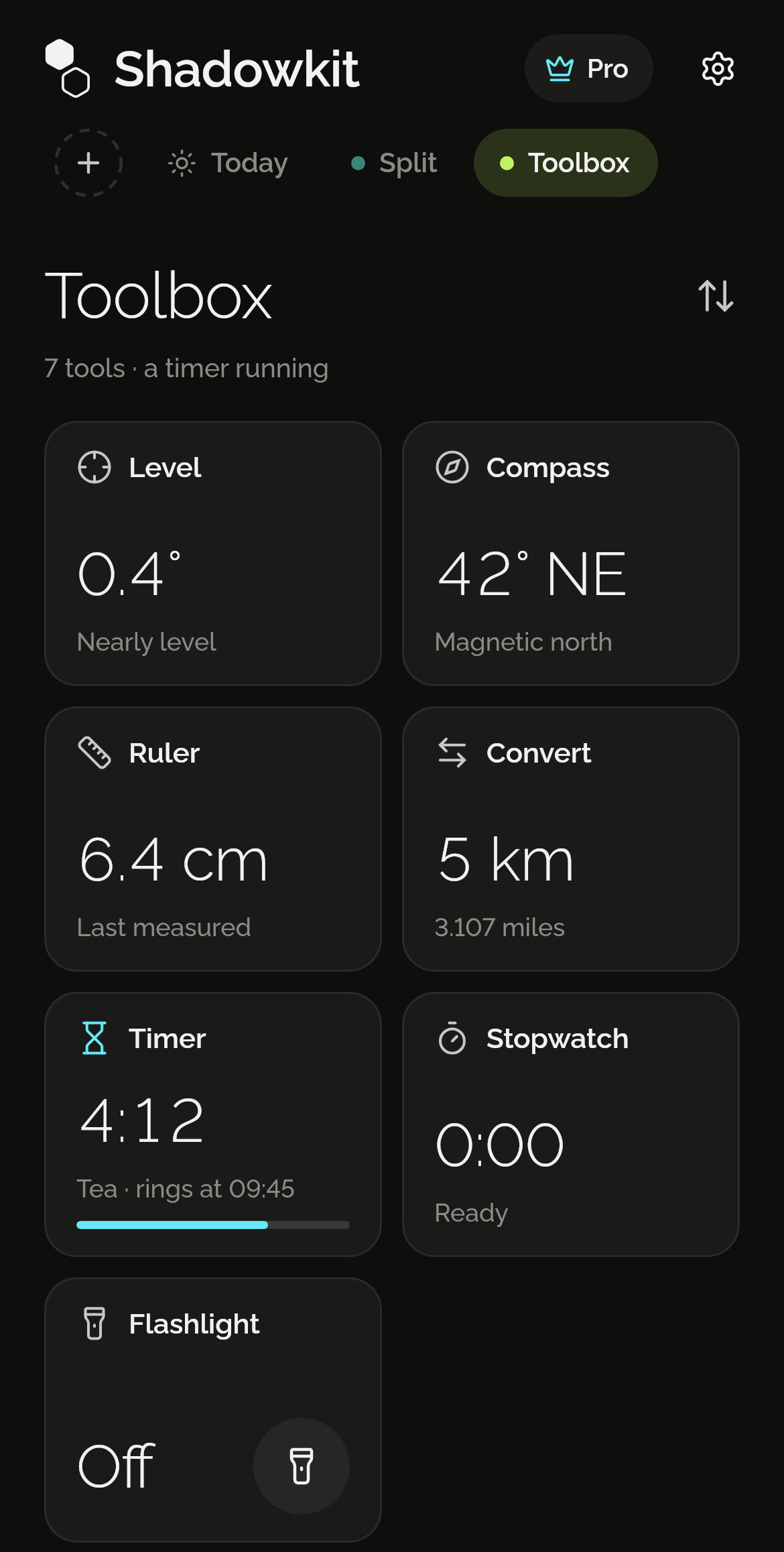
A level, a compass with true north, a ruler, a unit converter, a timer, a stopwatch and, on Android, a flashlight. Each is a card on Toolbox’s page showing its reading, and every tool is free.

It installs Shadowkit, which starts empty: add Toolbox and nothing else.

  • Every tool free
  • No location needed
  • No account
Shadowkit Toolbox’s page on Home: 7 tools, a timer running; Level at 0.4°, nearly level; Compass at 42° NE, magnetic north; Ruler at 6.4 cm, last measured; Convert, 5 km is 3.107 miles; Timer at 4:12, Tea, rings at 09:45; Stopwatch at 0:00, ready; and Flashlight, off.

A level, flat or on edge

Lay the phone flat for a bubble in a circle, or stand it on any edge. It says Nearly level within half a degree, Hold freezes the reading, and Set zero takes the moment’s reading as level.
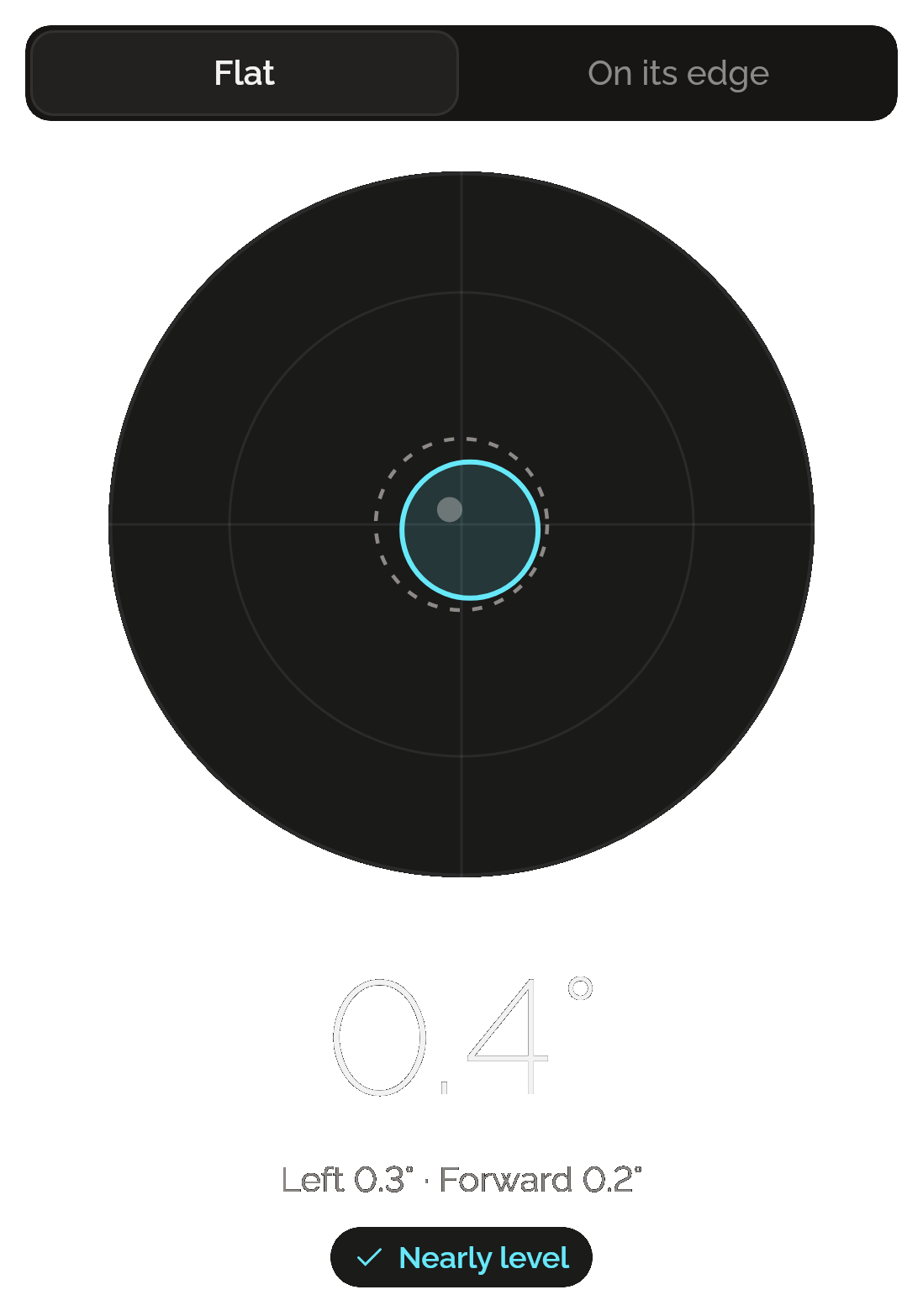
Toolbox’s Level with Flat chosen over On its edge: the bubble in the middle of its circle, 0.4°, left 0.3° and forward 0.2°, and a Nearly level tag.

True north, no location

The compass shows your heading against magnetic north. Choose your city from a list of 361 and it works out true north on your phone with the World Magnetic Model 2025. It never asks where you are.
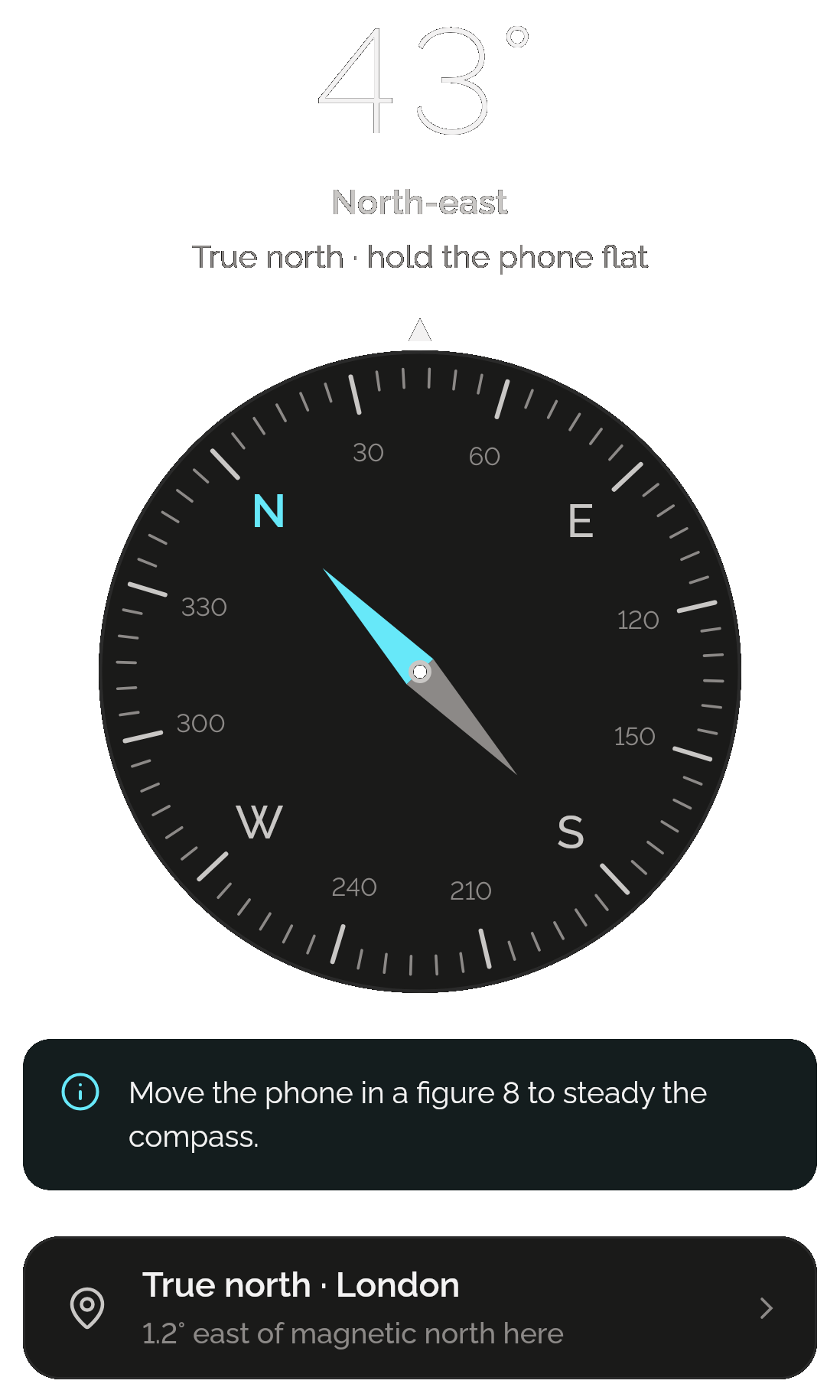
Toolbox’s Compass: 43°, north-east, true north, hold the phone flat; the dial; a notice to move the phone in a figure 8 to steady the compass; and True north, London, 1.2° east of magnetic north here.

Seven kinds of unit

Length, weight, temperature, volume, area, speed and data, in exact decimal arithmetic. Type a number and see it in every other unit of its kind. No currency: rates change, and Toolbox stays offline.
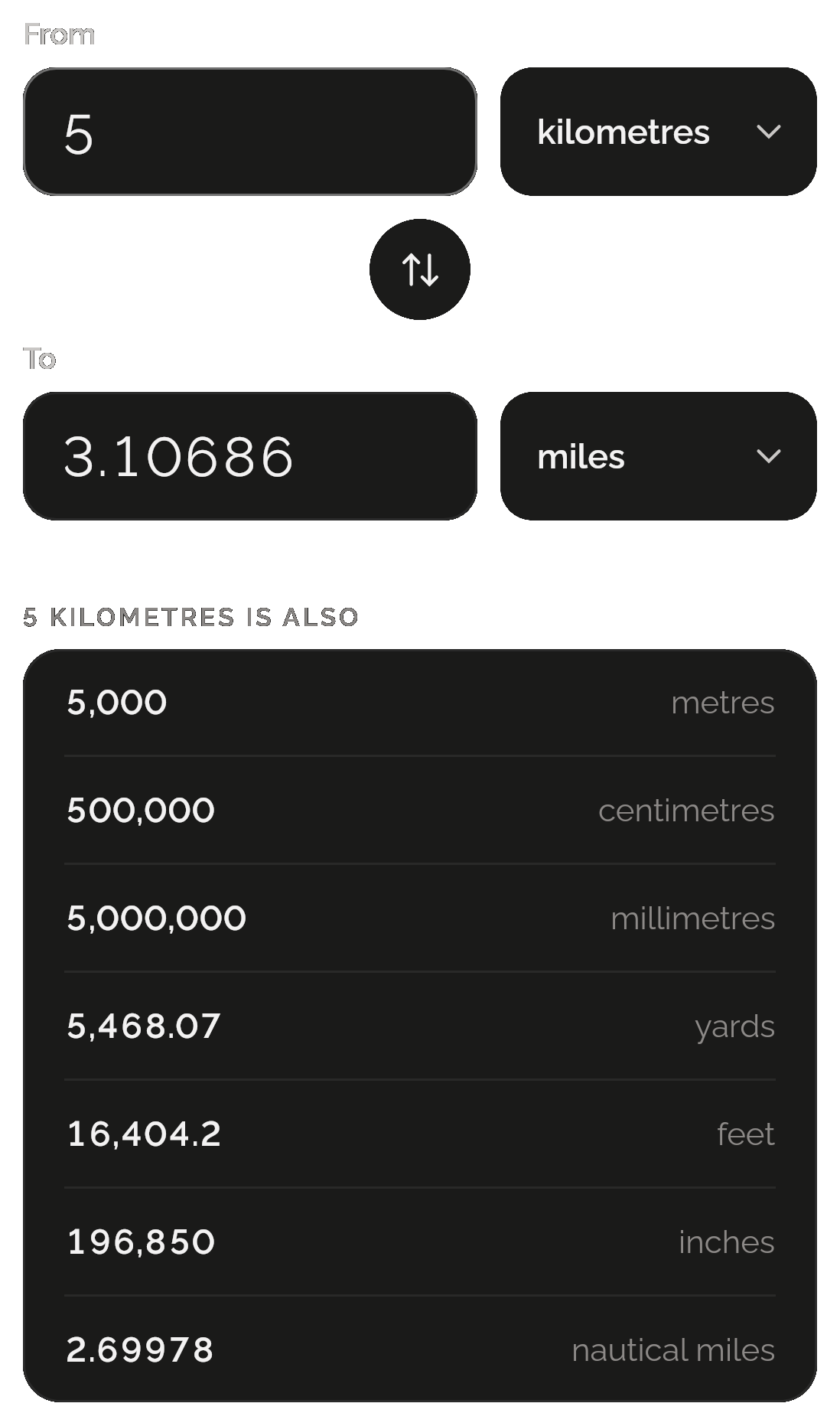
Toolbox’s Convert: from 5 kilometres to 3.10686 miles, and 5 kilometres is also 5,000 metres, 500,000 centimetres, 5,000,000 millimetres, 5,468.07 yards, 16,404.2 feet, 196,850 inches and 2.69978 nautical miles.

A timer that still rings

Start a preset, or your own timer with a name if you like, and it rings even if you close the app. While it runs, add a minute, pause or reset it.
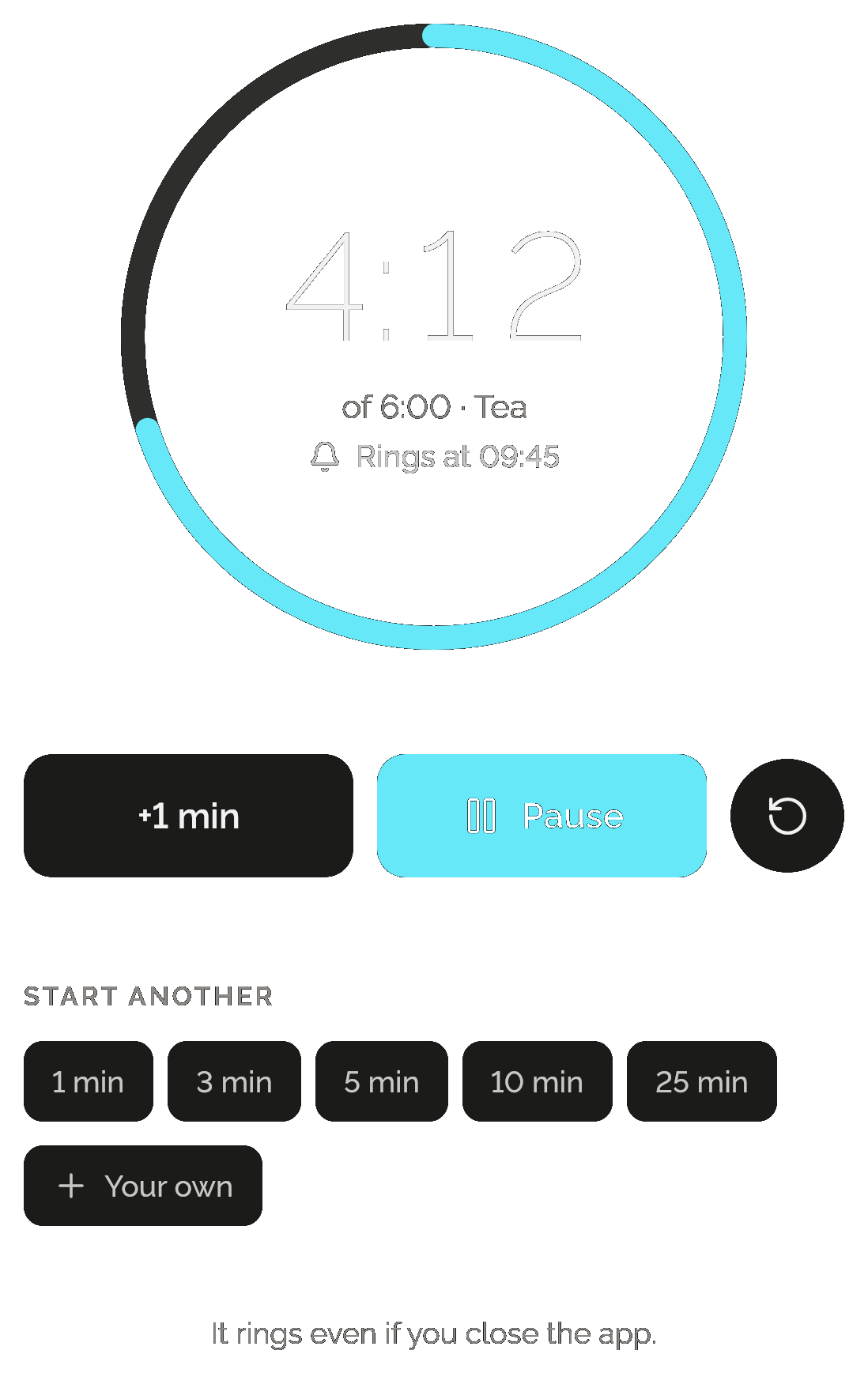
Toolbox’s Timer: 4:12 left of 6:00, Tea, rings at 09:45; +1 min, Pause and Reset; start another with 1, 3, 5, 10 or 25 minutes or your own; and “It rings even if you close the app.”

Laps, fastest and slowest

The stopwatch keeps up to 99 laps and, once three are done, marks the fastest and the slowest. It keeps going when you close the app.
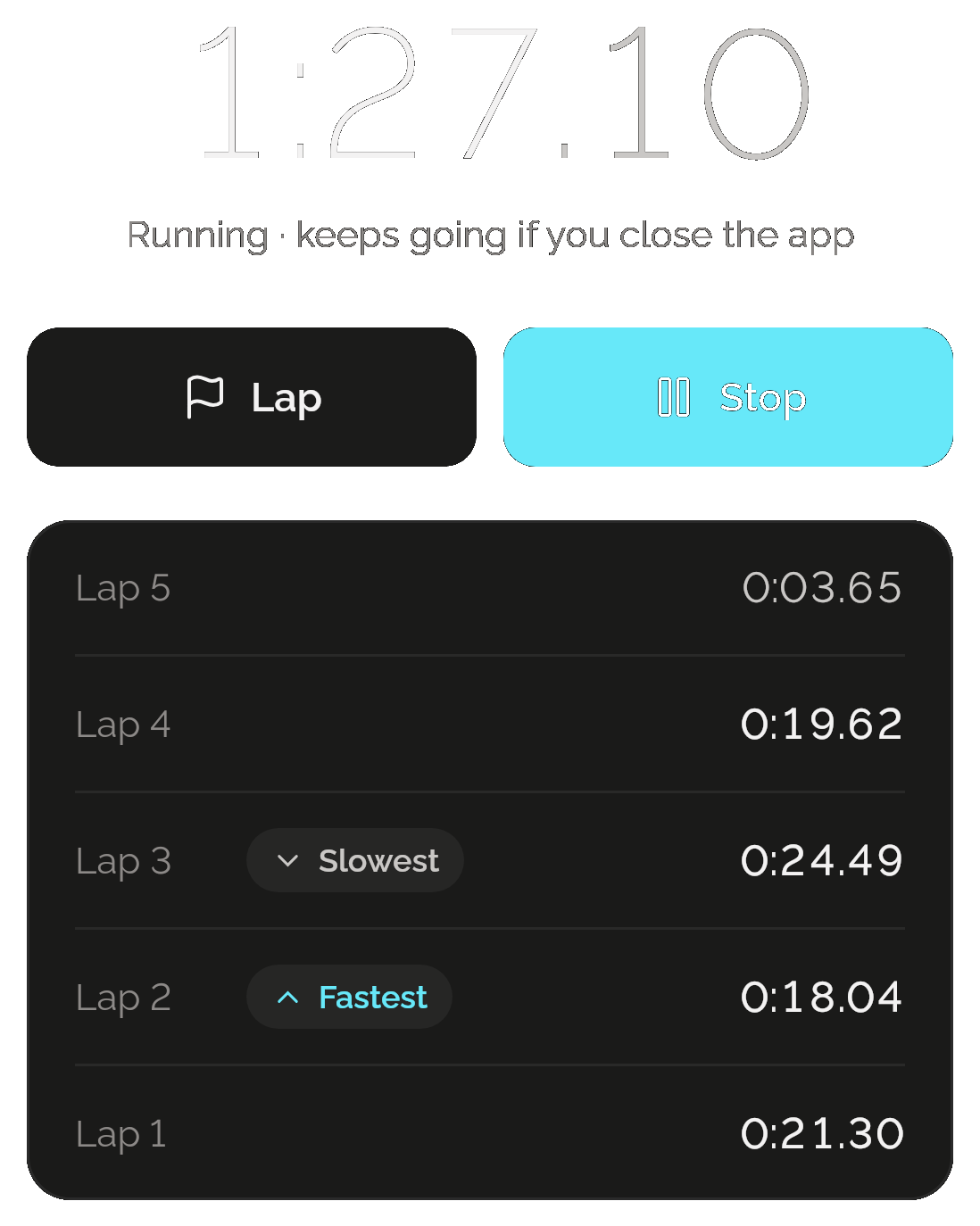
Toolbox’s Stopwatch running at 1:27.10, “keeps going if you close the app”, Lap and Stop, and five laps with lap 3 marked slowest at 0:24.49 and lap 2 fastest at 0:18.04.

Torch and Screen light

Turn the torch on from its card or its page, in brightness steps where your phone has them. Screen light turns the screen white at full brightness.

ANDROID ONLY
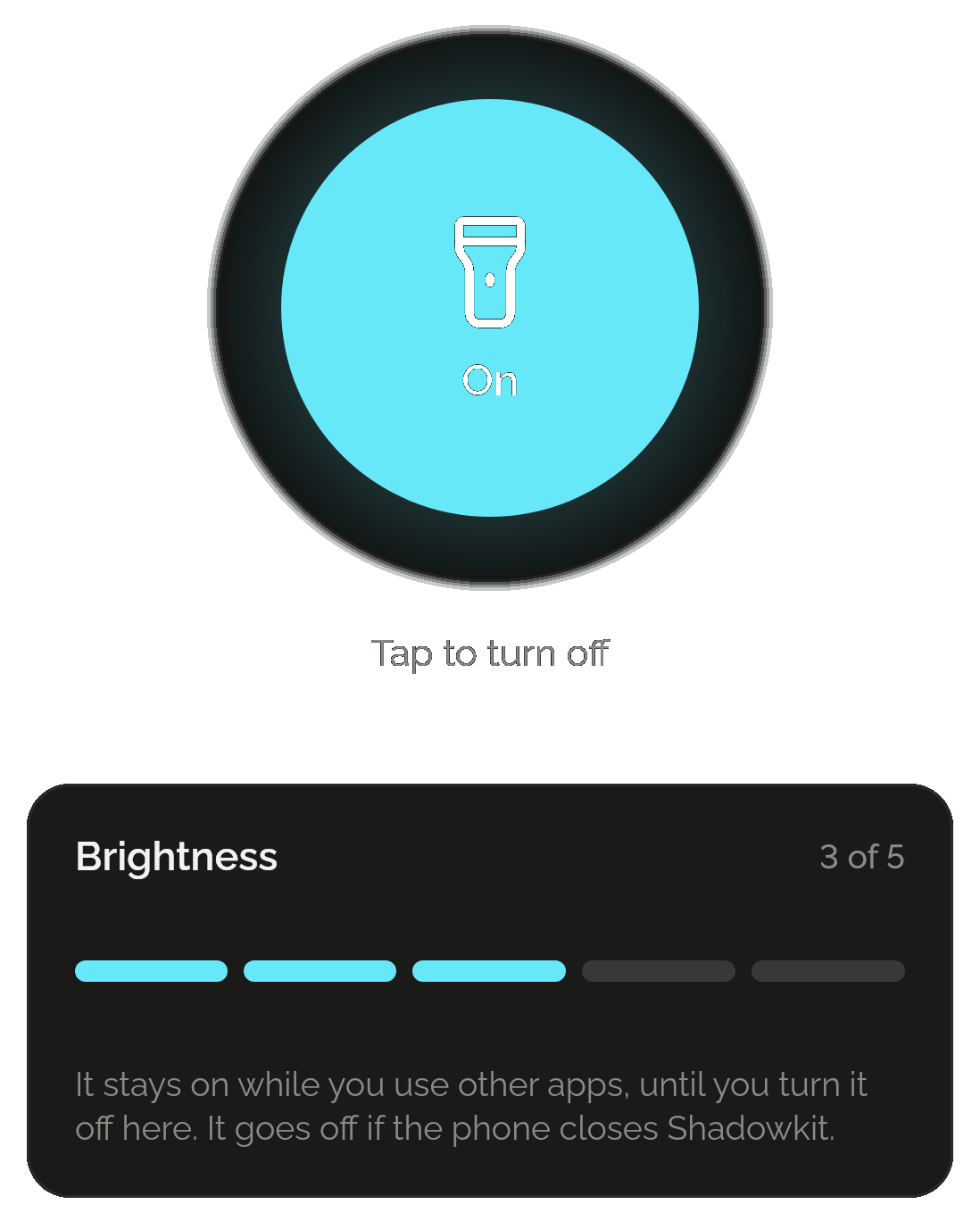
Toolbox’s Flashlight, on: a large lit switch, tap to turn off, brightness at 3 of 5, and “It stays on while you use other apps, until you turn it off here. It goes off if the phone closes Shadowkit.”

Only want a toolbox? That’s all you get.

Toolbox lives inside Shadowkit, an app that starts empty. You add the skills you want, and no others come with them.

  1. Install Shadowkit

    Free on Google Play. No account, nothing to sign up for.

  2. Add Toolbox

    Tap “Add your first skill” and pick Toolbox.

  3. That’s your whole app

    No other skill is added. Add one later, or never.

Free, and Pro

Free

  • Every tool, with no limits
  • True north and the ruler’s Calibrate
  • The timer, stopwatch, flashlight and Screen light
  • A backup of the whole app carries your tools’ order and last conversion

Pro

  • Nothing in Toolbox needs Pro

Toolbox earns no gems: a tool is picked up when a job needs it.

What it keeps on your phone

  • What it keeps

    The order of your tools and the converter’s last number and units. On the phone only: the timer and stopwatch, the ruler’s calibration and last length, the level’s zero, the city you chose for true north and the torch’s brightness. Live sensor readings are never stored.

  • Permissions

    Notifications, for the timer when it rings; Alarms and reminders (exact alarms), so it rings on time; Run at startup, to put a running timer back after a restart. The sensors and the flashlight need none, and it never asks for your location.

  • Works offline

    Every tool works without a connection, and nothing it reads leaves your phone. On iPhone there’s no flashlight or Screen light, so the page shows six tools.

Privacy policy

Questions

Does the compass need my location?

No. It reads magnetic north from the phone’s sensor. For true north you choose your city from a list of 361, and Toolbox works out the difference on your phone with the World Magnetic Model 2025.

How do I make the ruler accurate?

Calibrate it once: lay a bank card on the screen in the outline’s corner, then use Smaller and Larger until the outline meets its edges. Until then, the ruler uses the size your phone reports for its screen.

Will the timer ring if I close the app?

Yes, as long as Shadowkit may send notifications. It hands the timer to the phone’s own alarm and notification, so it rings with the app closed. On Android, if Alarms and reminders is off it may ring a few minutes late, and the Timer page tells you.

Is there a flashlight on iPhone?

No. The flashlight, and Screen light with it, are on Android only, so on iPhone Toolbox’s page shows six tools.

Is Toolbox free?

Yes, all of it: every tool, with no limits and no Pro needed. It has no home-screen widgets and earns no gems.

Guide

All posts

Start with Toolbox.

Every tool free. No account, no sign-up, and it works without a connection.

Android now, iPhone soon

Add more when you want them

All skills

Get Shadowkit

Scan with your Android phone’s camera, or tap Google Play. iPhone is coming soon.Tap Google Play to get it. iPhone is coming soon.

iOS

App Store

Android

Google Play