Shadowkit Reading: Reading tracker for Android

Every page, every book, every year.

Note the page you’re on in a tap and Reading keeps the rest: how far you’ve come, the pages you read each day, your notes and quotes, and the books you finish this year against a goal. Covers are made on your phone. No account, nothing looked up online.

It installs Shadowkit, which starts empty: add Reading and nothing else.

  • Free for 3 books at a time
  • No account
  • Works offline
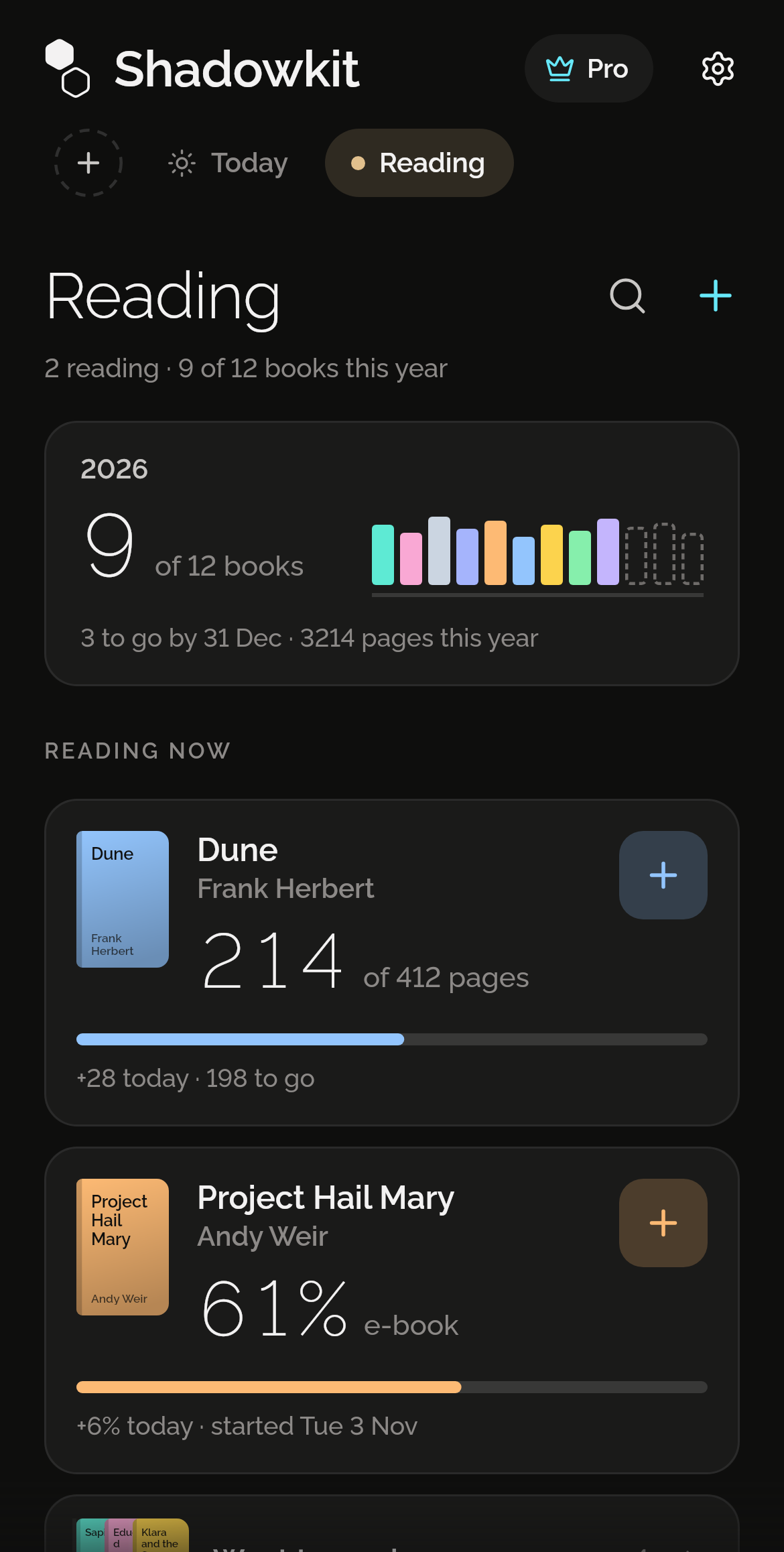
Shadowkit Reading’s page on Home: 2 reading, 9 of 12 books this year; 2026, 9 of 12 books with a spine for each, 3 to go by 31 Dec, 3,214 pages this year; Reading now, Dune by Frank Herbert at 214 of 412 pages, +28 today, 198 to go, and Project Hail Mary by Andy Weir at 61% of the e-book, +6% today; and Want to read, 4.

Where are you now?

Tap the plus on a book and type the page you’re on, or add 10, 20, 50 or 100 to the last one. That’s all an update is. Reading works out what you read today from it, and a page lower than the last is taken as a correction, not pages lost. An e-book counts in percent instead.
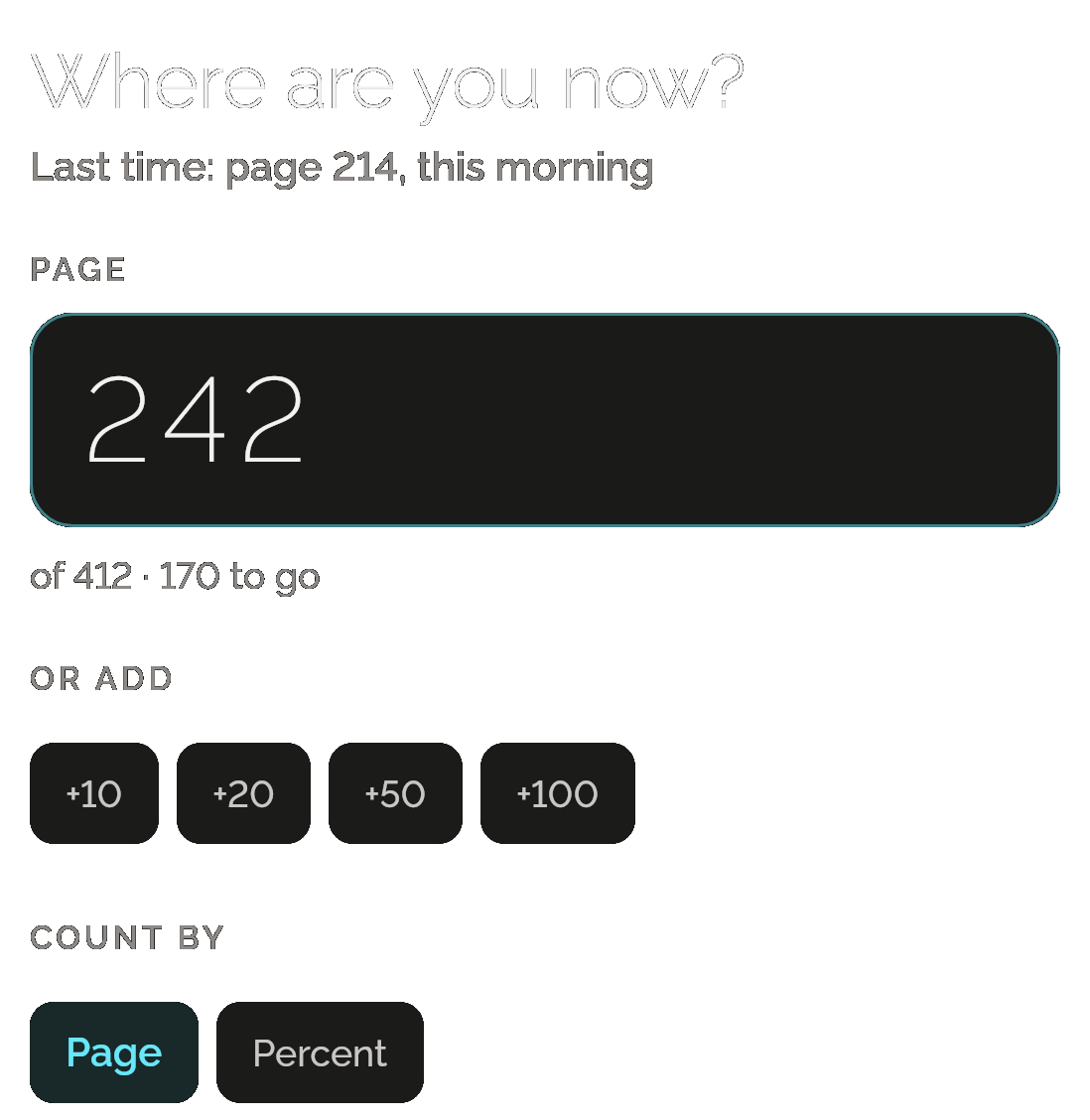
Dune’s Update page: Where are you now? Last time: page 214, this morning; the page field with 242 typed, of 412 and 170 to go; Or add +10, +20, +50 and +100; and Count by Page or Percent.

Pages read, a day at a time

See the pages you read each day as a bar, a week or a month at a time, with the total, how many days you read and your best day. Step back with ‹ › as far as your first update.
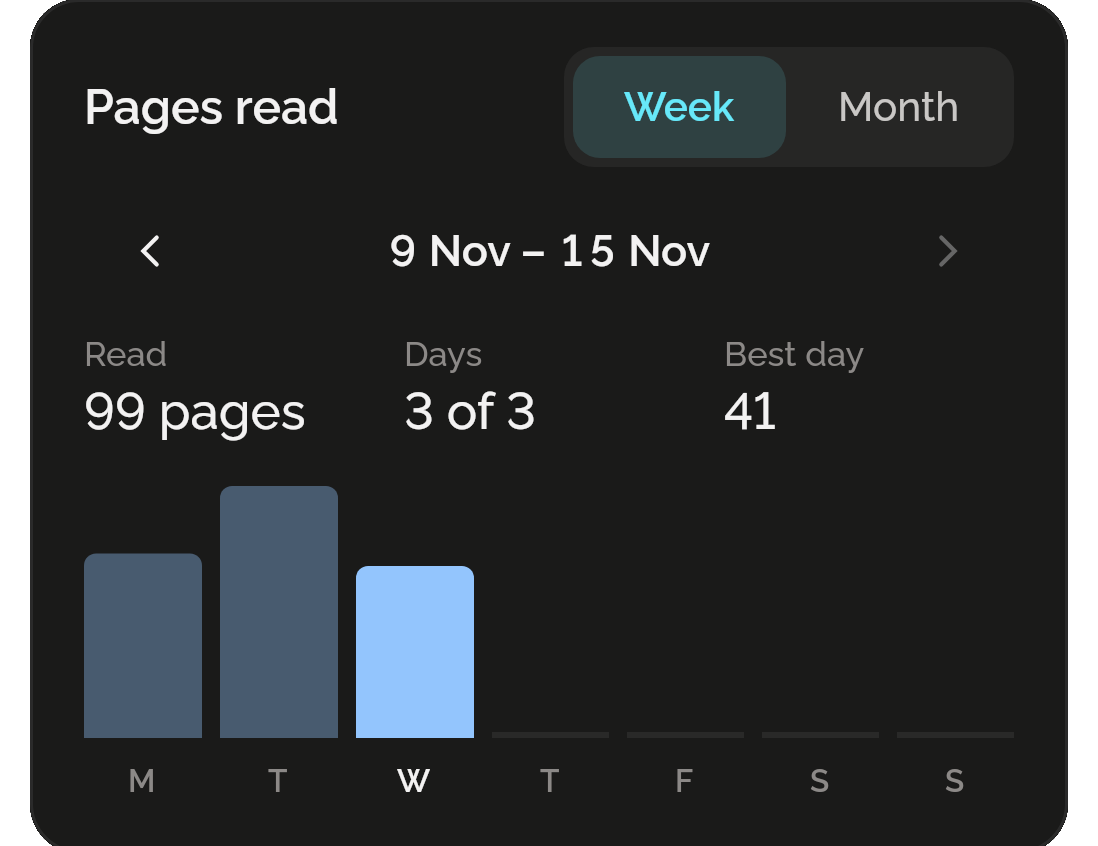
Dune’s Pages read with Week chosen beside Month: 9 Nov to 15 Nov, Read 99 pages, Days 3 of 3, Best day 41, and a bar for each day from Monday to Wednesday.

A year of books

Set a goal for the year and the page shows how many you’ve finished, a spine for each, and how many to go by 31 December, with every page you read this year. Every book you finish is kept, a year at a time, with its stars.
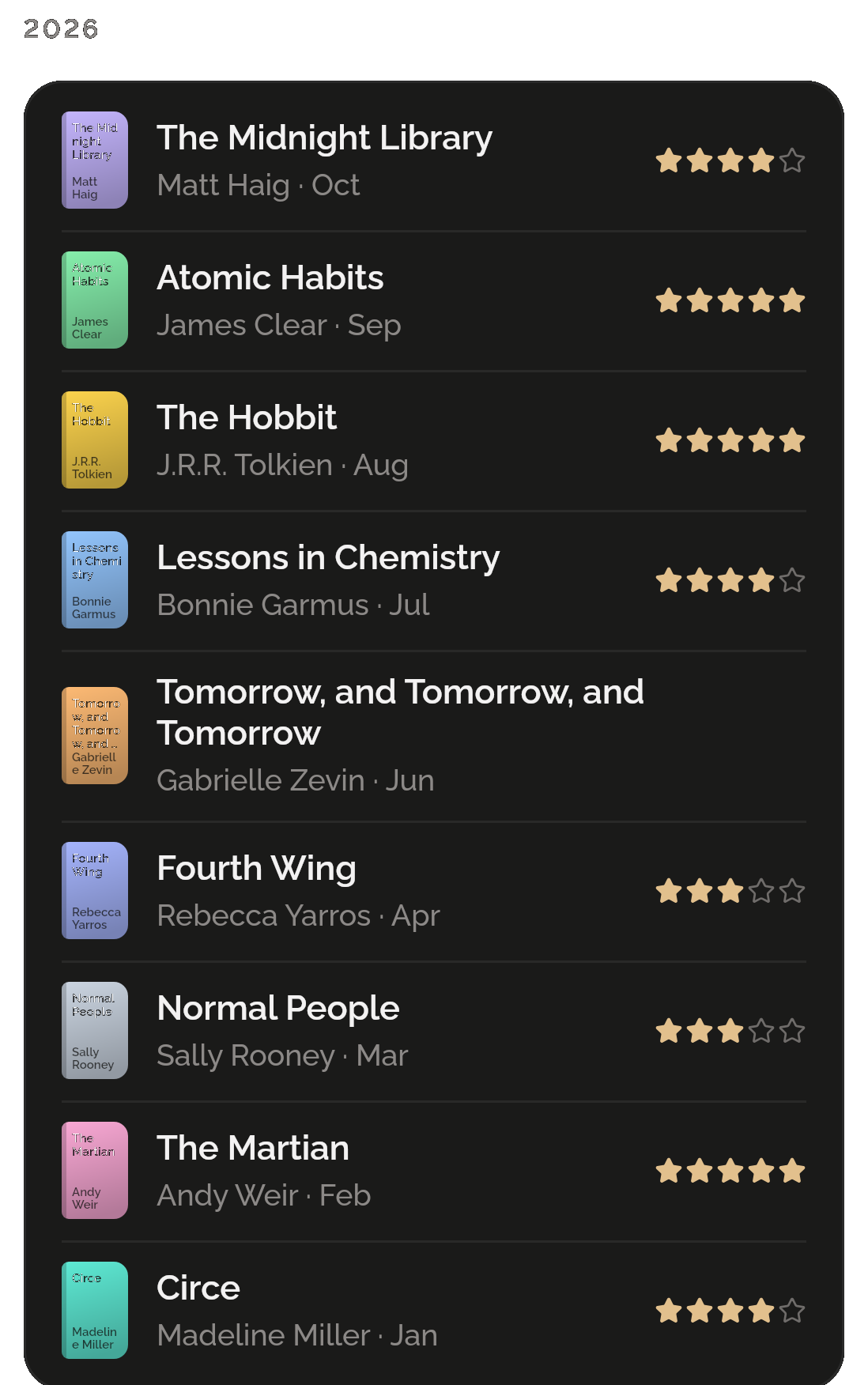
Finished books, under 2026: The Midnight Library by Matt Haig, Atomic Habits, The Hobbit, Lessons in Chemistry and six more, each with its cover, its month and its stars; and under 2025, A Gentleman in Moscow.

Notes and quotes

Keep a line worth keeping, or a thought of your own, with the page it’s on. A book keeps as many as you like, newest first, and search finds them by their words.
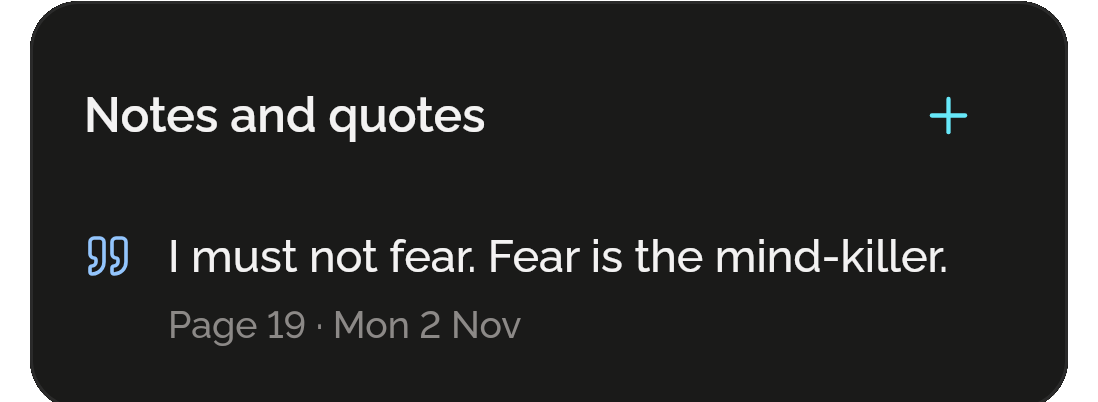
Dune’s Notes and quotes with a plus to add one: I must not fear. Fear is the mind-killer. Page 19, Mon 2 Nov.

Finish it, rate it

When you reach the last page, Reading asks if you’ve finished. Say yes and it tells you how long the book took and which of the year’s books it is, then asks how it was, out of five stars if you like.
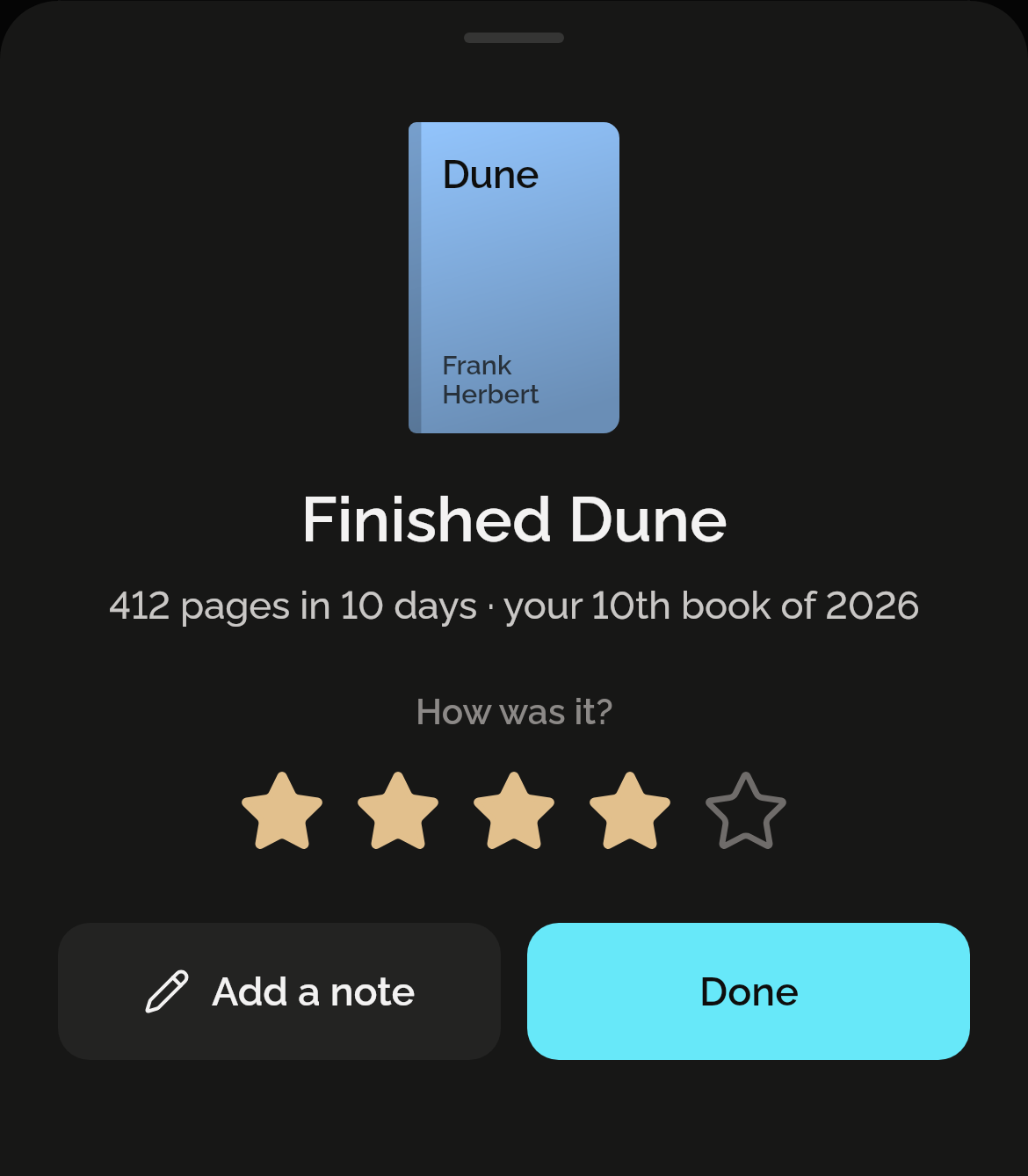
Finishing Dune: its cover, Finished Dune, 412 pages in 10 days, your 10th book of 2026, How was it? with four of five stars, and Add a note and Done.

Want to read, and covers made for you

Keep the books you mean to read on a list of their own, and start one when you’re ready. Every cover is drawn on your phone from the book’s title, its author and one of ten colours: nothing is looked up online.
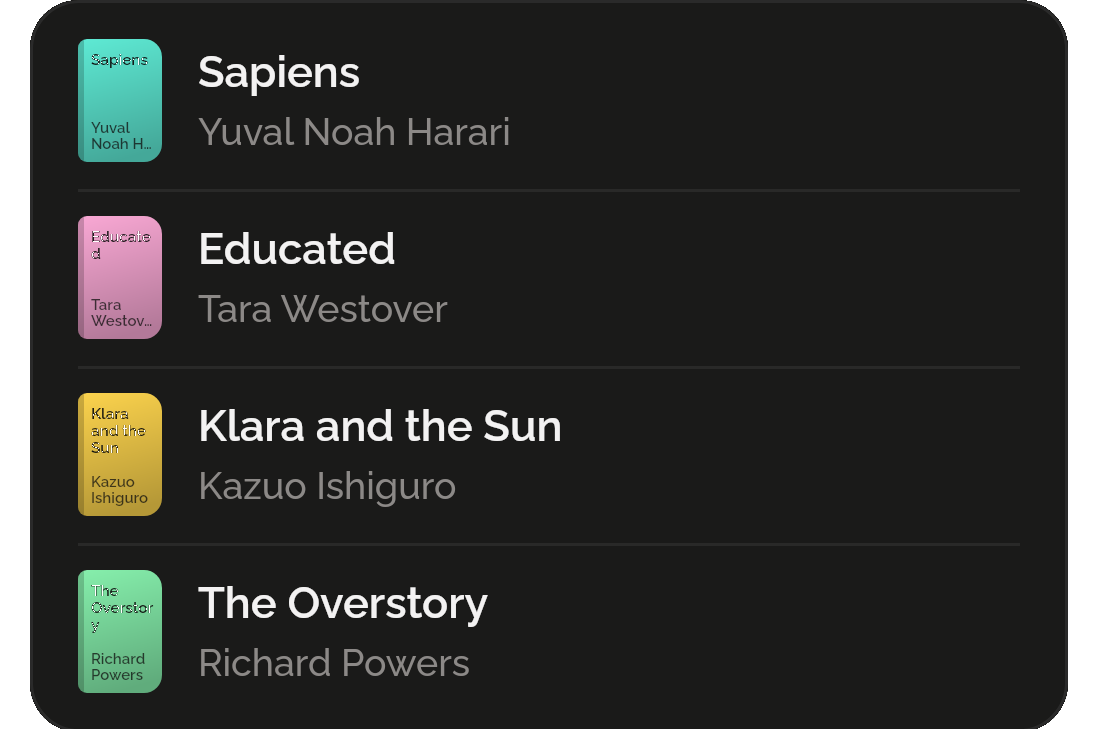
Want to read: Sapiens by Yuval Noah Harari, Educated by Tara Westover, Klara and the Sun by Kazuo Ishiguro and The Overstory by Richard Powers, each with a cover drawn in its own colour.

Only want a reading tracker? That’s all you get.

Reading lives inside Shadowkit, an app that starts empty. You add the skills you want, and no others come with them.

  1. Install Shadowkit

    Free on Google Play. No account, nothing to sign up for.

  2. Add Reading

    Tap “Add your first skill” and pick Reading.

  3. That’s your whole app

    No other skill is added. Add one later, or never.

Free, and Pro

Free

  • Three books on Reading at once
  • Want to read, Finished, notes, quotes and goals with no limit
  • Every page you read, kept for good
  • A backup of the whole app carries your books, notes and goals

Pro

  • Up to 50 books on Reading at once

Read on three days of a week and Reading earns a gem; the milestones are in days read.

What it keeps on your phone

  • What it keeps

    Each book: its title, author, pages or percent, colour, shelf, the days you started and finished it and its stars; each page you reached and when; your notes and quotes with their pages; and a goal for each year. Each profile keeps its own.

  • Permissions

    None. Reading never uses the camera or the internet, and sends no notifications.

  • Works offline

    Every part of Reading works without a connection, on Android now and on iPhone when it comes. Covers are drawn on your phone, so no book is ever looked up. It has no home-screen widgets.

Privacy policy

Questions

Does it find my books and their covers online?

No. Shadowkit has no internet permission, so it can’t look anything up. You type a book’s title, its author if you like, and its pages, and pick one of ten colours; the cover is drawn on your phone from those. There is no barcode or ISBN scan.

What about e-books?

An e-book can count in percent instead of pages: type 61% and Reading keeps it the same way. You can switch a book between pages and percent at any time.

How does it know how many pages I read today?

From your updates. Each time you note a page, the pages since the last one count for that day. A page lower than the last is a correction and counts nothing. You never type a day’s pages yourself.

How many books can I keep?

As many as you like on Want to read and Finished, for free. Three can be on Reading at once for free, and up to 50 with Shadowkit Pro. If Pro ends, every book stays where it is; you just can’t put another on Reading until fewer than three are there.

Guide

All posts

Start with Reading.

Free for 3 books at a time. No account, no sign-up, and it works without a connection.

Android now, iPhone soon

Add more when you want them

All skills

Get Shadowkit

Scan with your Android phone’s camera, or tap Google Play. iPhone is coming soon.Tap Google Play to get it. iPhone is coming soon.

iOS

App Store

Android

Google Play