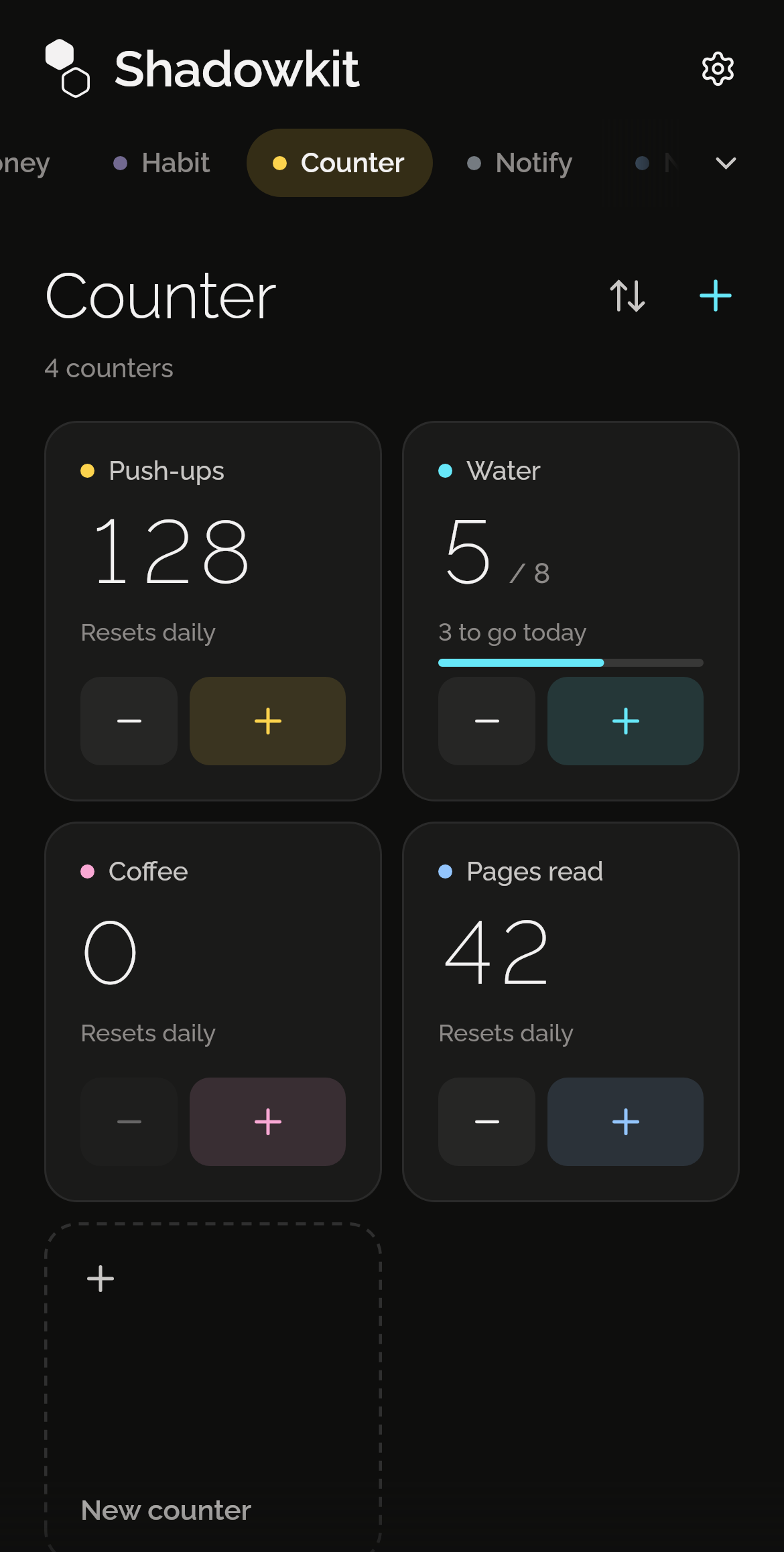
Your step, your reset
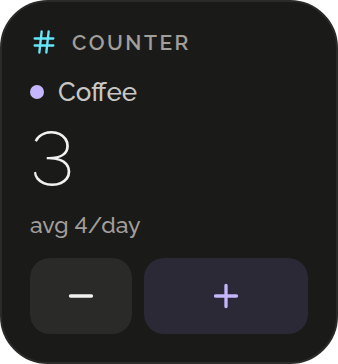
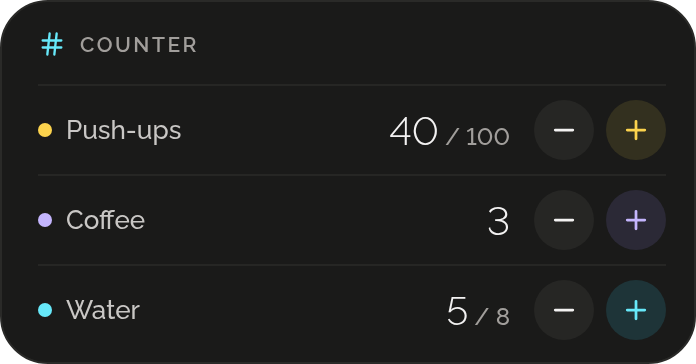
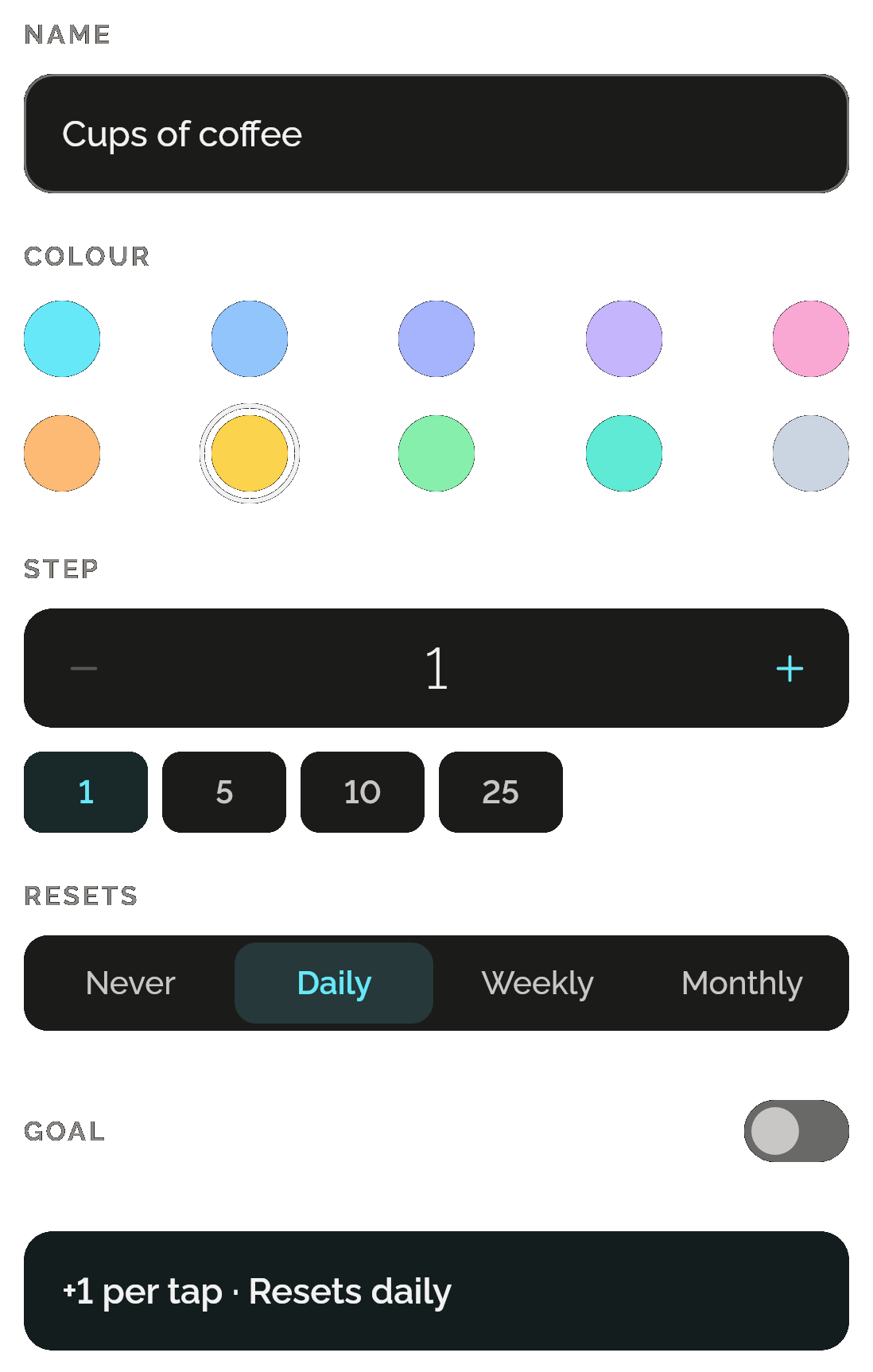
Give each counter a name, one of ten colours and a step from 1 to 1,000, so one tap can log a set of ten. Choose whether it resets daily, weekly, monthly or never.
Count without looking
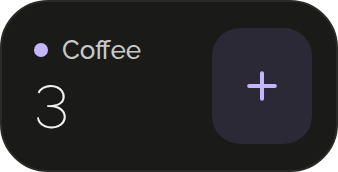
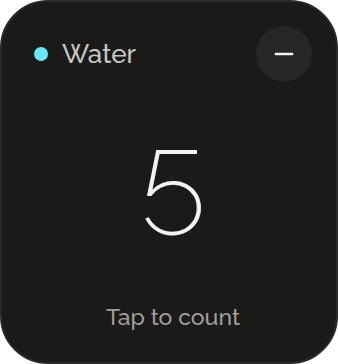
Switch a counter to its tap view and the screen below its name becomes the plus. One touch is one count, however long you hold it. A small minus waits in the corner, the screen stays on, and on Android the volume buttons count too.
Aim for a number
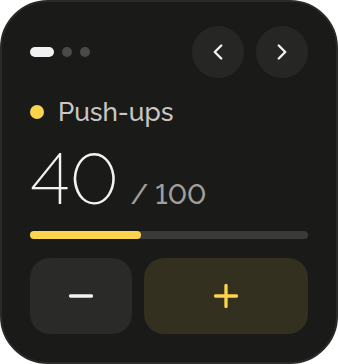
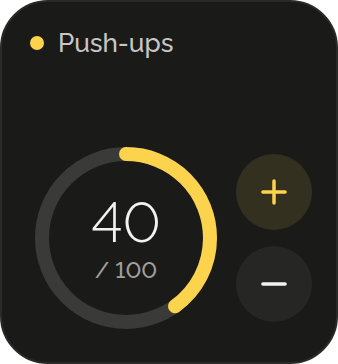
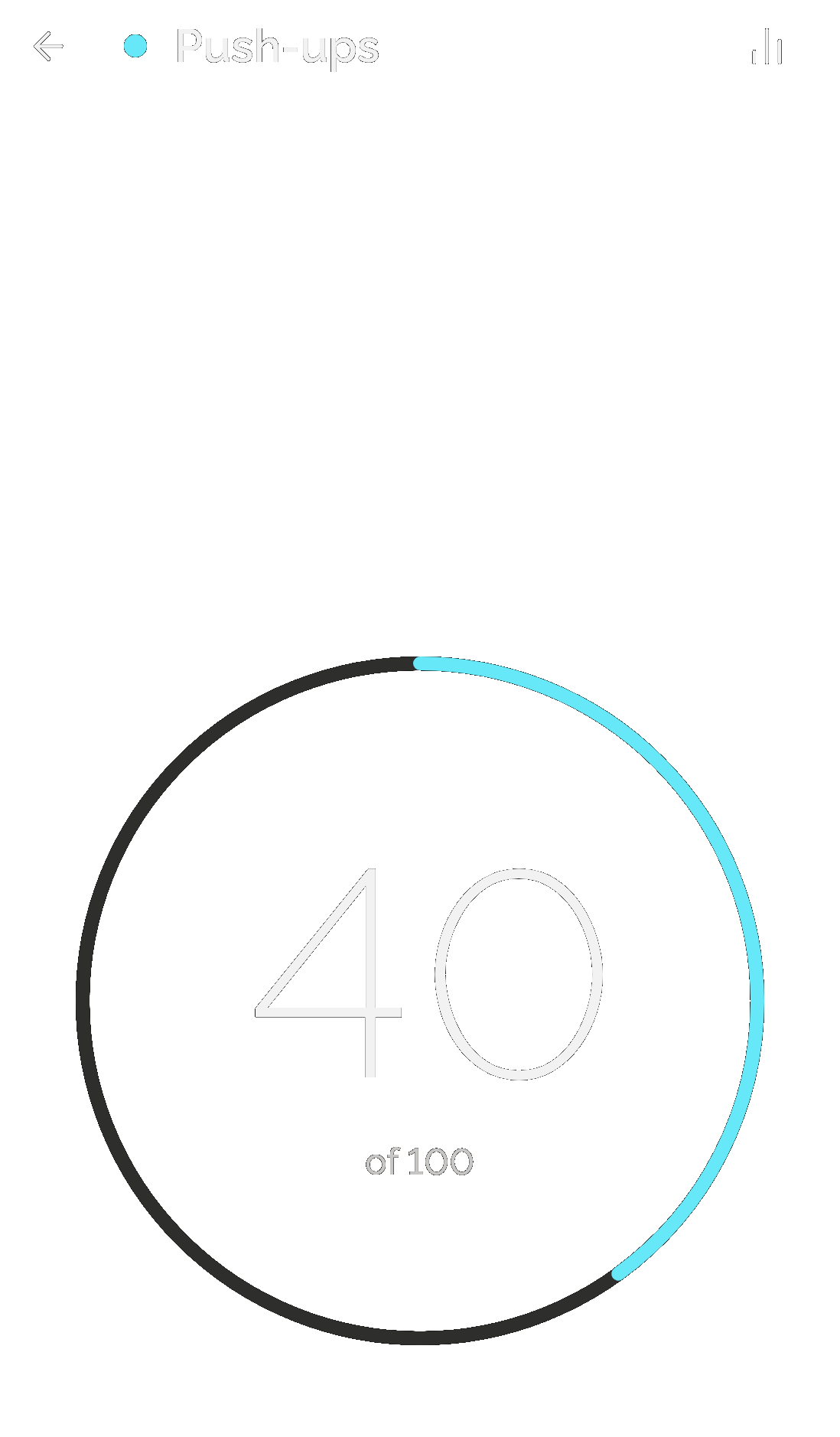
Give any counter a goal, like 100 push-ups a day. A ring shows how far you’ve got and how many to go. Add a mark every 33, say, and the ring dots them, with a double tick at each and one firm buzz at the goal. Counting carries on past it, and a counter that resets shows how often you met it.
See how it went
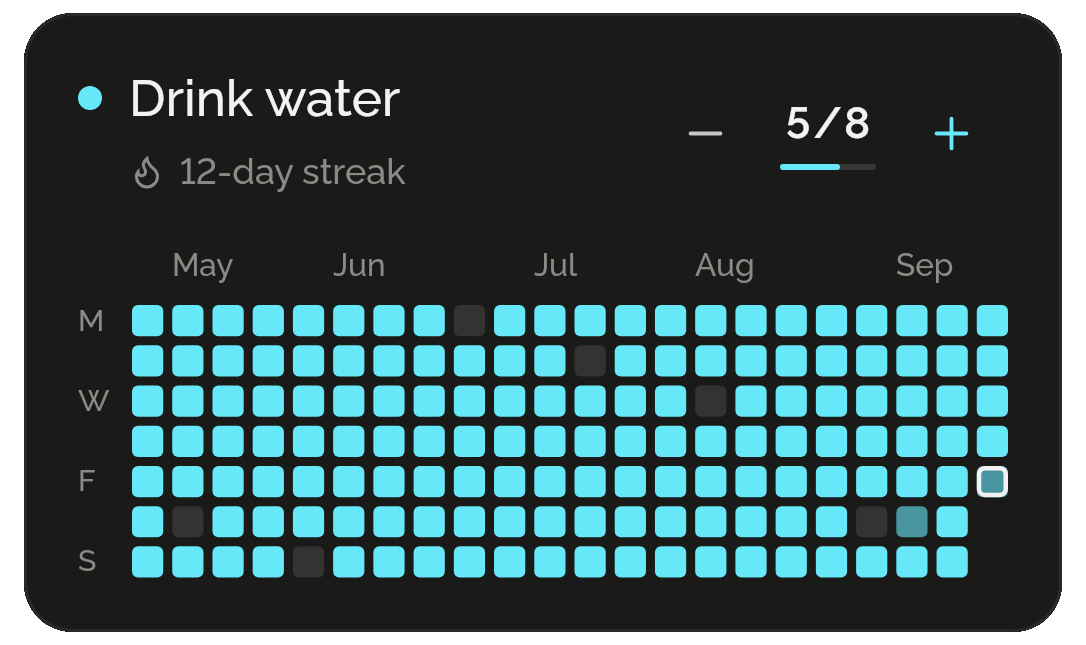
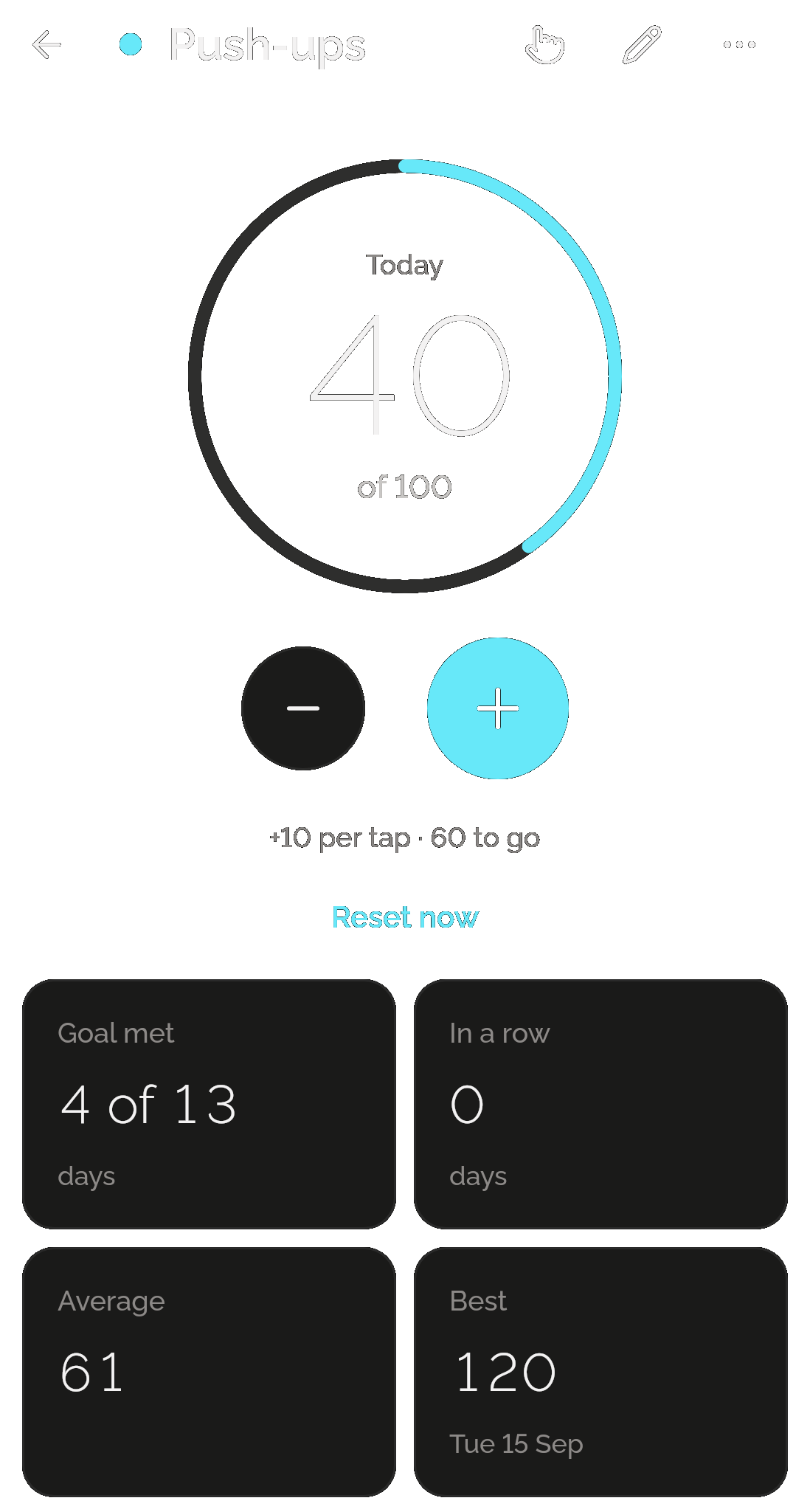
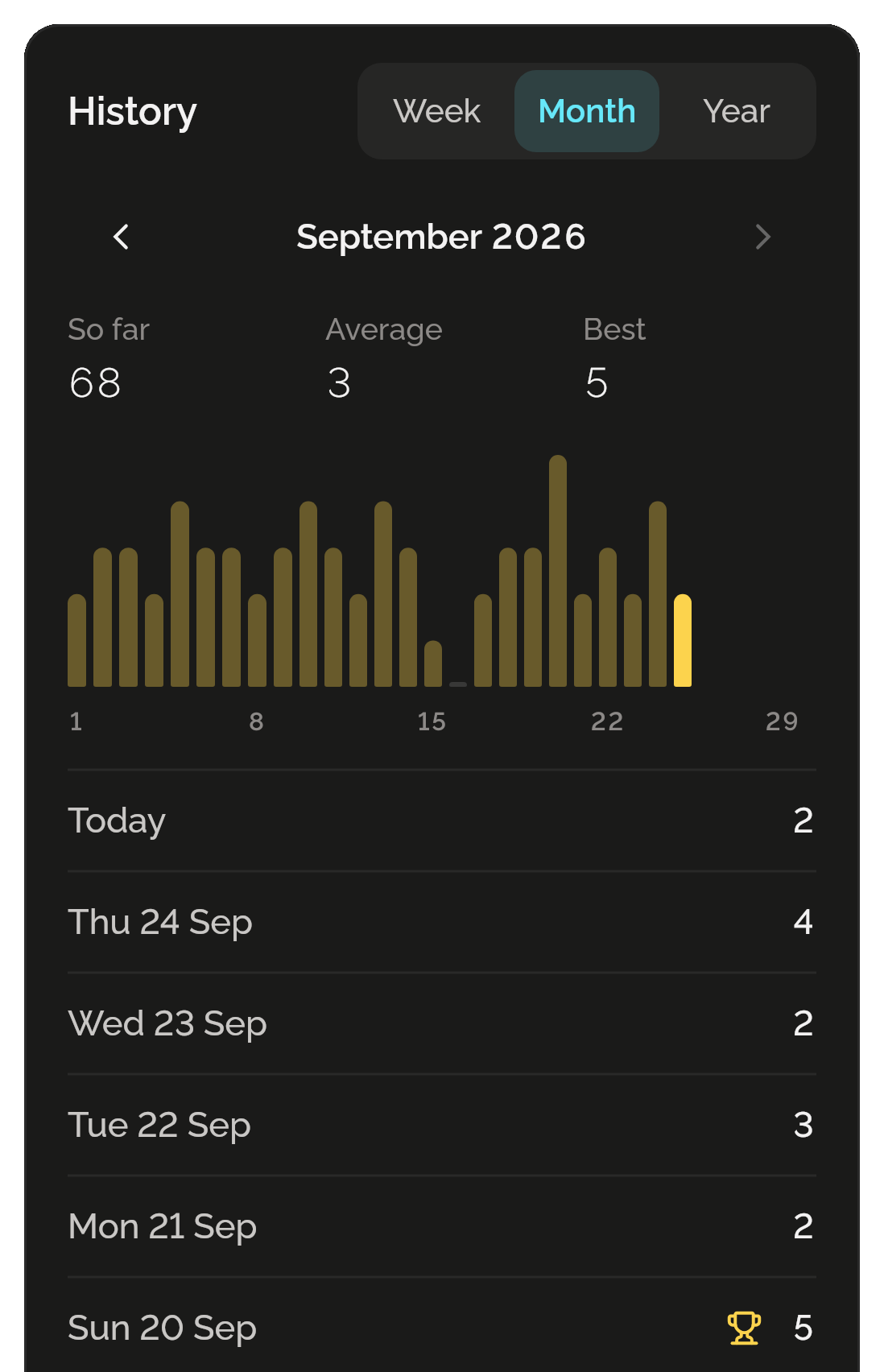
Each day, week or month closes by itself and keeps its total. A counter’s history shows a week, a month or a year at a time, back to the day you made it: the total, the average and your best or how often you met the goal, a bar for each day, and a trophy on each new best.
Or keep a running total
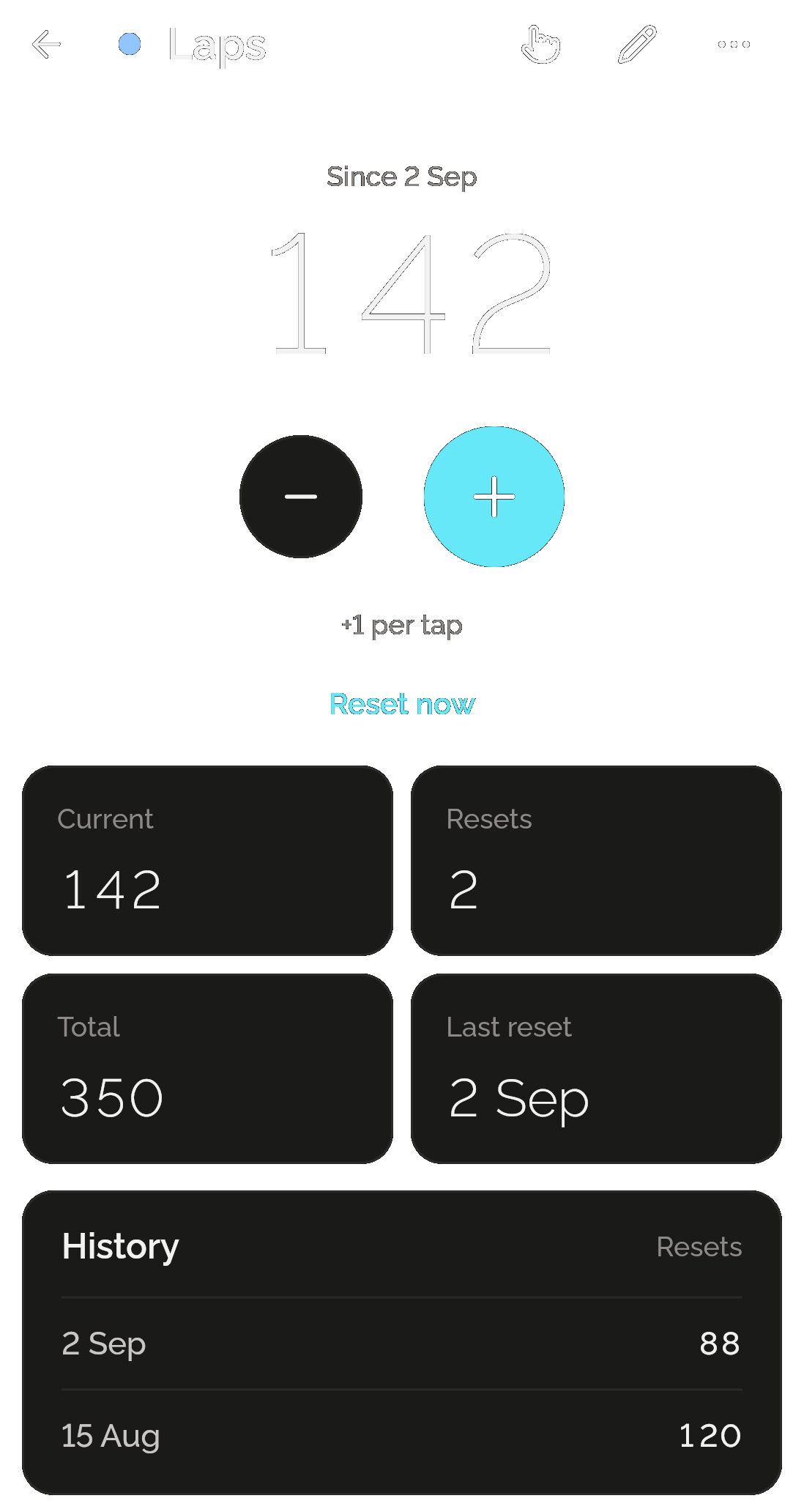
A counter that never resets keeps going until you reset it by hand. It still shows what you added each day, by week, month or year, and each reset is kept with its date and number, with the screen adding them all up.