Reads as a sentence
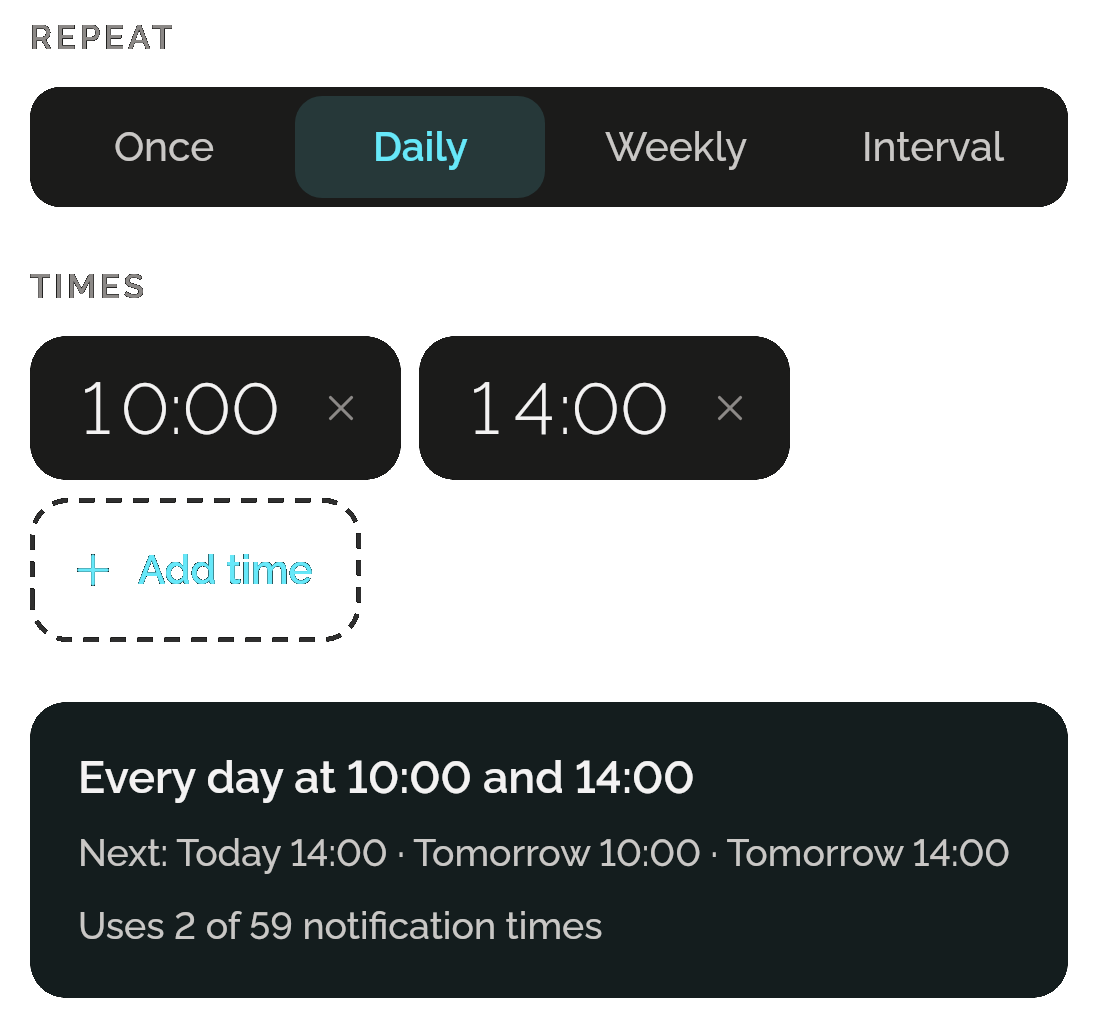
Once, or daily or weekly at up to 12 times a day. Notify writes the schedule back in plain words with its next three times, so you know it’s right before you save.
Every few hours
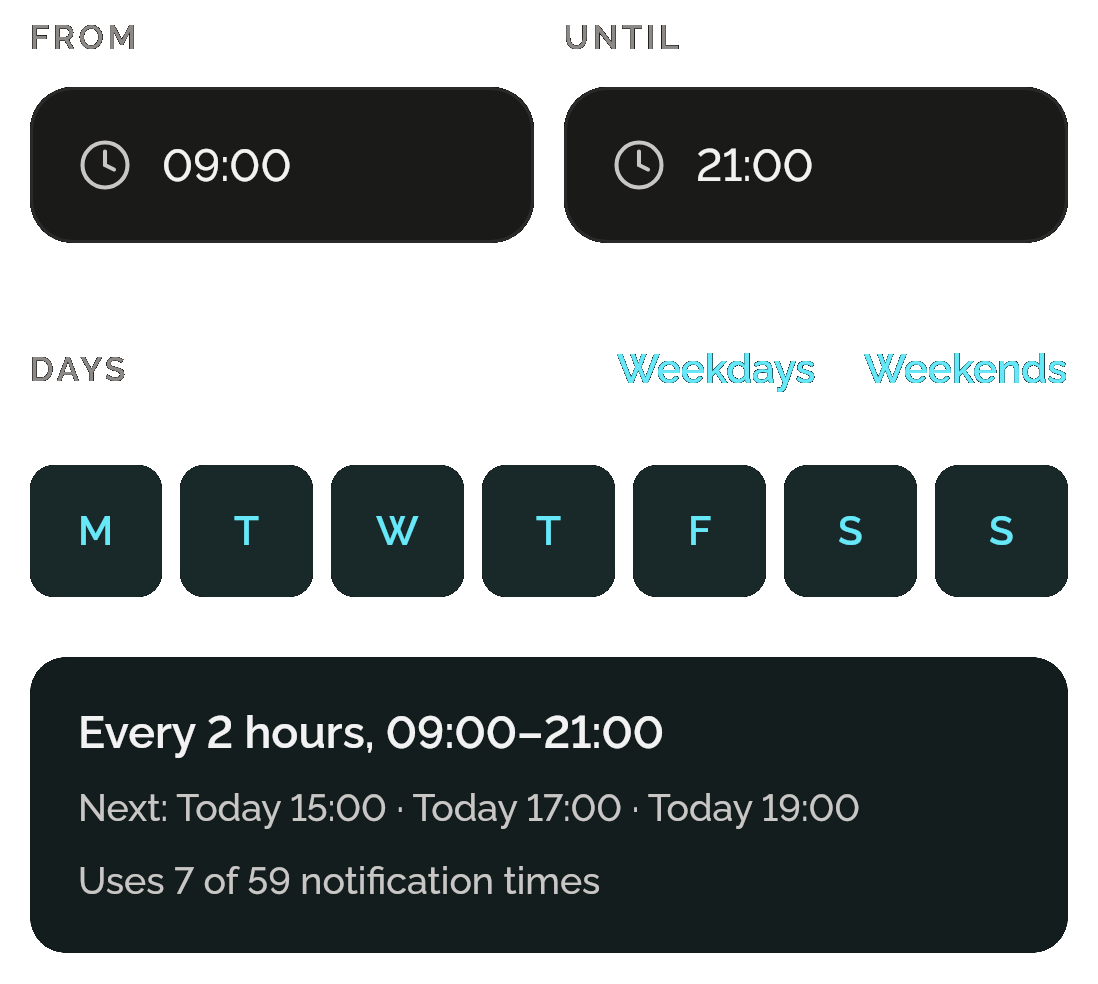
Remind yourself every 30 minutes up to every 12 hours, between two times, on the days you choose. Notify says how many notification times it uses.
Up next, at a glance
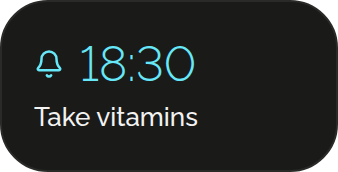
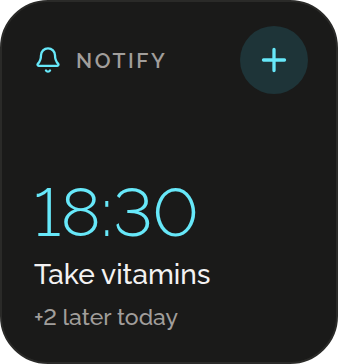
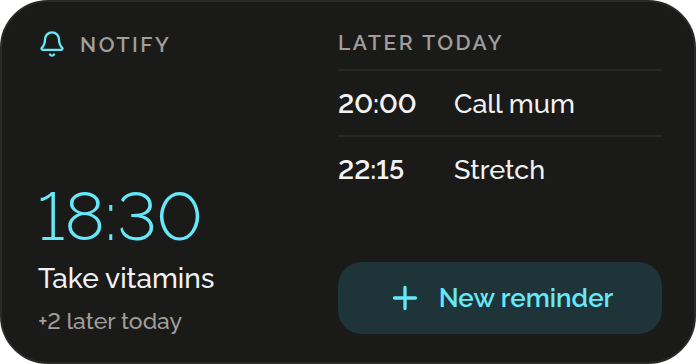
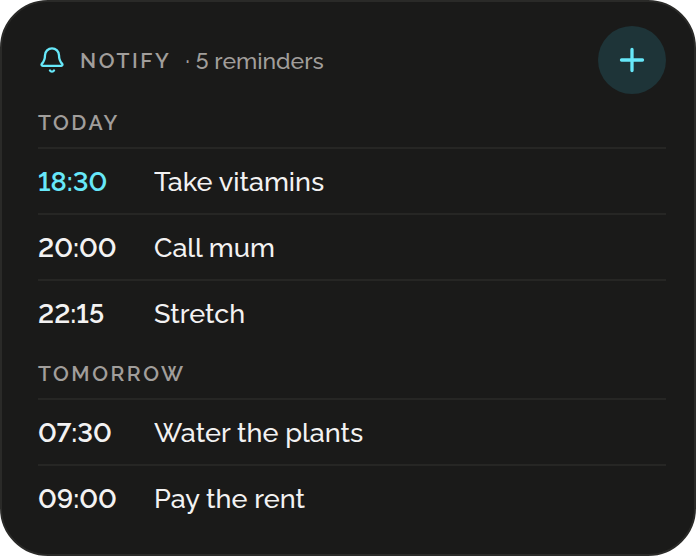
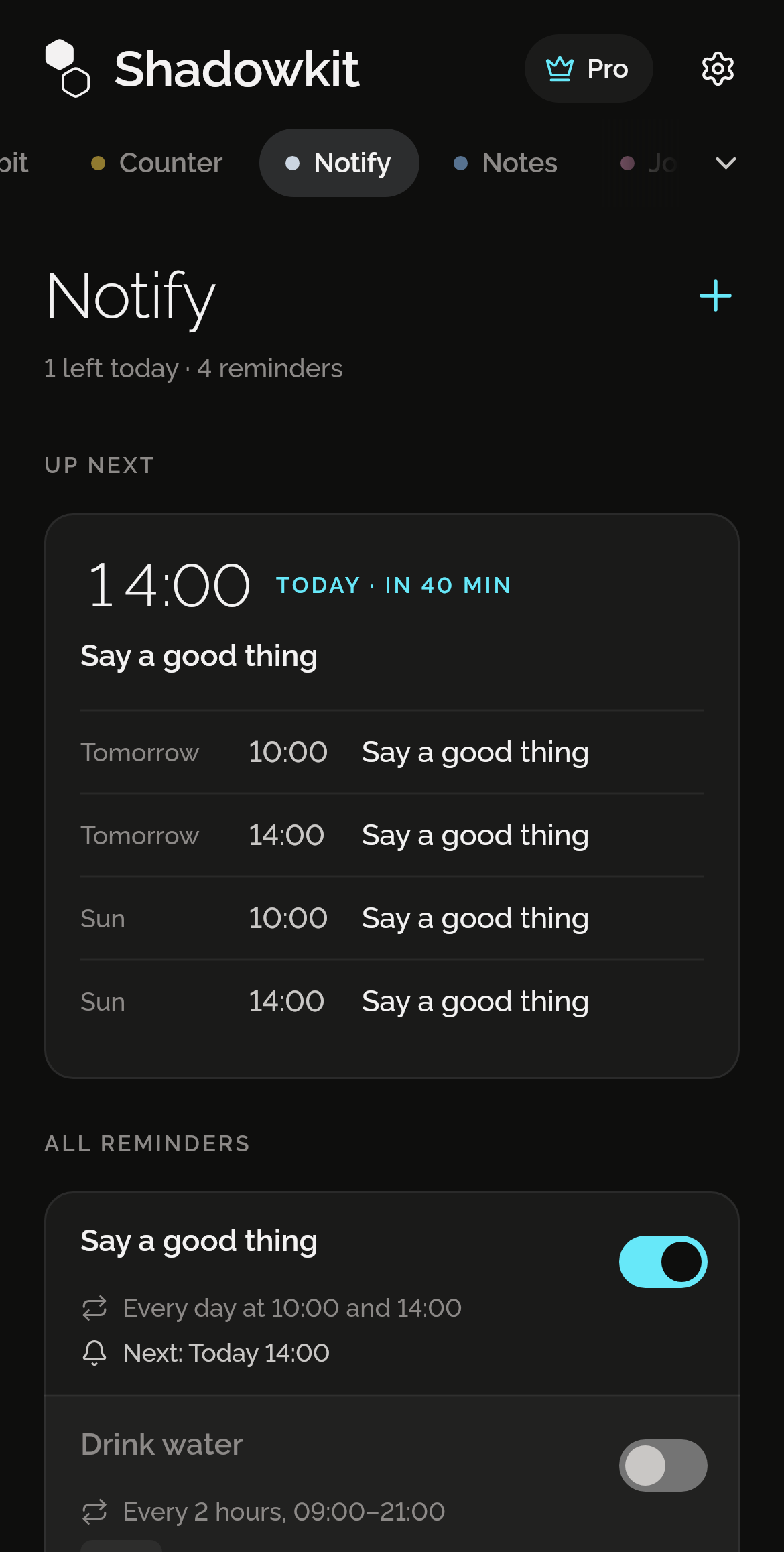
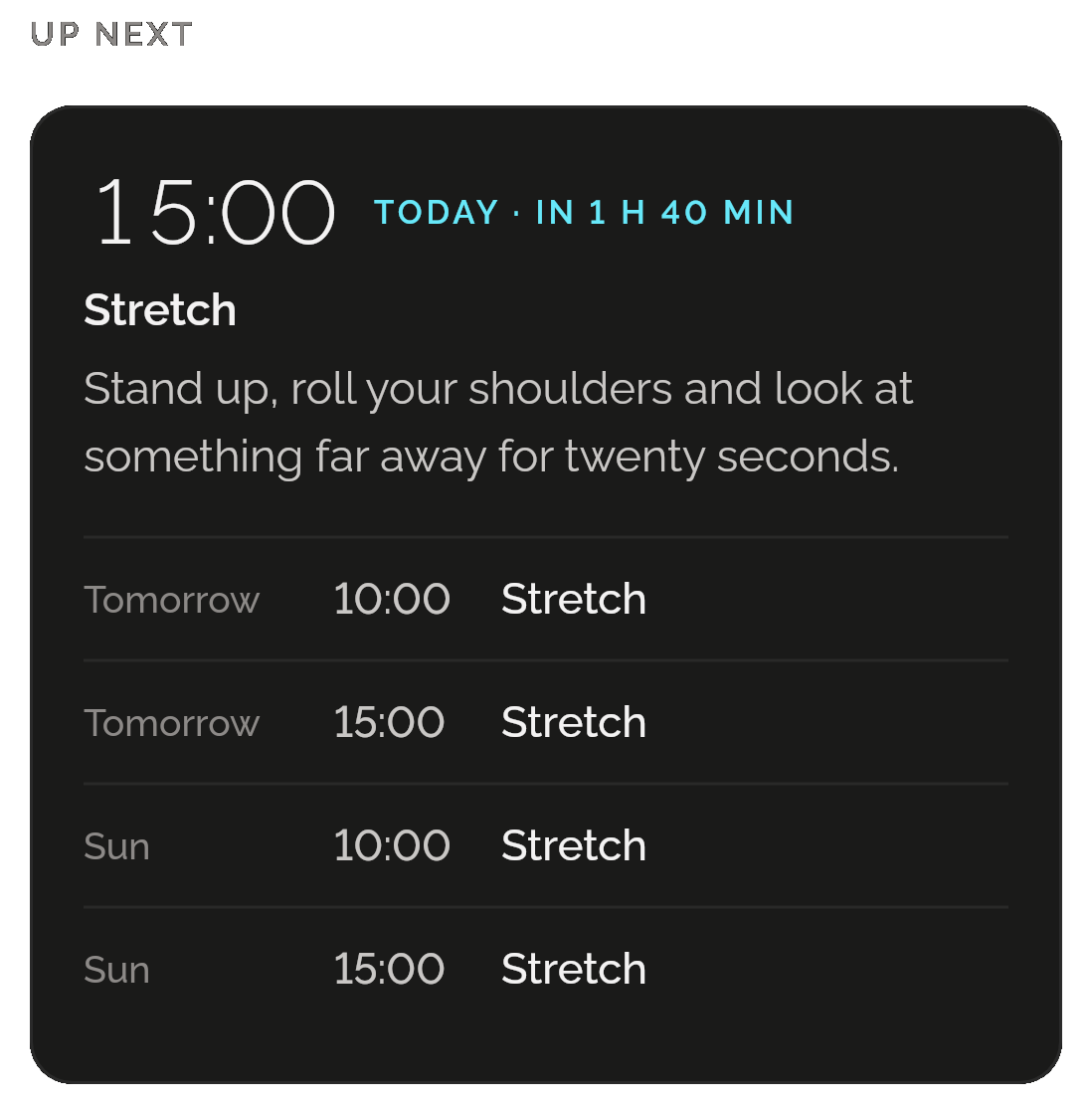
Notify’s page shows the next five times across your reminders: the soonest large with its whole message and, within a day, how long until it, then the four after it. Below, every reminder shows its whole message, its schedule and its own switch.
Every word, as it will arrive
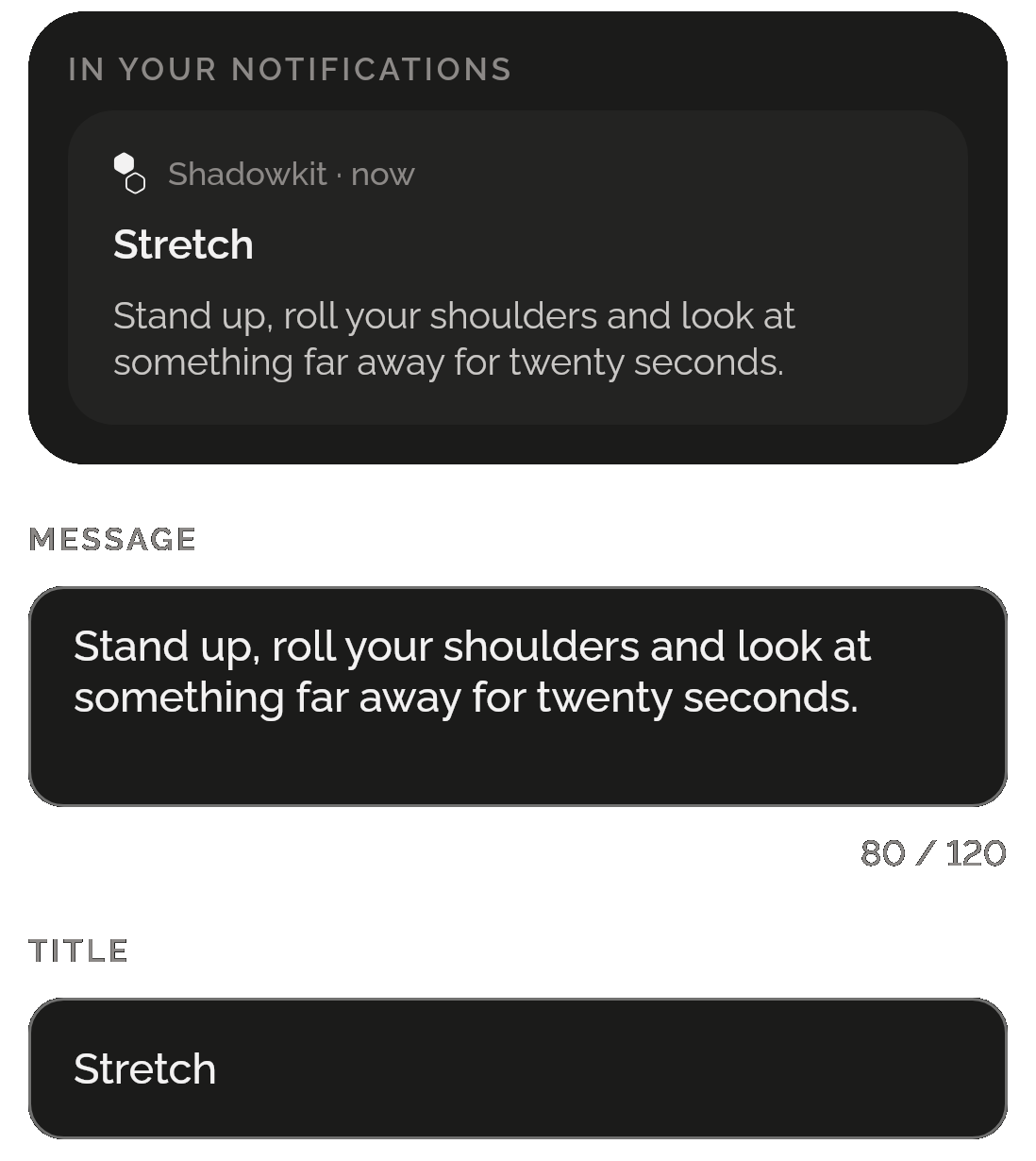
Write up to 120 characters; the box grows as you type and counts them. Above it, Notify shows the notification as it will arrive: your title, if you add one, over the whole message. On Android the notification expands to every word.
Pin a note to your notifications
A parking bay, a door code, a line to keep in mind: pinned, silent, and there until you unpin it. Choose whether its text shows on the lock screen, whether it comes back if swiped, and whether it sits with your other pins or on its own. Unpinned, it waits under Not pinned until you pin it again; Delete pin is its own action, with Undo.
ANDROID ONLY
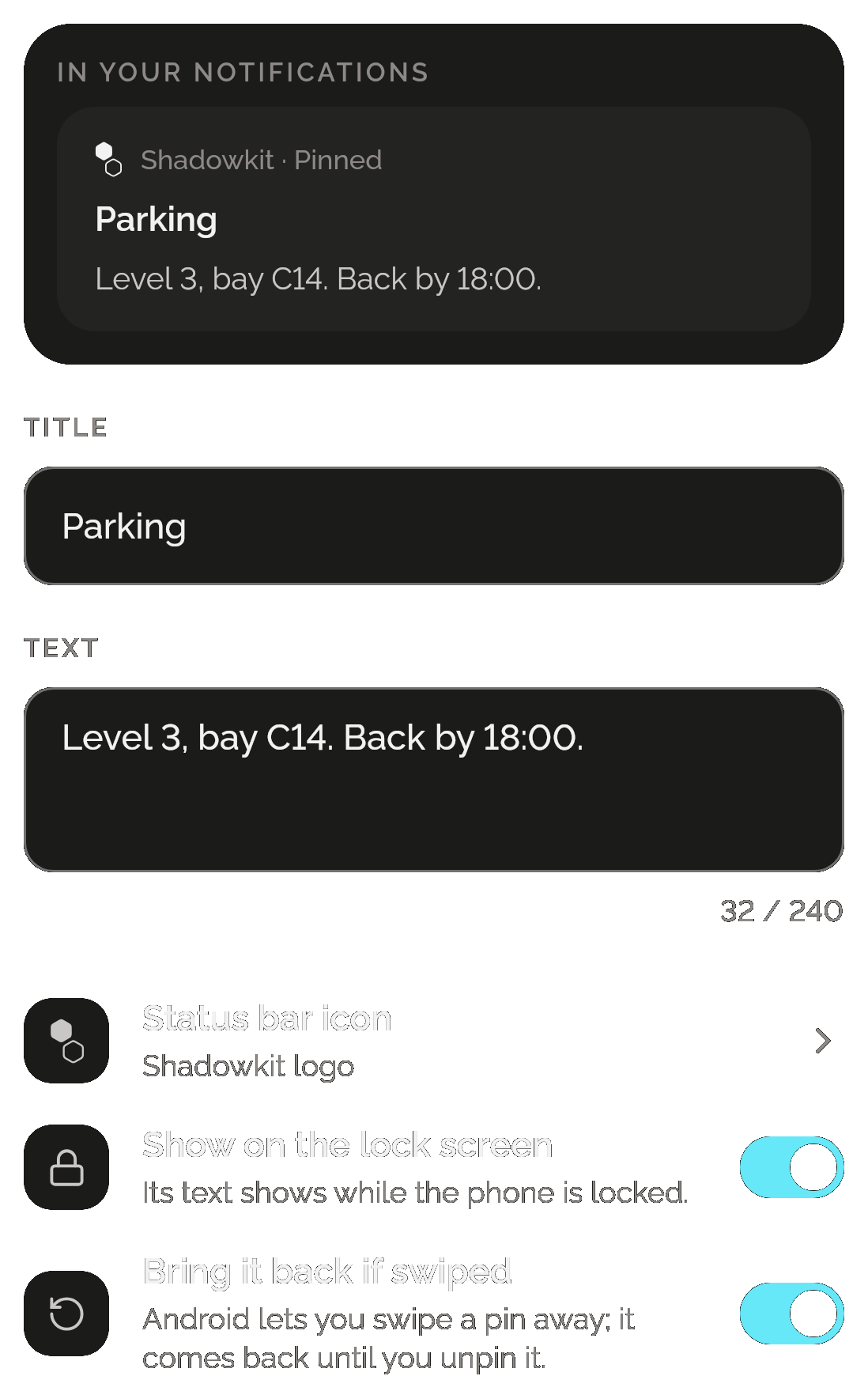
Its own status-bar icon
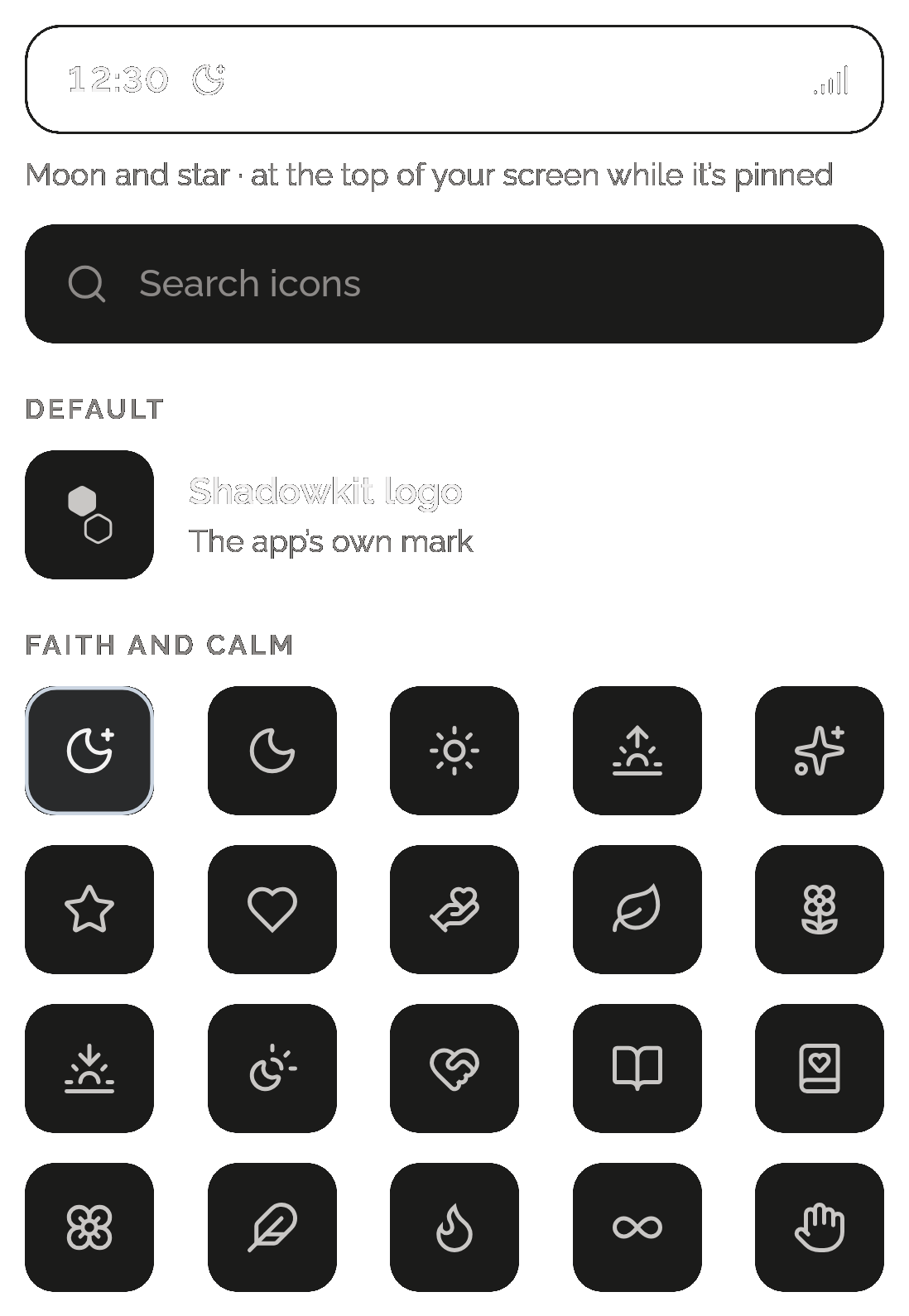
Pick one of 219 icons in 11 groups, with a search, or type up to four characters of your own, like P2 or Gate. A pin on its own shows its icon in the status bar instead of the Shadowkit logo, and Notify’s page shows it beside the pin.
ANDROID ONLY