Shadowkit Journal: Mood journal for Android

What happened, and how it felt.

Write a few lines about your day, or just tap a face for how it felt. Everything stays on your phone, and the calendar shows each day you wrote in the colour of its mood.

It installs Shadowkit, which starts empty: add Journal and nothing else.

  • Free for 30 entries
  • No account
  • Works offline
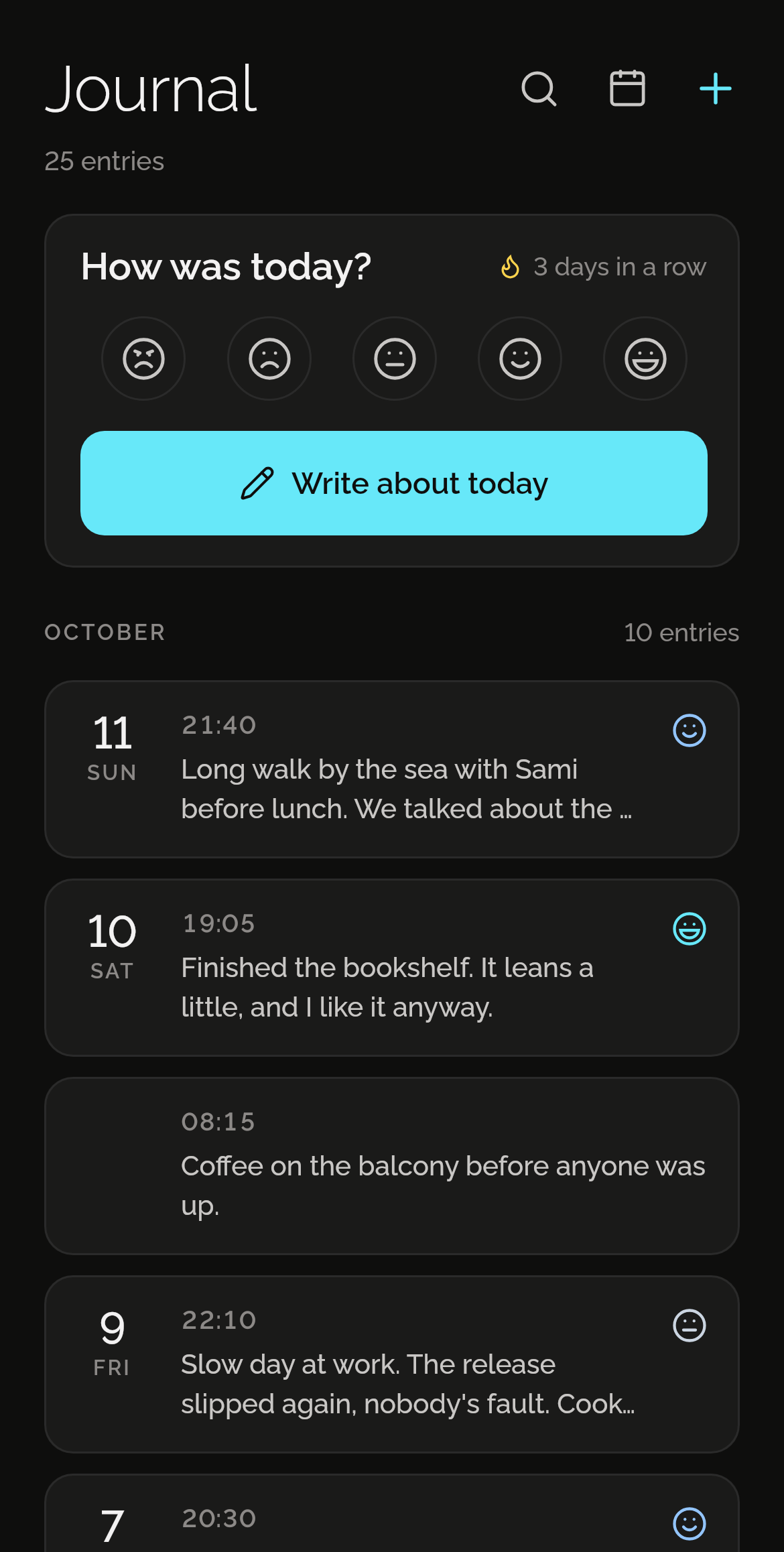
Shadowkit Journal’s page: How was today? with five mood faces, 3 days in a row and Write about today, then October’s entries.

Saved as you type

There’s no Save button: an entry is stored as you type, and again when you leave it. A day can hold several entries.
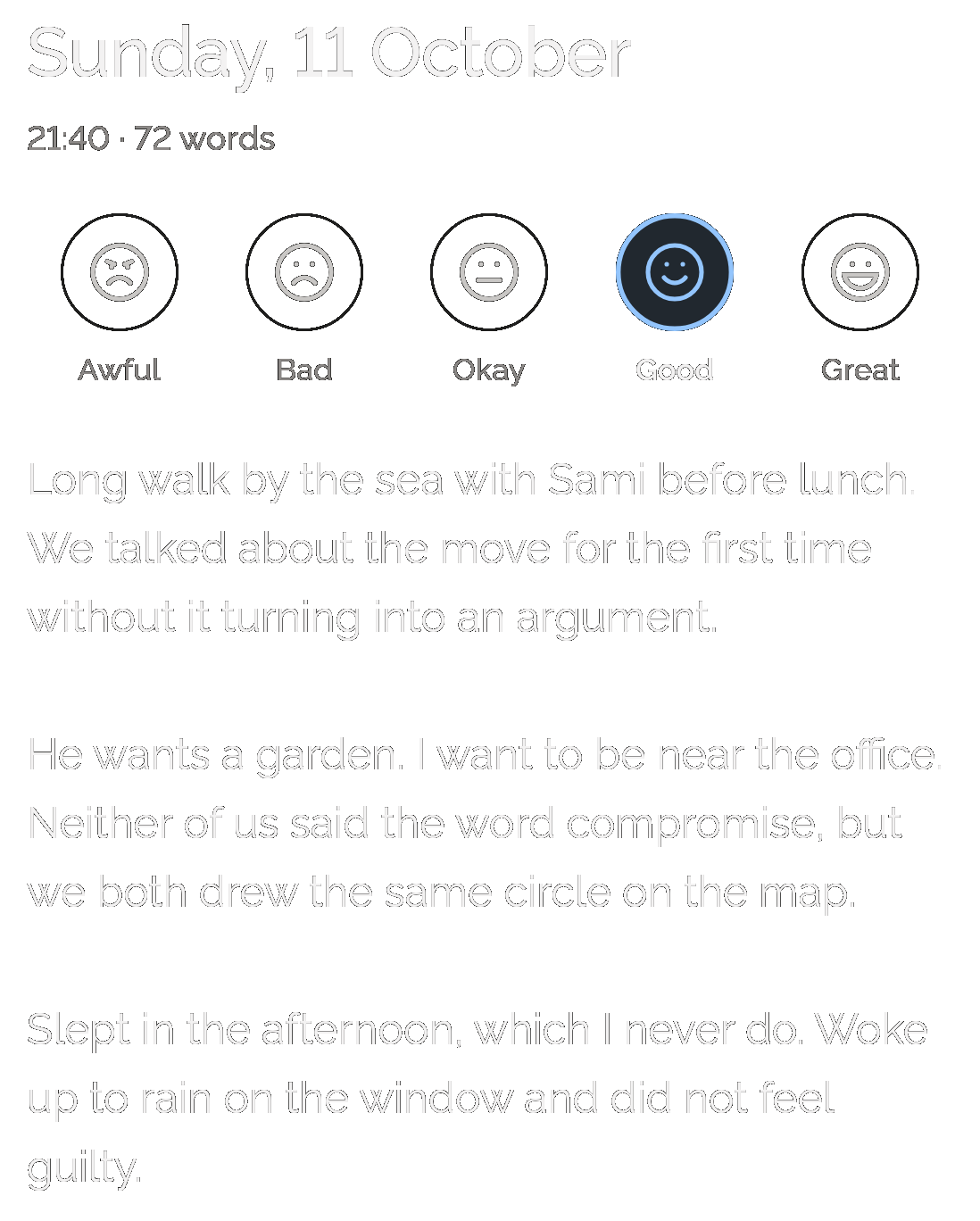
An entry for Sunday, 11 October, 21:40, 72 words, with five faces from Awful to Great and Good chosen, above three paragraphs beginning “Long walk by the sea with Sami before lunch.”

A mood, even without words

Five faces, from awful to great. Some days a face is enough: it saves the mood as an entry of its own, and the day still counts as written.
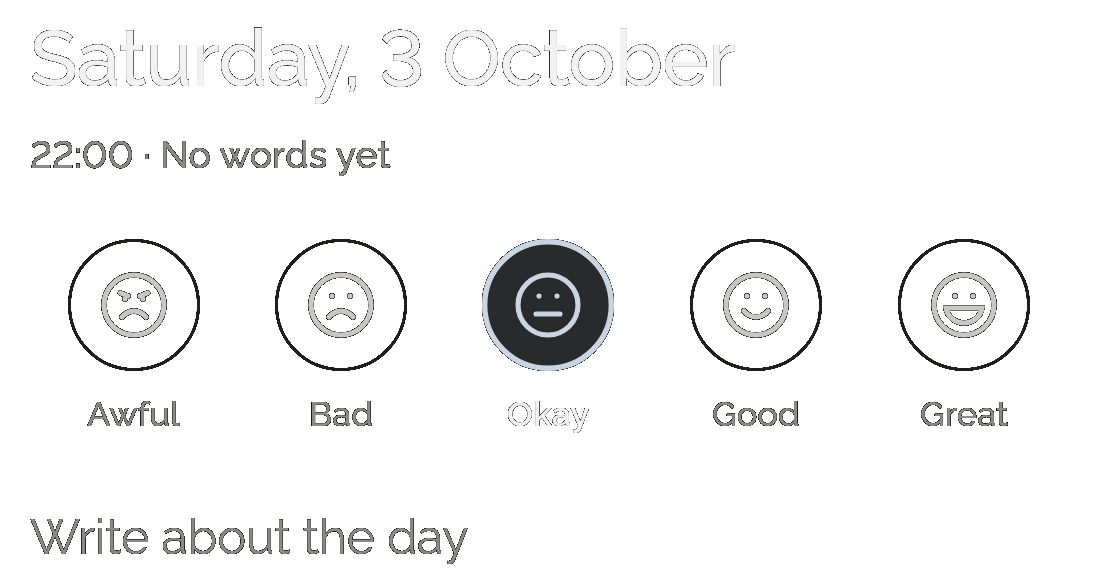
An entry for Saturday, 3 October at 22:00 with no words yet, Okay chosen among the five faces, and the empty field Write about the day.

Every entry, under its month

Your entries sit newest first under their month. Several entries on one day read as one group under its date.
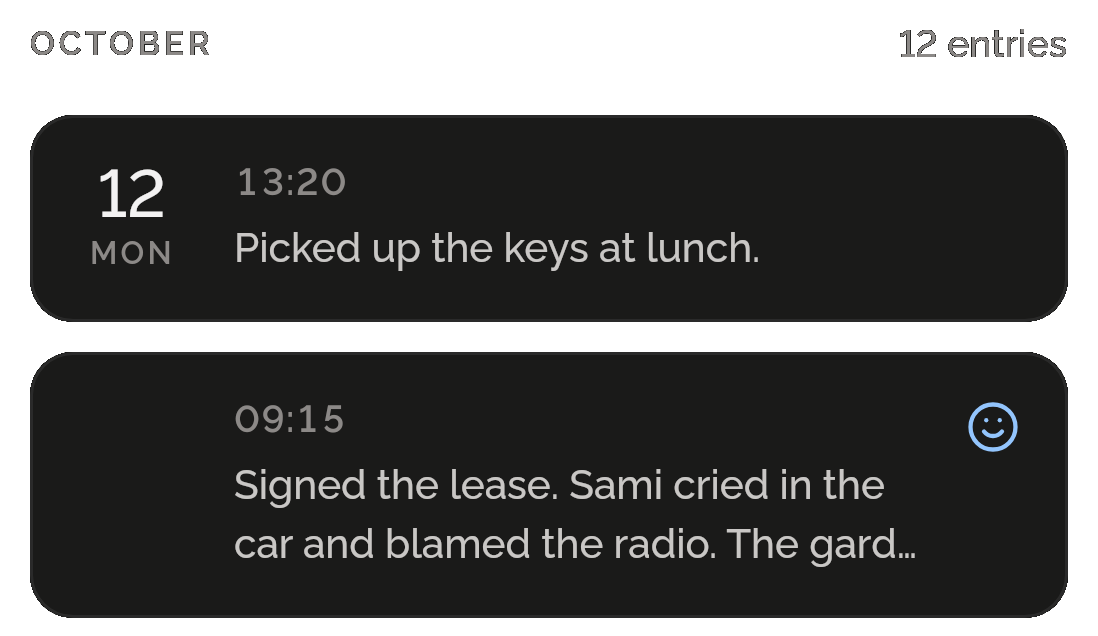
October with 12 entries, then two entries on Monday the 12th: 13:20, “Picked up the keys at lunch.”, and 09:15, “Signed the lease. Sami cried in the car and blamed the radio…”, with a Good face.

Each day in its mood’s colour

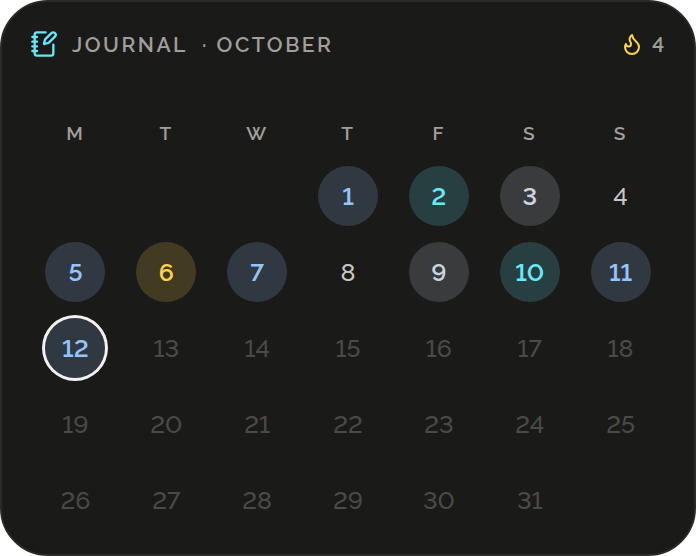
The calendar marks each day you wrote in the colour of its mood. Tap an earlier day to read it or to write for it when you’re catching up.
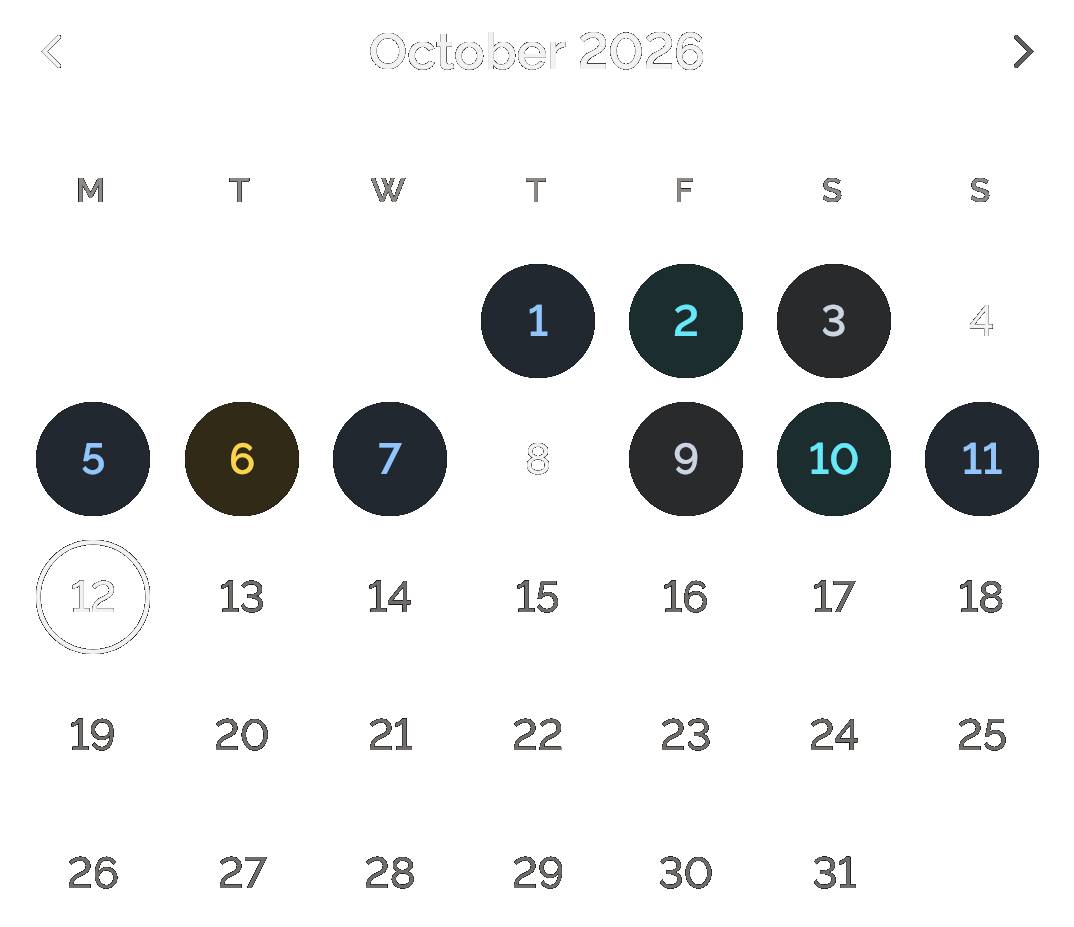
The calendar for October 2026, weeks starting on Monday: the 1st to the 3rd, the 5th to the 7th and the 9th to the 11th filled in their moods’ colours, the 12th ringed as today, and the days after it greyed out.

Days in a row, gently

See your days in a row, your longest run and the month’s moods in one bar. A missed day ends the run; your entries stay as they are.
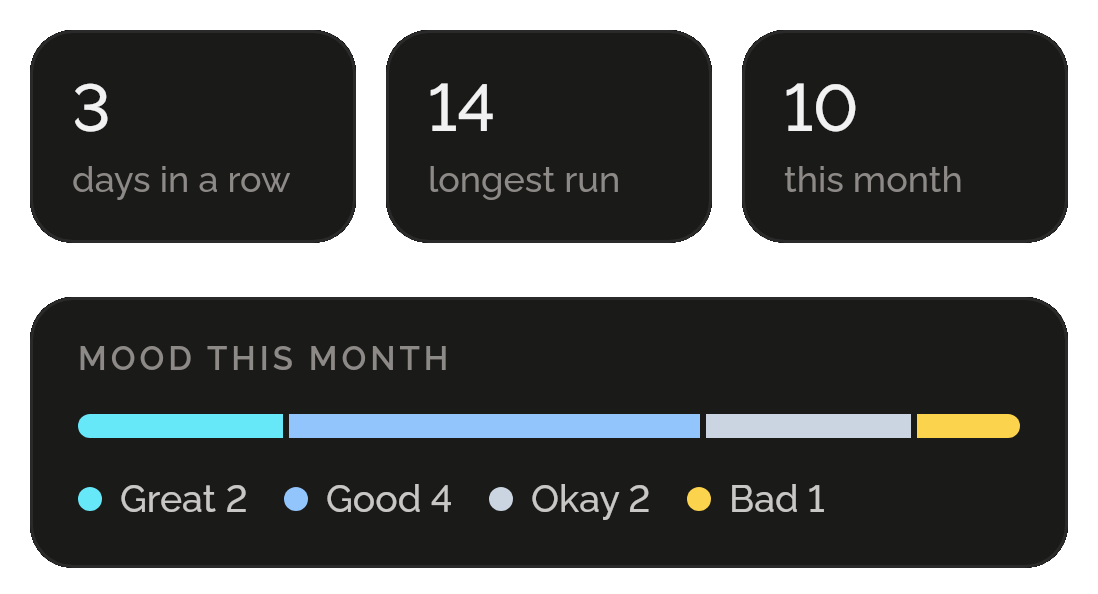
Three cards: 3 days in a row, 14 longest run and 10 this month, above Mood this month, one bar split into Great 2, Good 4, Okay 2 and Bad 1.

Find any line

Search everything you’ve written, with the match marked. Any entry can go to another app as plain text, through your phone’s share sheet.
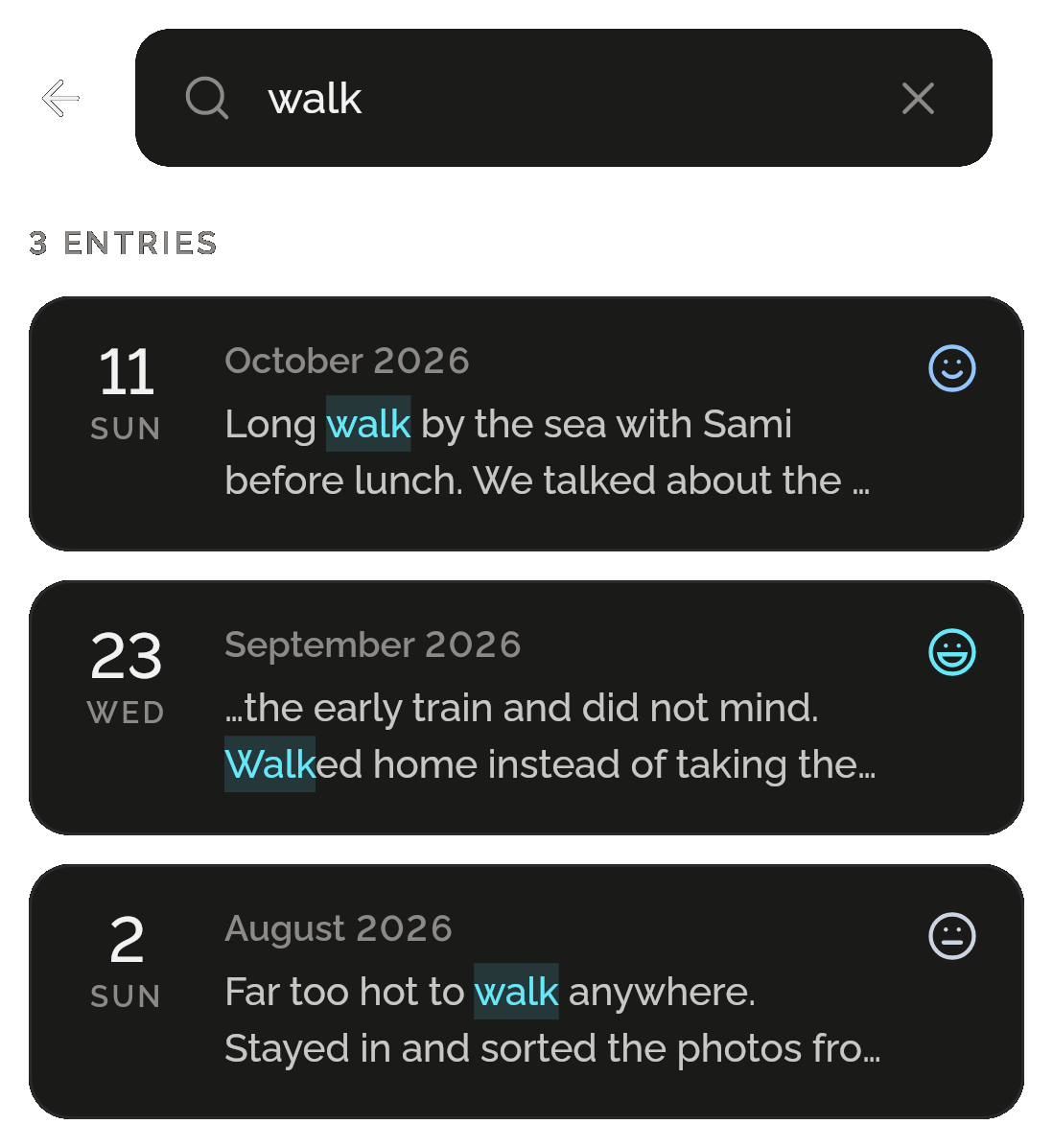
A search for “walk” finding 3 entries: Sunday 11 October, “Long walk by the sea with Sami…”; Wednesday 23 September, “…Walked home instead of taking the…”; and Sunday 2 August, “Far too hot to walk anywhere.”, each match highlighted.

Only want a mood journal? That’s all you get.

Journal lives inside Shadowkit, an app that starts empty. You add the skills you want, and no others come with them.

  1. Install Shadowkit

    Free on Google Play. No account, nothing to sign up for.

  2. Add Journal

    Tap “Add your first skill” and pick Journal.

  3. That’s your whole app

    No other skill is added. Add one later, or never.

ANDROID

On your home screen

Five widgets for your Android home screen. Mood saves how today felt with one tap, without opening the app. New entry is free; the other four come with Pro.

  • Journal’s New entry widget: a New entry button.

    New entryFREE

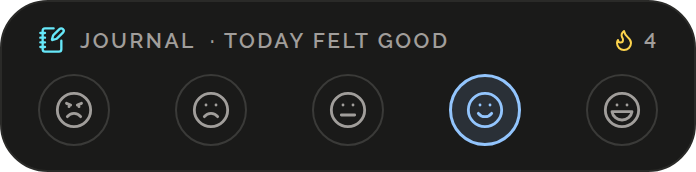
  • Journal’s Mood widget: today felt good, 4 days in a row, and five faces with Good lit.

    Mood

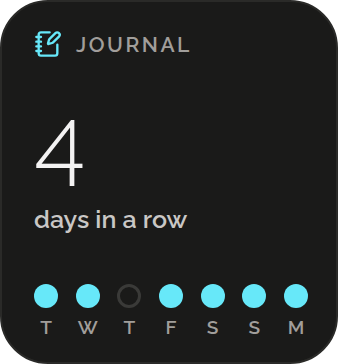
  • Journal’s Days in a row widget: 4 days in a row, with a dot for each of the last seven days, one of them empty.

    Days in a row

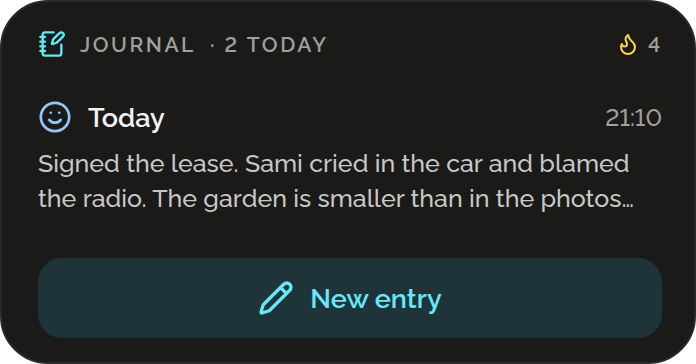
  • Journal’s Today widget: 2 today, Today at 21:10, “Signed the lease. Sami cried in the car and blamed the radio…”, and a New entry button.

    Today

  • Journal’s Month widget: October’s calendar with the written days filled in their moods’ colours and the 12th ringed.

    Month

Free, and Pro

Free

  • 30 entries per profile, mood-only ones included
  • Moods, the calendar, days in a row, search and Share as text
  • The New entry widget (Android)
  • Back up the whole app, journal included, to one file, and restore it

Pro

  • Unlimited entries
  • All five widgets (Android)
  • More profiles, each with its own journal

Write on four days of a week, a mood alone included, and Journal earns a gem. If Pro ends, nothing you made is deleted.

What it keeps on your phone

  • What it keeps

    Your entries: the day each belongs to, its words, its mood, and when it was written and last edited. Each profile has its own journal.

  • Permissions

    None. Journal asks for no permission and sends no notifications.

  • Works offline

    Every part of Journal works without a connection: writing, the calendar, search. It works the same on iOS, apart from the home-screen widgets, which are Android only.

Privacy policy

Questions

Does Journal have a lock or passcode?

Not one of its own, but App lock (Settings → App lock) asks for your fingerprint, face or phone PIN each time Shadowkit opens, and again when you come back to it, as soon as you leave or after a minute, 5 or 30 away. There’s no separate code to remember. Your entries stay on your phone, and the app never sends them anywhere.

Can I log a mood without writing anything?

Yes. Tap one of the five faces and it saves the mood as an entry of its own. You can open it and add words later, and the day counts as written either way.

Can I write about an earlier day?

Yes. Open the calendar and tap the day to start an entry for it. Its date can’t be changed afterwards, and days after today can’t be written yet.

Does Journal remind me to write?

No. Journal sends no notifications. Your days in a row are there when you open it, and nothing asks you to write.

How do I get my entries out?

Share any entry as plain text through your phone’s share sheet. Backup and restore saves the whole app, your journal included, to one file you keep, free since version 1.10.
Guide

All posts

Start with Journal.

Free for 30 entries. No account, no sign-up, and it works without a connection.

Android now, iPhone soon

Add more when you want them

Goes with Journal in “Write it down”

Notes

Quick notes and checklists, ticked off right on the page.

More about Notes
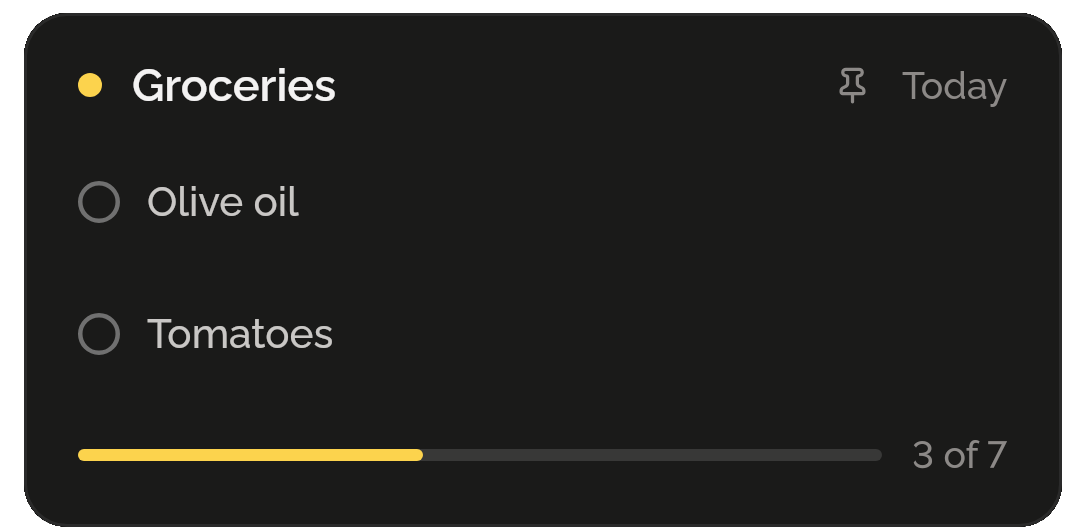
A pinned checklist in Notes: Groceries, edited today, with Olive oil and Tomatoes still unticked and 3 of 7 done.
All skills

Get Shadowkit

Scan with your Android phone’s camera, or tap Google Play. iPhone is coming soon.Tap Google Play to get it. iPhone is coming soon.

iOS

App Store

Android

Google Play