Live speed, every second
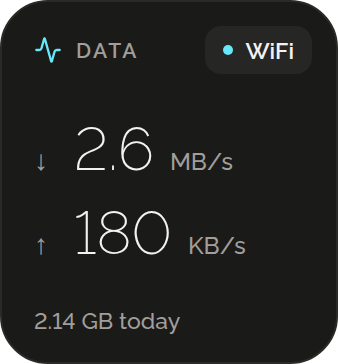
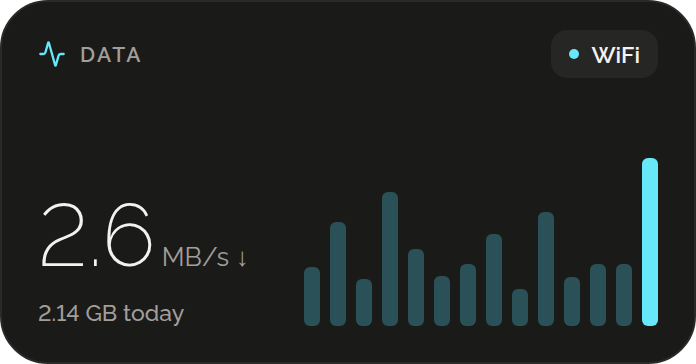
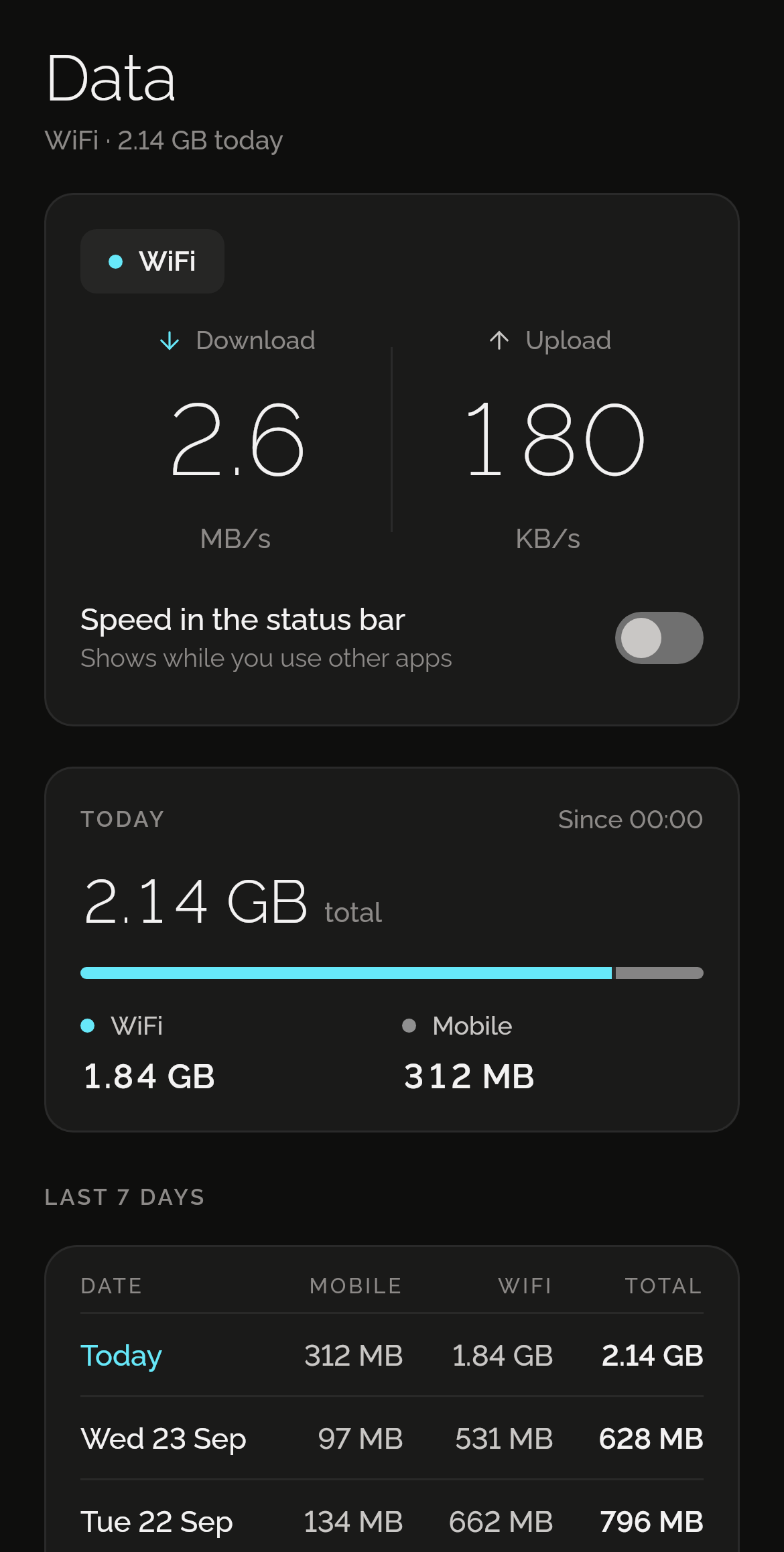
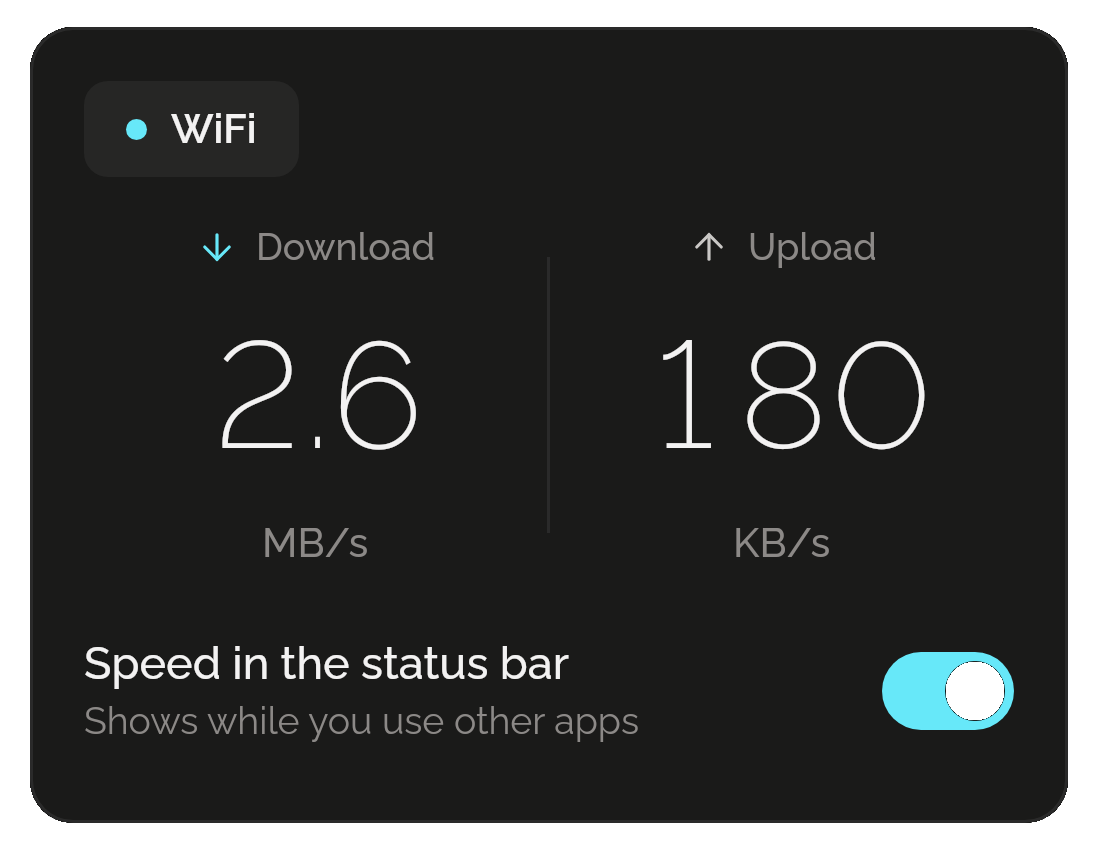
Download and upload, measured every second while Data’s page is open. A pill says whether you’re on Wi-Fi, mobile or offline.
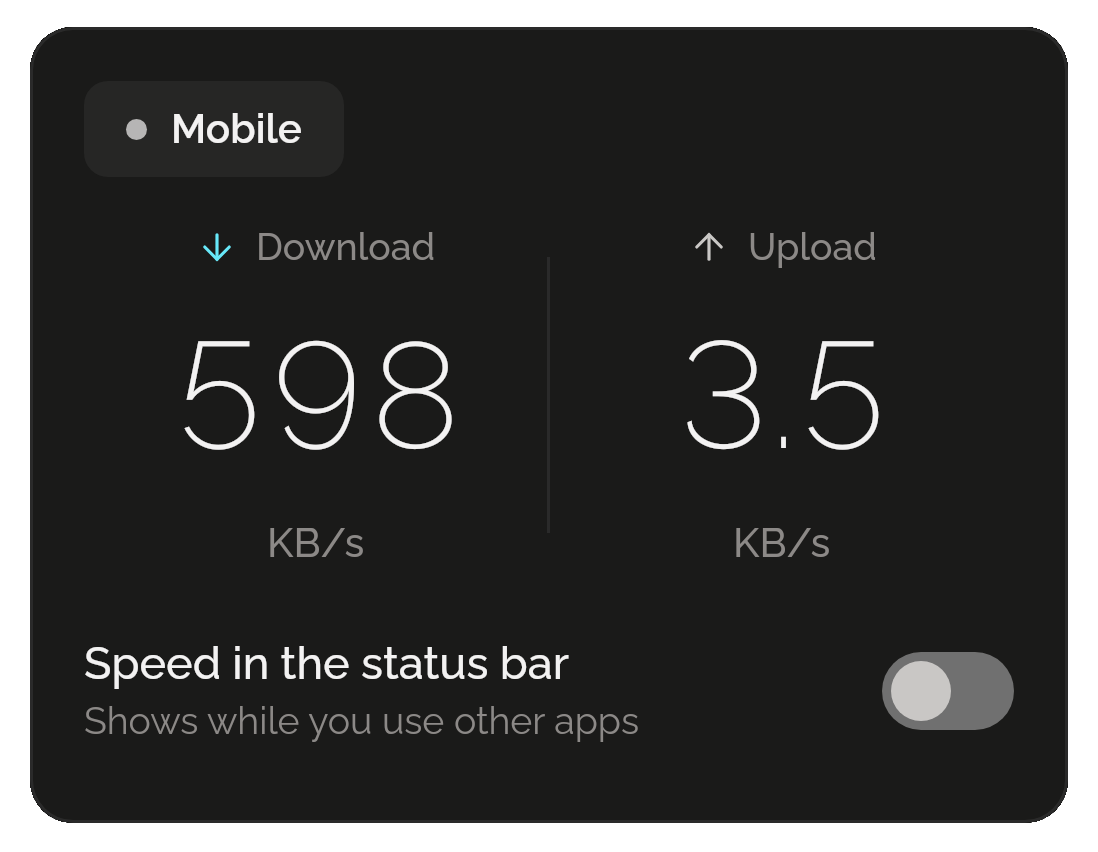
Speed in your status bar
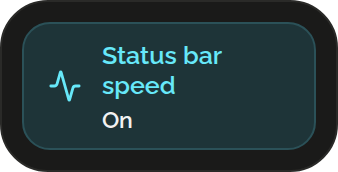
Turn it on and your speed sits in the status bar as a small icon, with today’s use and a Turn off button in the notification shade. It’s off until you turn it on, and comes back after a restart.
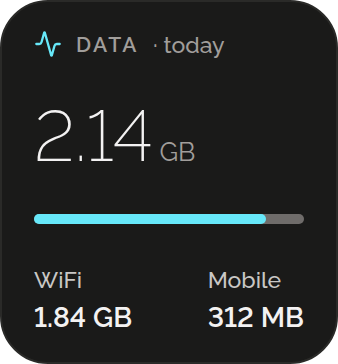
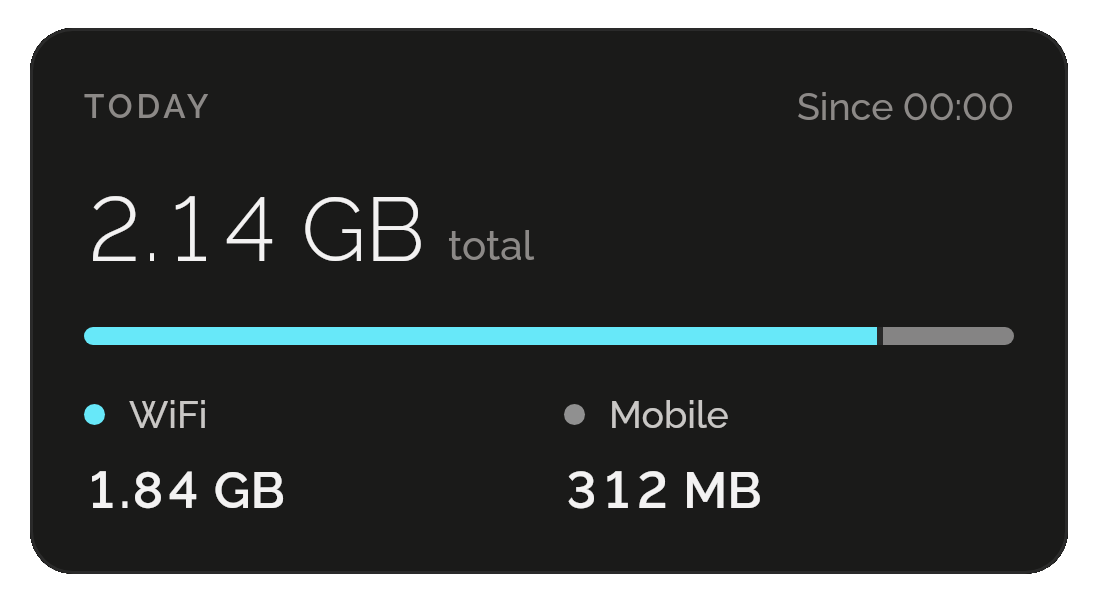
Today, Wi-Fi and mobile
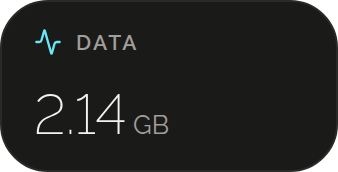
How much your phone has used since midnight, with a bar that splits it between Wi-Fi and mobile.
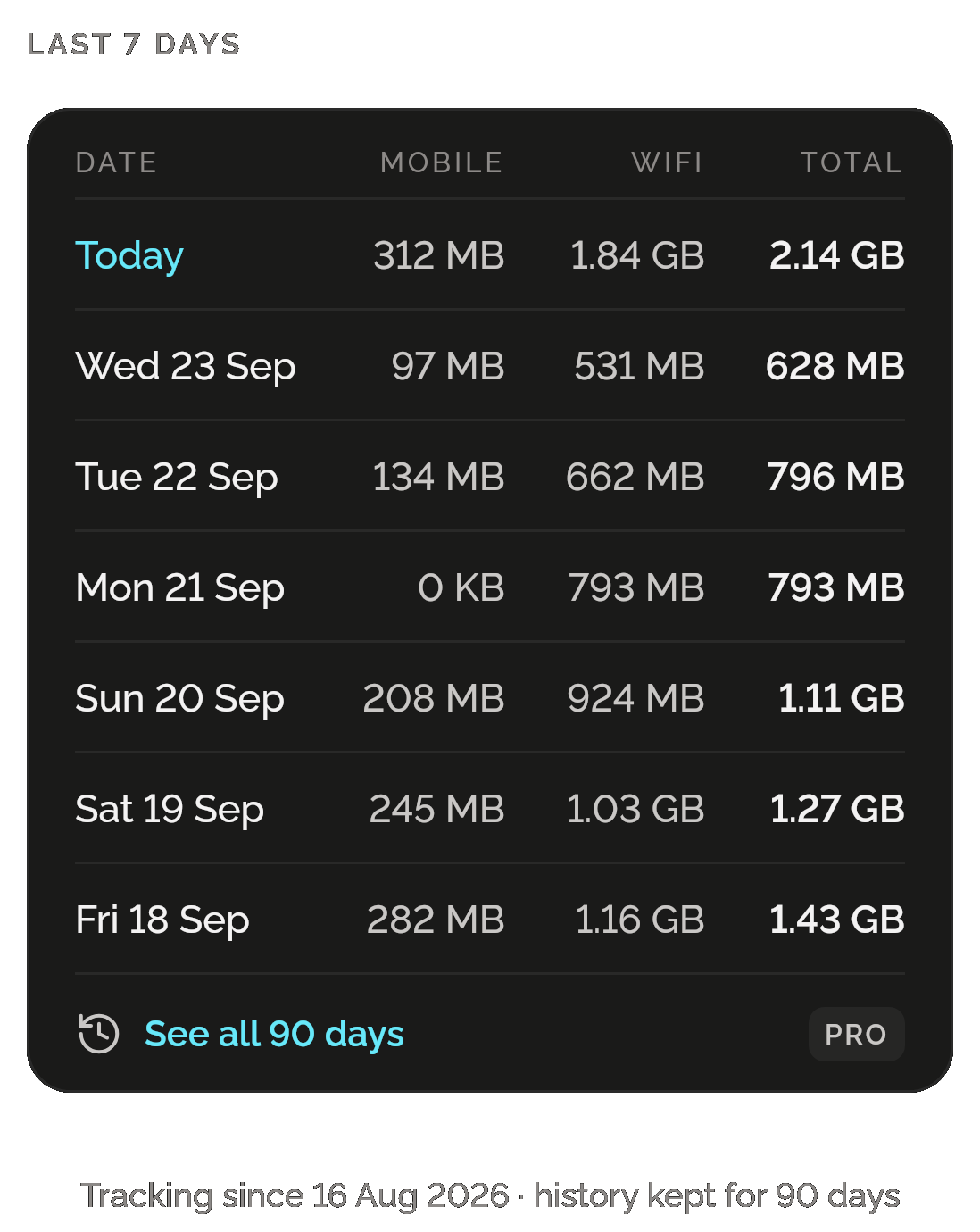
Every day, side by side
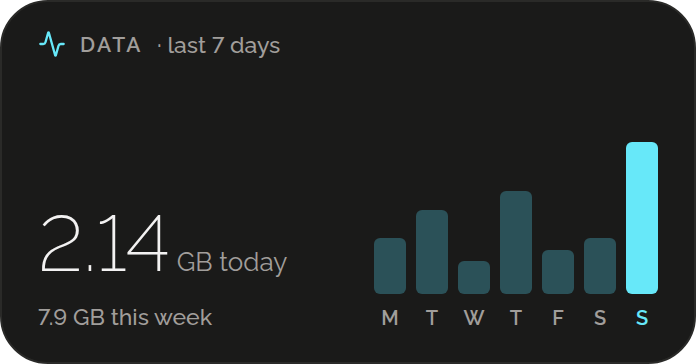
Each day gets a row: mobile, Wi-Fi and the total. Free shows the last 7 days; Pro unfolds all 90, month by month, with each month’s total. All 90 are kept either way.
PRO FOR ALL 90 DAYS
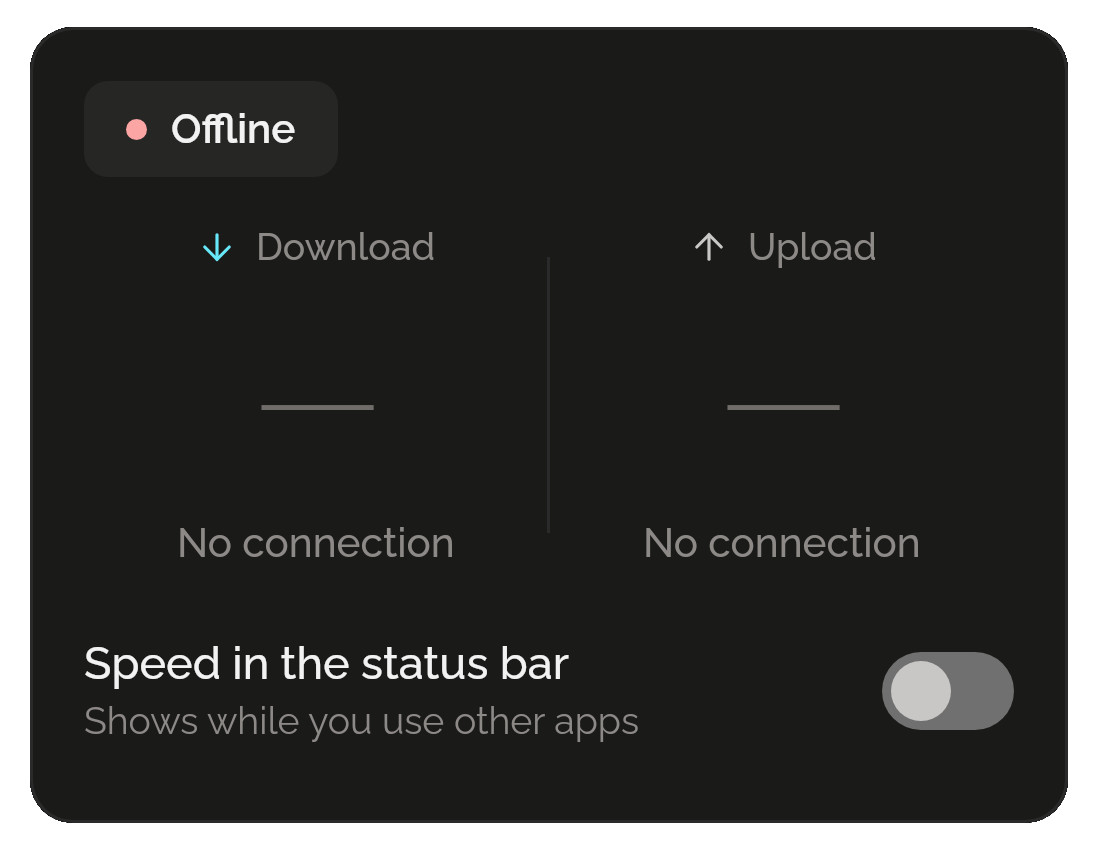
Offline, at a glance
With no connection, the pill turns to Offline and both speeds read No connection, so you know it’s the network and not the app.