Shadowkit Capsule: Time capsule letter app for Android

Sealed until the day you choose.

A time capsule for one letter: write to future you, as slowly as you like, then seal it until a day you choose. Not a word of it shows until then, and at 09:00 that morning one notification tells you it’s ready.

It installs Shadowkit, which starts empty: add Capsule and nothing else.

  • Free for 3 letters waiting
  • No account
  • Works offline
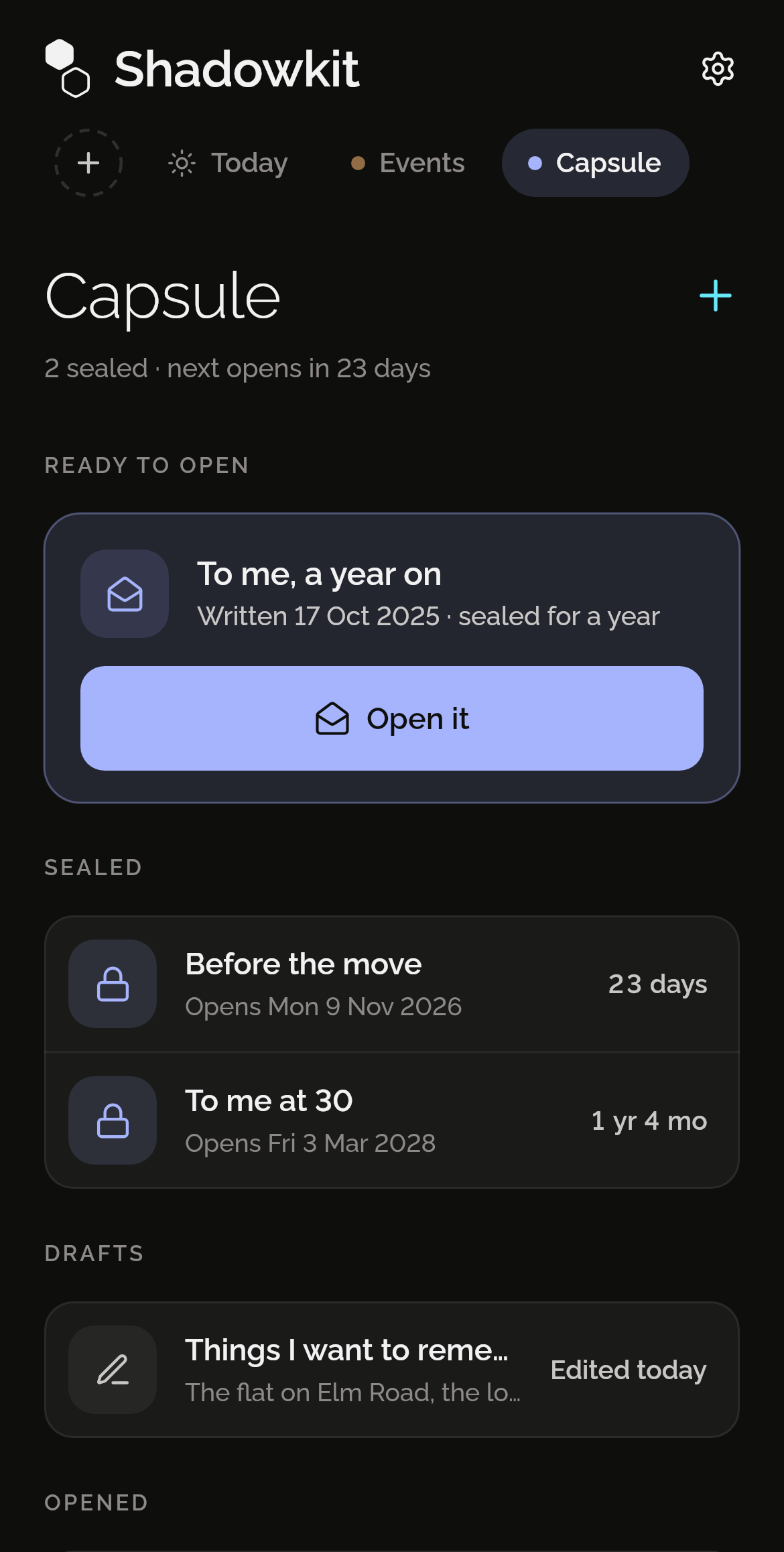
Shadowkit Capsule’s page on Home: a letter ready to open, To me, a year on, written 17 October 2025, with an Open it button; two sealed letters that open in 23 days and on 3 March 2028; and a draft, Things I want to remember.

Write at your own pace

A letter saves as a draft while you type, so you can come back to it over days. A title is optional, and a letter holds up to 10,000 characters.
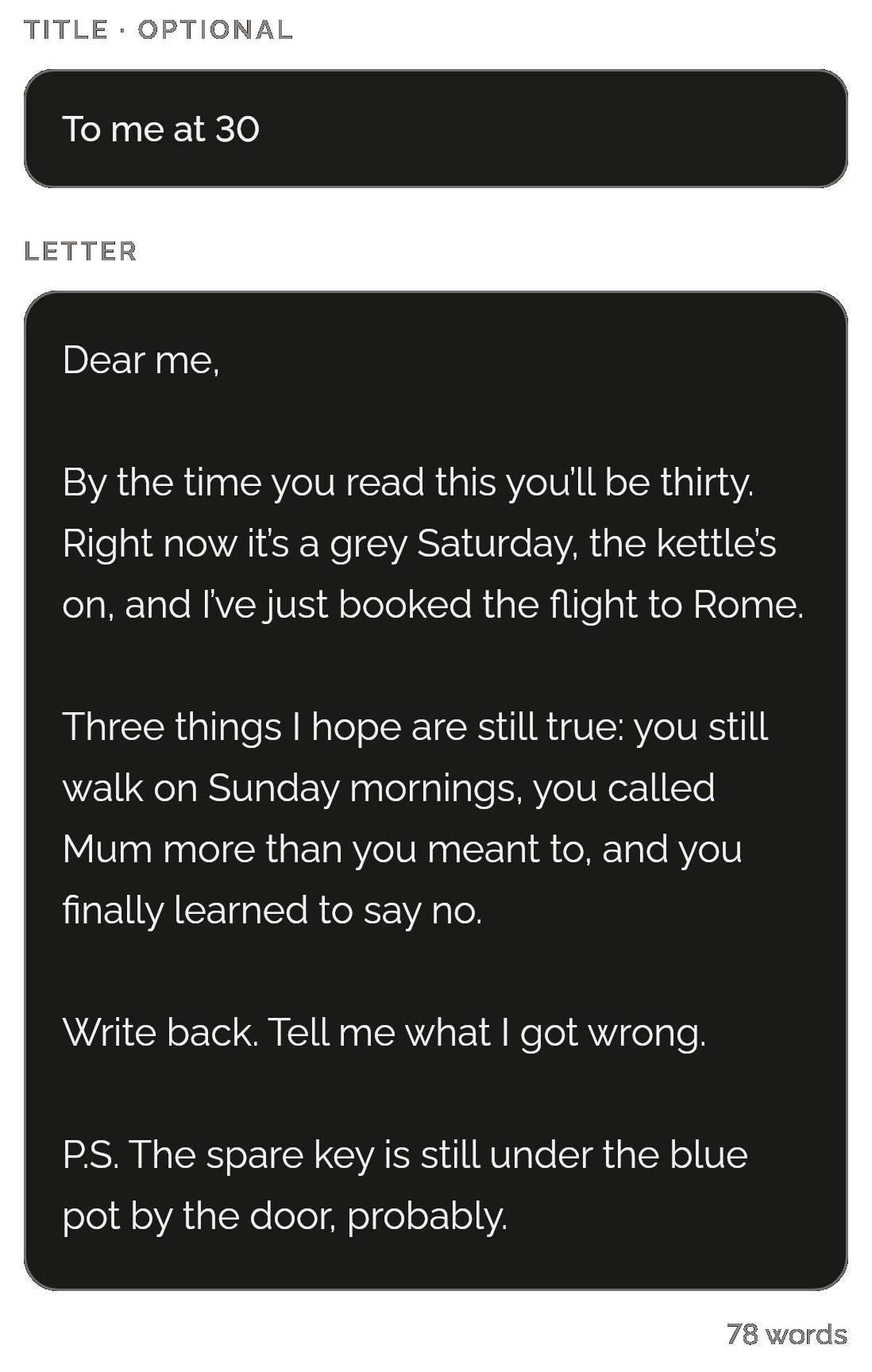
Capsule’s New letter page: the title To me at 30 and a letter beginning “Dear me, By the time you read this you’ll be thirty.” and ending “P.S. The spare key is still under the blue pot by the door, probably.”, 78 words.

Choose the day it opens

Pick 1 month, 6 months, 1 year or 5 years, or any date from tomorrow to fifty years on. You see the day in full and how far away it is.
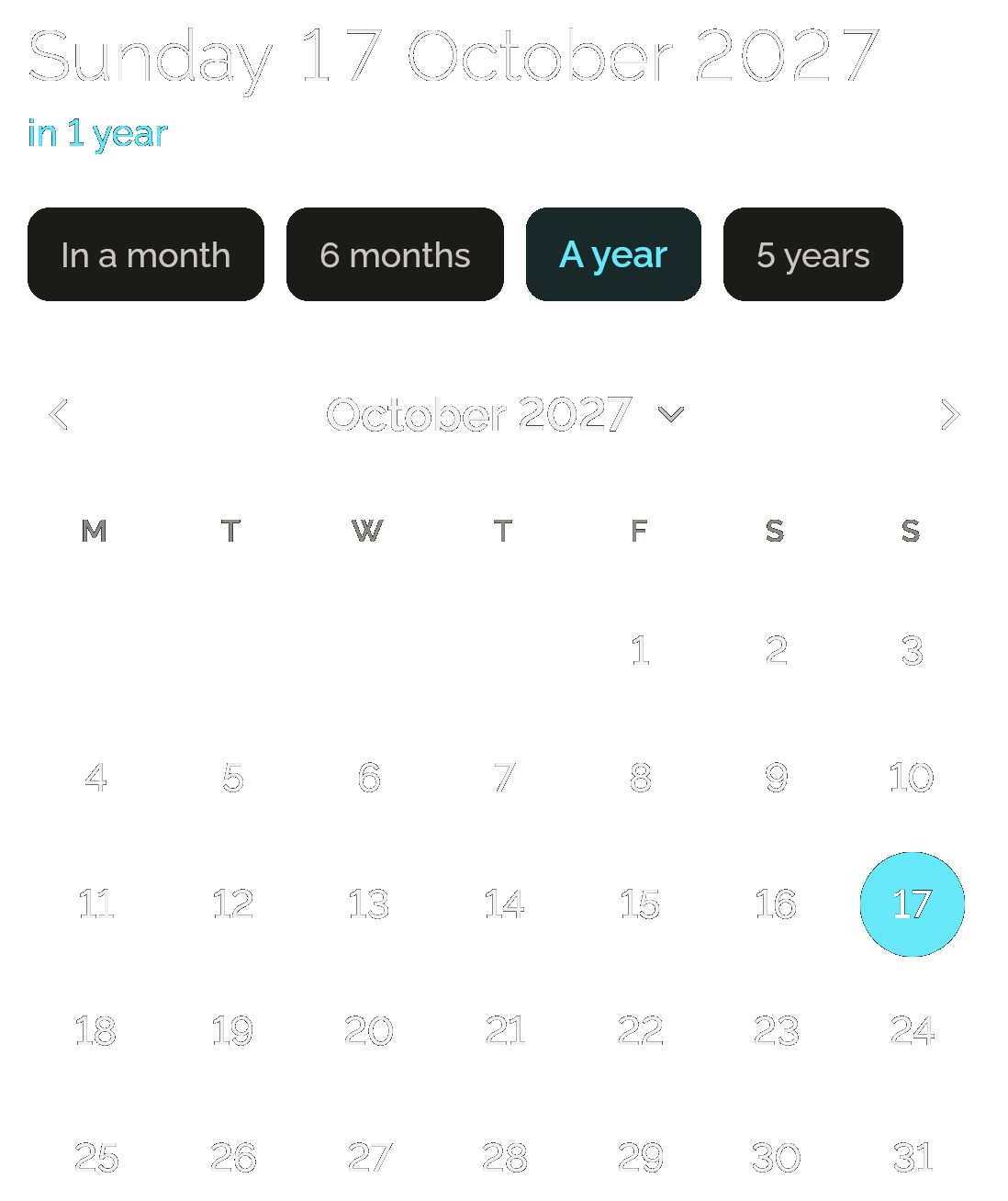
The opening day: Sunday 17 October 2027, in 1 year, the quick choices In a month, 6 months, A year, chosen, and 5 years, and the October 2027 calendar with the 17th picked.

Sealed means sealed

Once sealed, the app won’t show, change or open a letter before its day; you can only delete it. Its page shows the title, when you wrote it, how many words and the days to go.
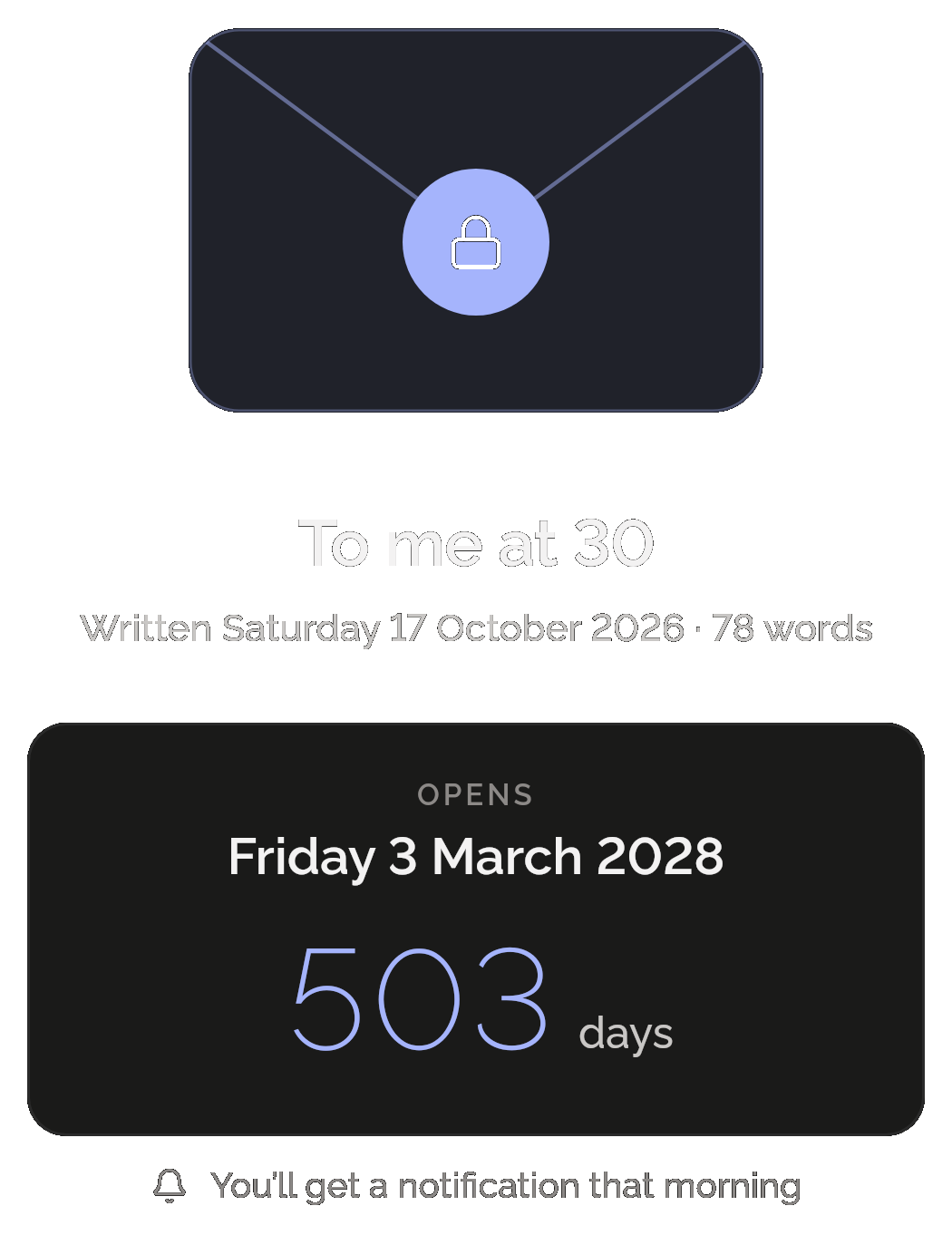
A sealed letter’s page: a closed envelope with a lock, the title To me at 30, written Saturday 17 October 2026, 78 words, opens Friday 3 March 2028, in 503 days, and “You’ll get a notification that morning”.

A notification that keeps quiet

At 09:00 on the day, one notification says a letter from you is ready and when you wrote it, never its title or words. Turn it off when you seal, if you’d rather.
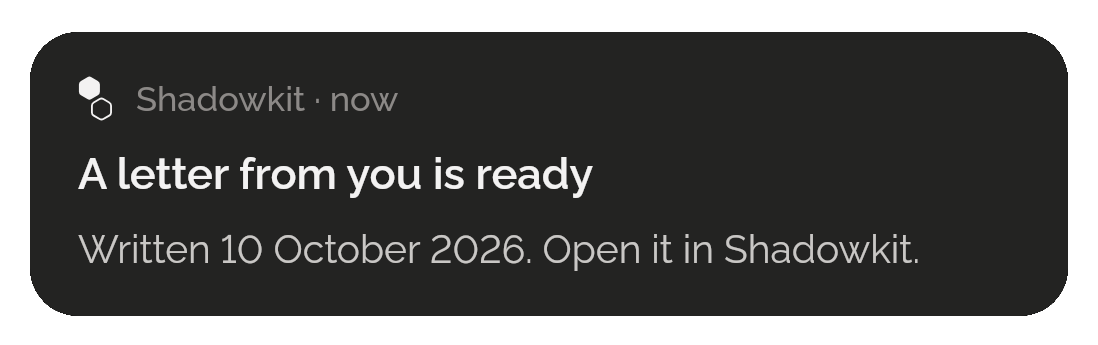
Capsule’s notification as the app previews it: Shadowkit, now, “A letter from you is ready”, “Written 10 October 2026. Open it in Shadowkit.”

Read it, then write back

Open it and it reads like a letter, under “From you, a year ago”. It stays under Opened to read again, and Write back to future you starts the next one.
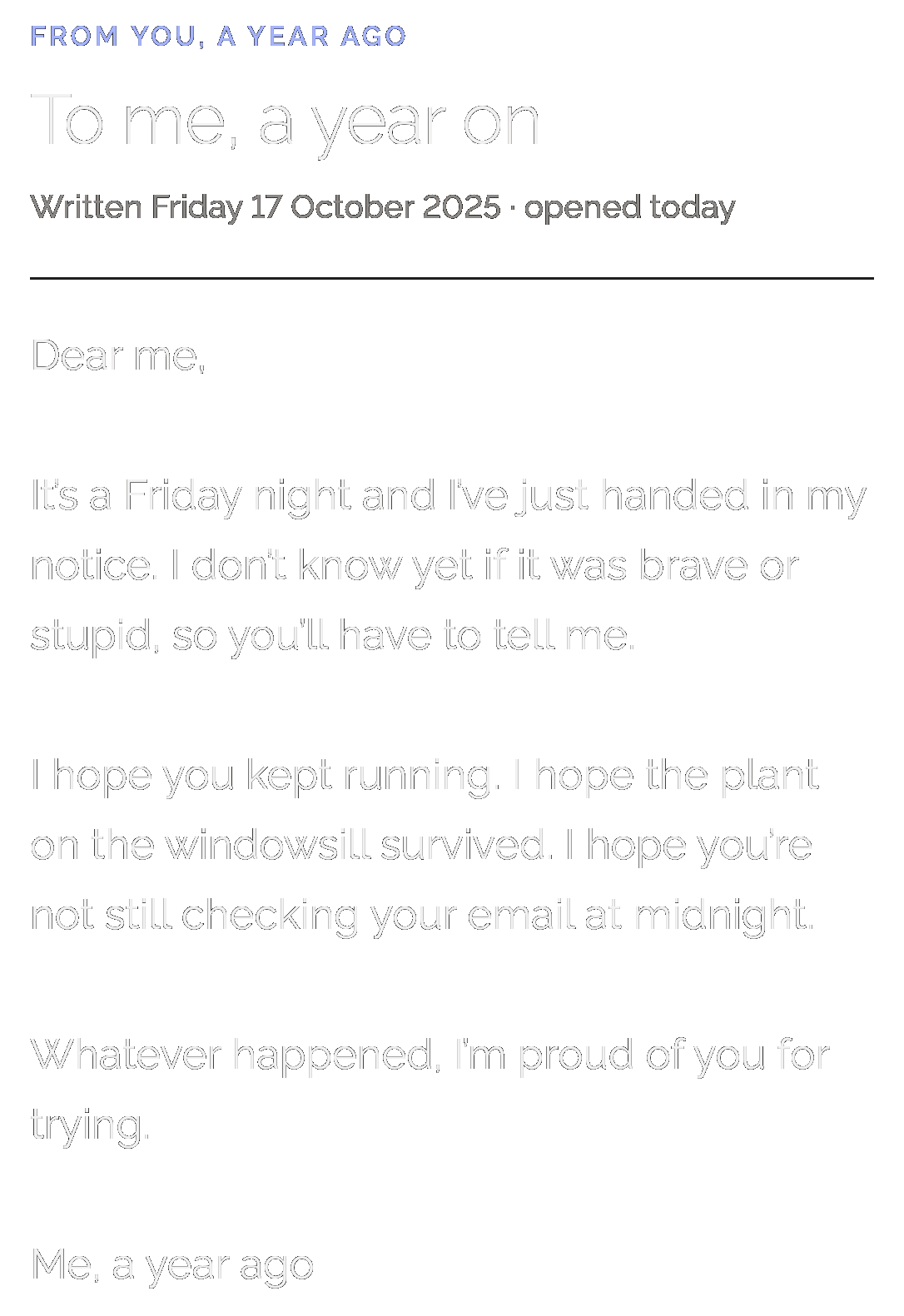
An opened letter: From you, a year ago, To me, a year on, written Friday 17 October 2025 and opened today, then the letter, beginning “Dear me, It’s a Friday night and I’ve just handed in my notice.” and signed “Me, a year ago”.

Only want a time capsule? That’s all you get.

Capsule lives inside Shadowkit, an app that starts empty. You add the skills you want, and no others come with them.

  1. Install Shadowkit

    Free on Google Play. No account, nothing to sign up for.

  2. Add Capsule

    Tap “Add your first skill” and pick Capsule.

  3. That’s your whole app

    No other skill is added. Add one later, or never.

Free, and Pro

Free

  • 3 letters waiting per profile, sealed and not yet opened
  • Drafts, as many as you like
  • The notification on the day
  • Reading every opened letter
  • Back up the whole app, letters included, to one file

Pro

  • No limit on letters waiting

Capsule earns no gems: a letter is written once, not something done each day. If Pro ends, nothing you made is deleted.

What it keeps on your phone

  • What it keeps

    Your letters and drafts: their titles and words, the day each opens, and when each was written, sealed and opened, in the profile you wrote them in.

  • Permissions

    Notifications, Alarms and reminders (exact alarms) and Run at startup, to tell you at 09:00 when a letter opens. Notify and Events use the same three.

  • Works offline

    Everything happens on your phone, the notification included. On iPhone, Shadowkit lines up the next letter’s notification, and the one after it when you next open the app.

Privacy policy

Questions

Can I open a sealed letter early?

No. There’s no way in the app to open, read or edit a sealed letter before its day; you can only delete it. Shadowkit works offline and goes by your phone’s clock, so moving that clock forward would open it early. A full backup saved without a password can be read by anyone who has the file.

Can I change a letter after sealing it?

No. Once sealed, its words, title, day and notification can’t be changed. Until you seal it, a letter is a draft you can edit as often as you like.

Does the notification show my letter?

No. At 09:00 on the day it says “A letter from you is ready” and the date you wrote it, never the title or the words. You can turn it off when you seal; the letter still waits under Ready to open.

How far ahead can I seal a letter?

Any day from tomorrow to fifty years from today. The quick choices are 1 month, 6 months, 1 year and 5 years, and On a date… opens a calendar for any other day.

Is Capsule free?

Yes, with up to three sealed letters waiting at a time in each profile; drafts and opened letters don’t count. Shadowkit Pro removes the limit. If Pro ends, every letter stays, and you can seal another once fewer than three are waiting.

Guide

  • GUIDE

    How to write a letter to your future self

    What to put in a letter to future you, how long to seal it for, and how Shadowkit’s Capsule keeps it shut until the day, offline and with no account.

All posts

Start with Capsule.

Free for 3 letters waiting. No account, no sign-up, and it works without a connection.

Android now, iPhone soon

Add more when you want them

All skills

Get Shadowkit

Scan with your Android phone’s camera, or tap Google Play. iPhone is coming soon.Tap Google Play to get it. iPhone is coming soon.

iOS

App Store

Android

Google Play