Now on Linux · free

Linux, the way you’re used to.

Ubuntu, or any Linux with GNOME, turns dark at sunset and keeps quiet hours by itself, and behaves the way Windows or a Mac did, with every change shown first and easy to put back. Offline, free, no account.

  • On Linux now
  • Free, all of it
  • GNOME’s own settings
Download for Linux

Version 0.4.0 · .deb, 63 MB · Ubuntu 22.04+ and Debian 12+

Every release and its checksum
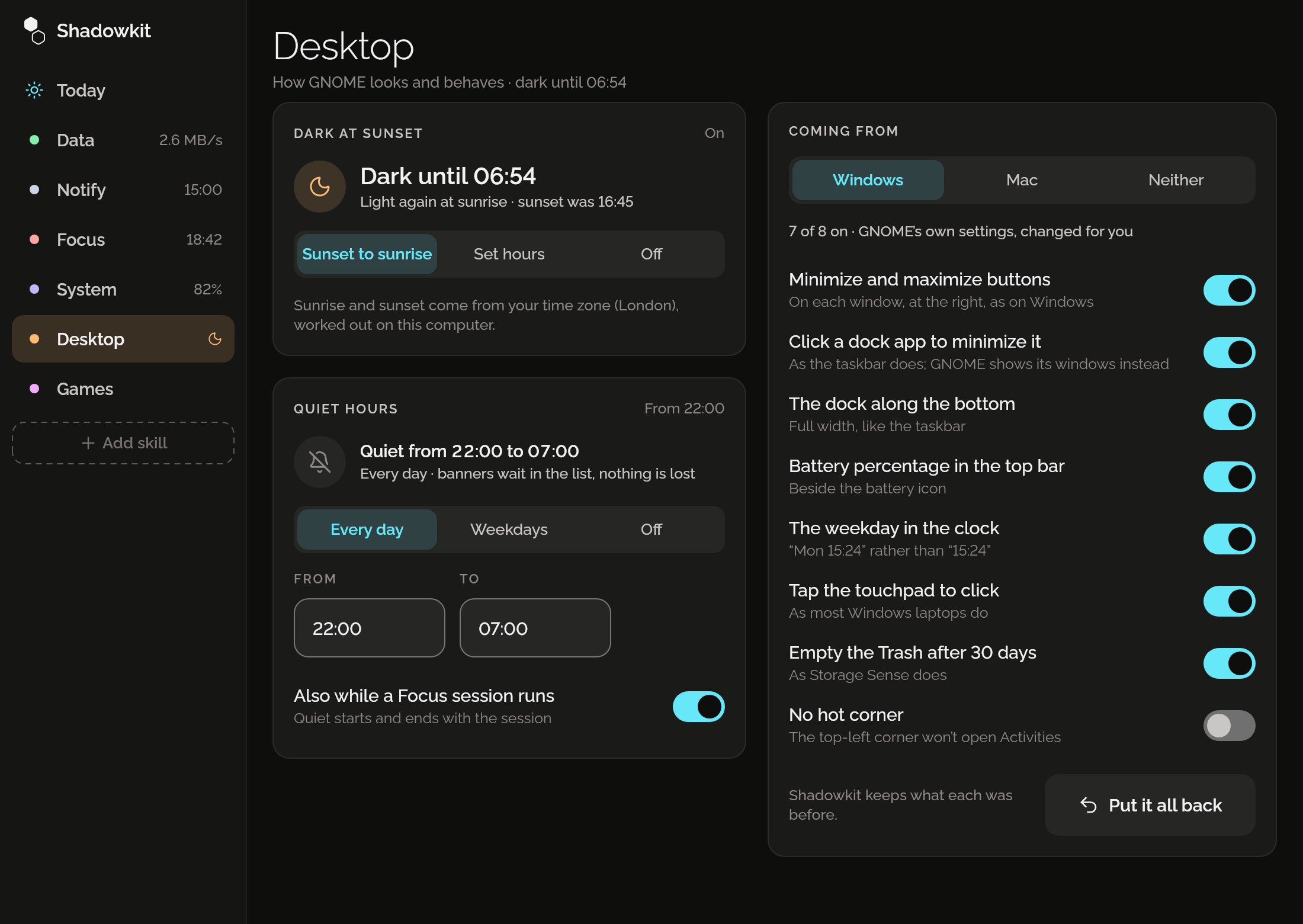
Shadowkit’s window on Desktop: dark until 06:54 from sunset to sunrise, quiet hours from 22:00 to 07:00 every day and while a Focus session runs, and coming from Windows with 7 of its 8 changes on and Put it all back.

Dark at sunset

Dark mode at sunset, light at sunrise: GNOME turns by itself, worked out on your computer for your time zone’s city, or in hours you set. Set it by hand and it stays until the next turn.
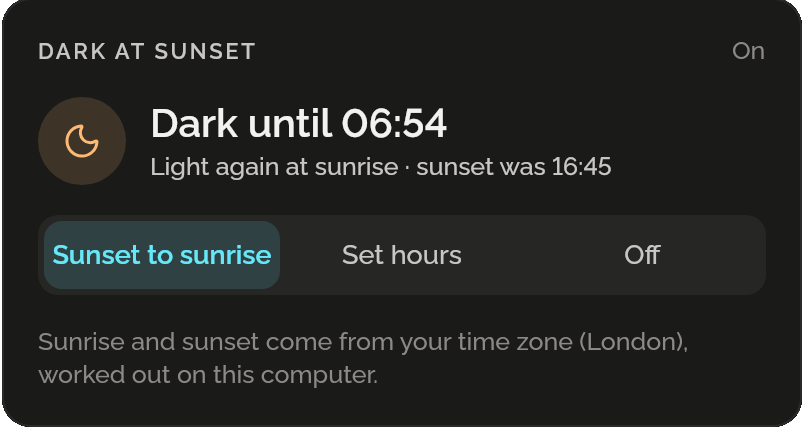
Dark at sunset, on: dark until 06:54, light again at sunrise, sunset was 16:45; Sunset to sunrise, Set hours and Off; sunrise and sunset come from your time zone (London), worked out on this computer.

Quiet hours

GNOME’s Do Not Disturb on a schedule: banners hold back at night, every day or on weekdays, and while a Focus session runs if you like. Nothing is lost: each notification waits in GNOME’s list.
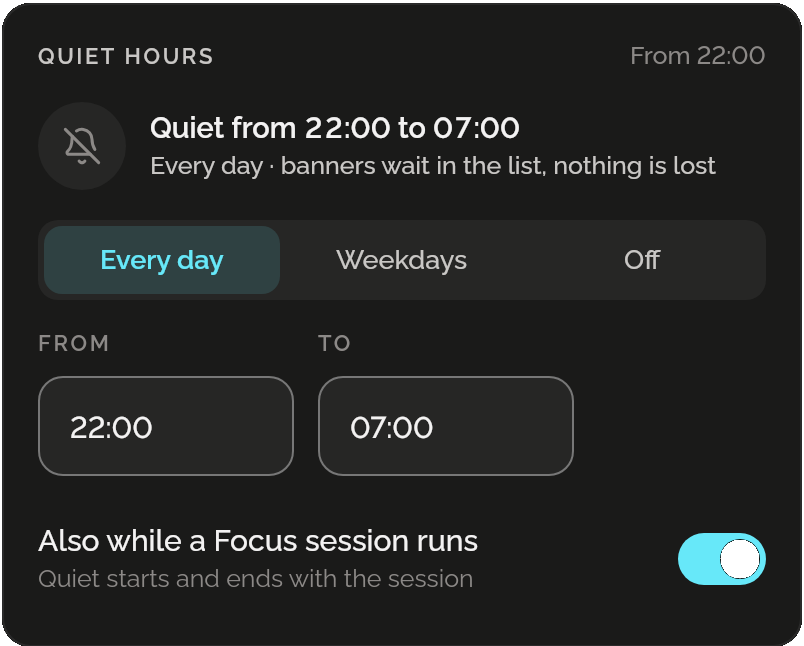
Quiet hours from 22:00: quiet from 22:00 to 07:00, every day, banners wait in the list, nothing is lost; Every day, Weekdays and Off, from 22:00 to 07:00, and also while a Focus session runs, on.

Coming from Windows or a Mac?

Say which, and Shadowkit lists the settings GNOME has for the habits you bring: minimize buttons, the dock along the bottom, the battery’s percentage, tap to click. Each is shown before anything moves.
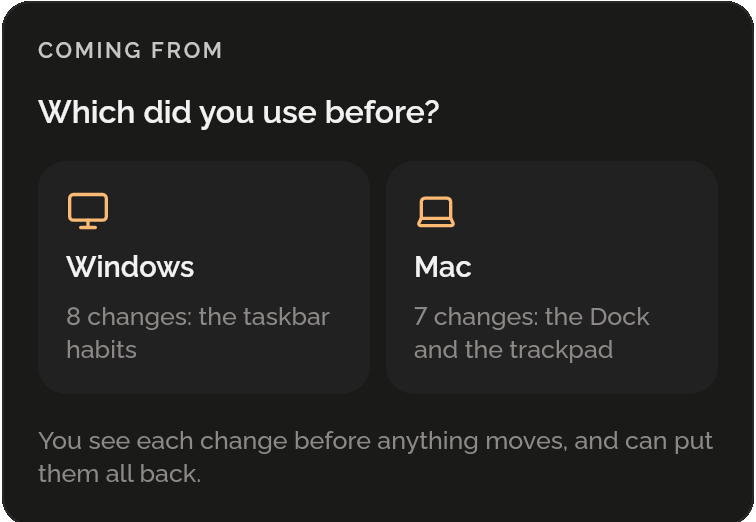
Coming from: which did you use before? Windows, 8 changes: the taskbar habits; Mac, 7 changes: the Dock and the trackpad. You see each change before anything moves, and can put them all back.

Quiet while you focus

Turn it on and banners hold back for as long as a Focus session runs, and come back when it ends. Focus’s page says so while it lasts.
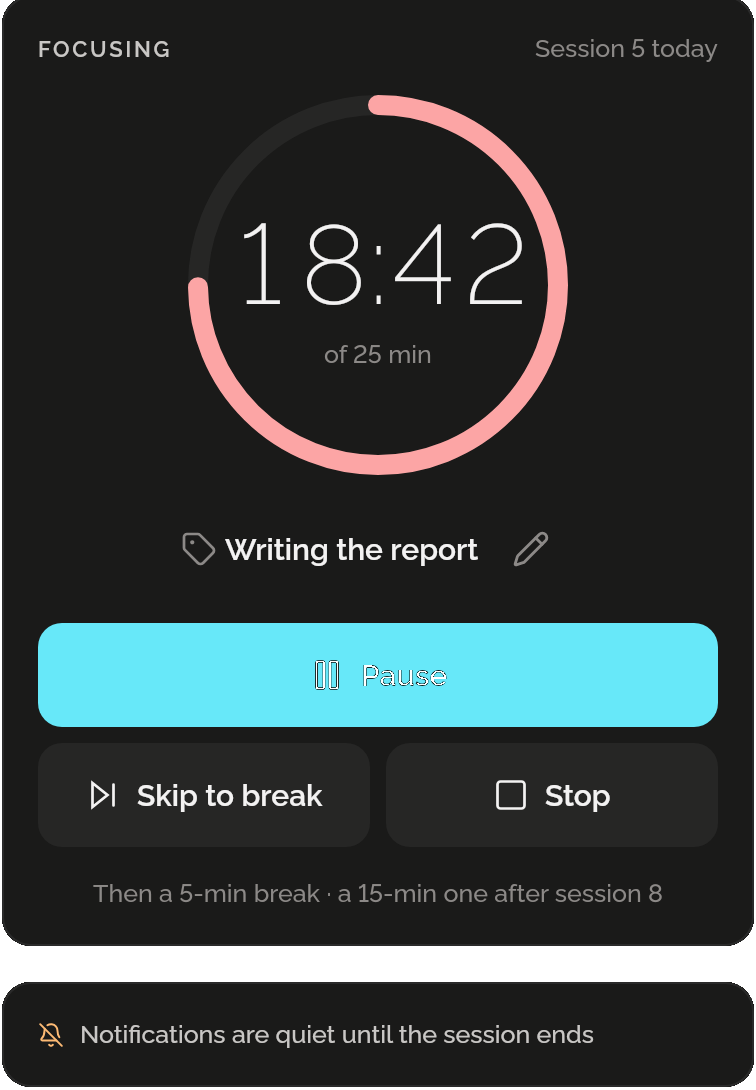
Focus’s timer, session 5, 18:42 left of 25 minutes on Writing the report, with Pause, Skip to break and Stop, and under it: Notifications are quiet until the session ends.

All of it, easy to put back

They are GNOME’s own settings, the ones its Settings app changes. Shadowkit keeps what each was, so a switch, or Put it all back, sets them as they were.
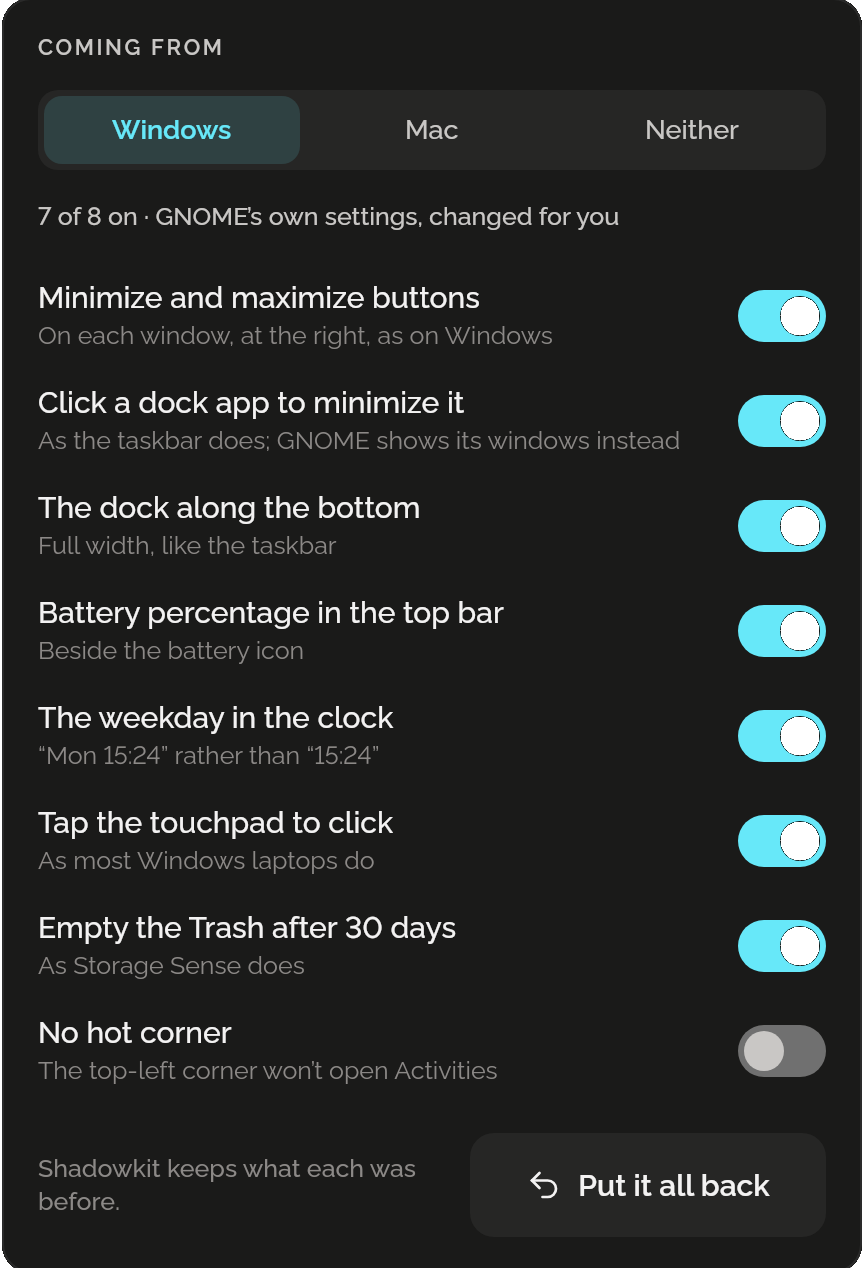
Coming from Windows: 7 of 8 on, GNOME’s own settings changed for you; switches for minimize and maximize buttons, the dock click, the dock along the bottom, the battery percentage, the weekday in the clock, tap to click and the Trash after 30 days, no hot corner off; Shadowkit keeps what each was before, and Put it all back.

Questions

Does it need GNOME?

Yes, for now: it changes GNOME’s own settings. On another desktop the page says so, and Shadowkit’s other skills work as they do.

Does it install a GNOME extension?

No. Everything it changes is a setting GNOME’s Settings app changes too, so nothing of Shadowkit runs inside GNOME and you can change any of it back there.

How does it know when the sun sets?

It works sunrise and sunset out on your computer for your time zone’s city, from the time zone tables Linux already has. It never asks where you are and never goes online.

Do I miss notifications during quiet hours?

No. Quiet hides the banners only: every notification waits in GNOME’s list. Banners you had turned off yourself stay off after, and if Shadowkit’s counter stops, it brings back what it hid.

Is it free?

Yes, all of it: no ads, no account and no Pro.

When can I get it?

On Linux now: Ubuntu 22.04 or newer and Debian 12 or newer, on GNOME or KDE. Windows and macOS come later.

More for your computer

Data

Live network speed, today’s Wi-Fi, Ethernet and mobile data, and every day kept.

Notify

Reminders that arrive with the window closed, and pins in your tray and notification list.

Focus

A timer for a stretch of work, then a break, with every day’s focused time kept.

System

The battery’s charge, time left and health, and the disk’s free space, kept day by day.

Games

Six small games for the wait: against the computer, with someone beside you, or alone.

Shadowkit for desktop

On Linux now, Windows and macOS later. Offline, no account, free.

Get Shadowkit

Scan with your Android phone’s camera, or tap Google Play. iPhone is coming soon.Tap Google Play to get it. iPhone is coming soon.

iOS

App Store

Android

Google Play